Define a product's sizes, colors or shoe sizes as variants. Each variant's stock is kept separately, and at checkout you scan one barcode and choose the right variant.
All features open for the first month. No credit card required.

In clothing, shoes and accessories, the same product splits into dozens of options. Opening each option as a separate product bloats the list; keeping it as one product hides which sizes are left. Products with variants are the right way between the two.
Define variant types such as size, color and shoe size, and their values, once. Create the product with variants using the wizard; all combinations of the values you select are prepared automatically.

See all options of a product with variants and their stock together. As items sell, the stock of that variant goes down; sold-out sizes and colors are noticed right away.

Print the variant label and attach it to the product. When you scan the label at checkout, the product's variants open, and you select the size and color the customer wants and add it to the cart.

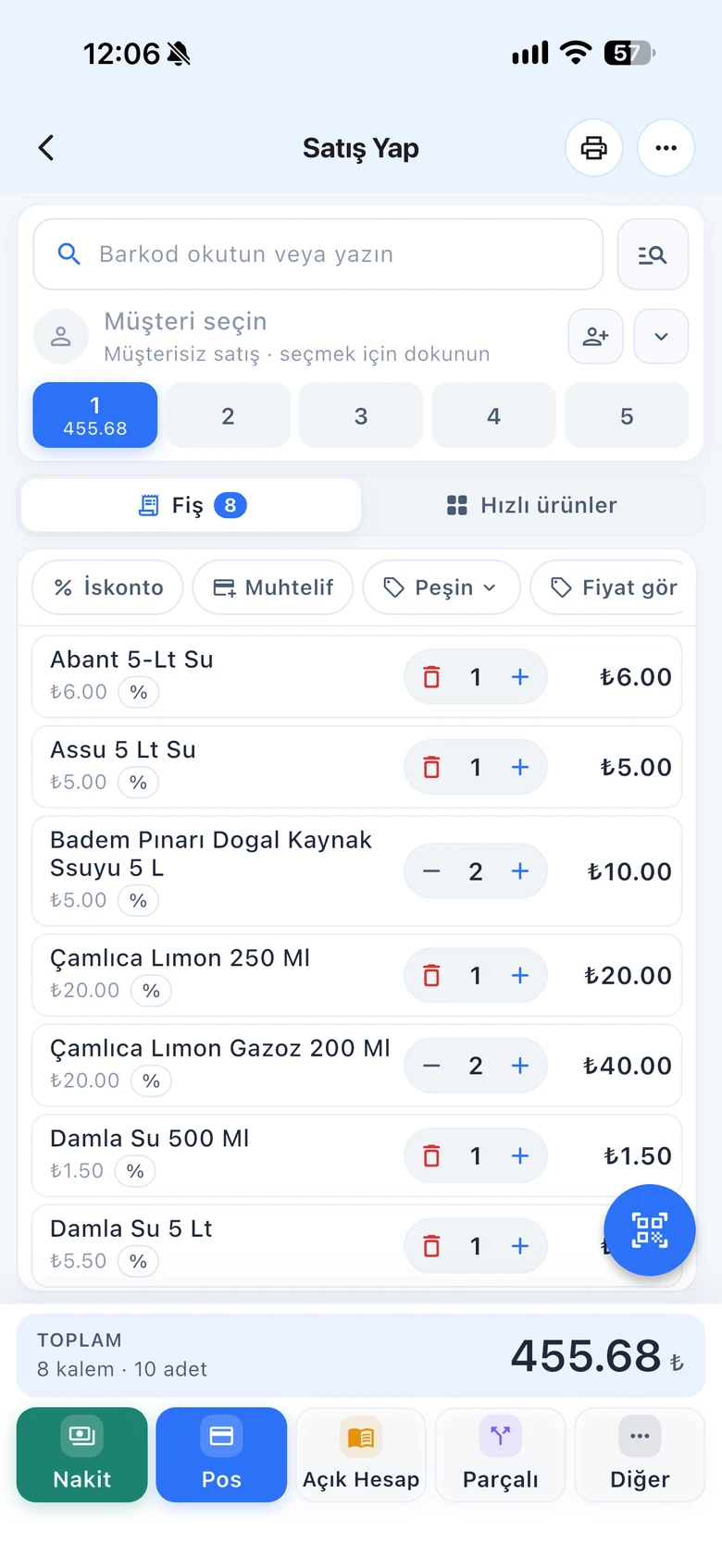
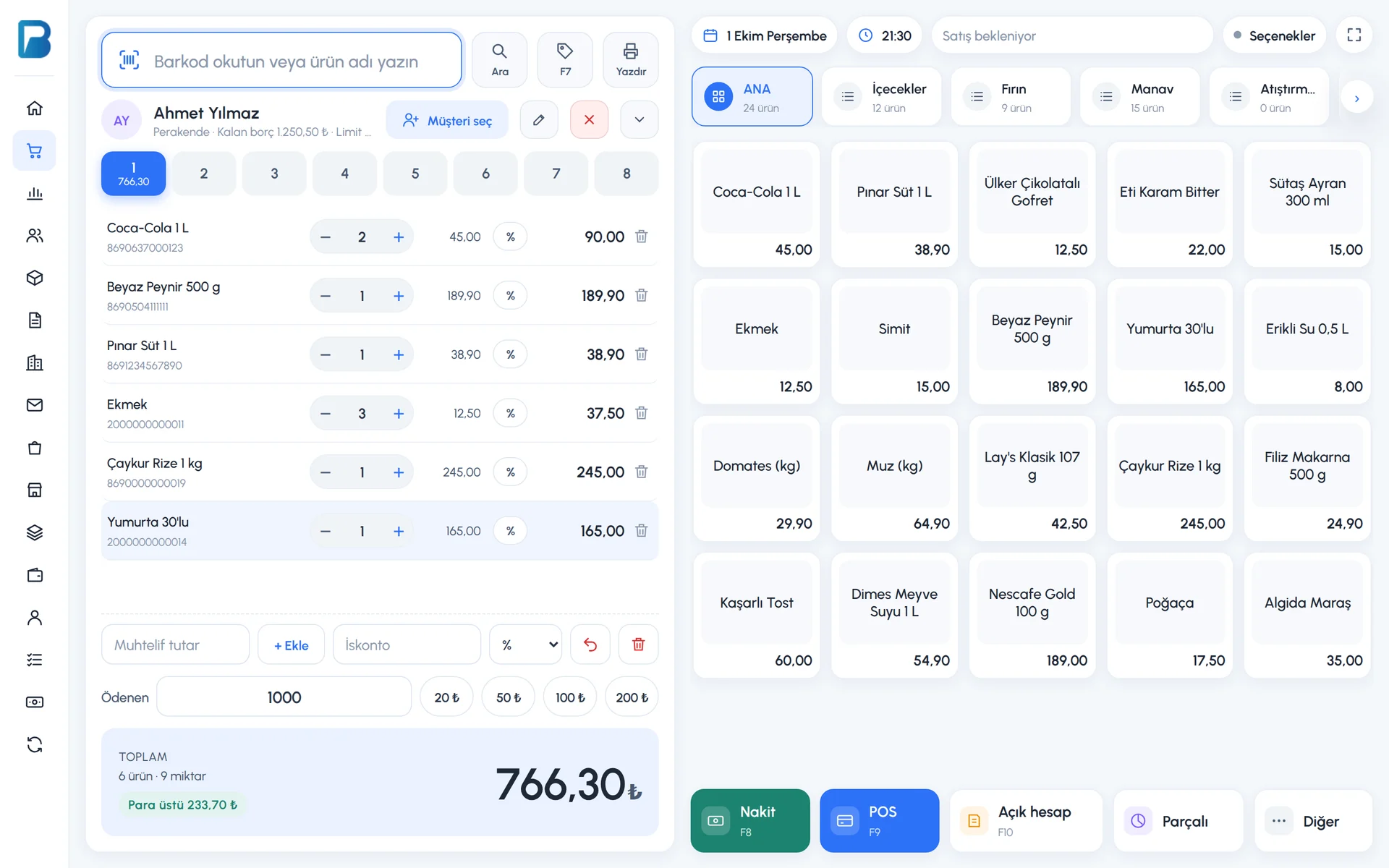
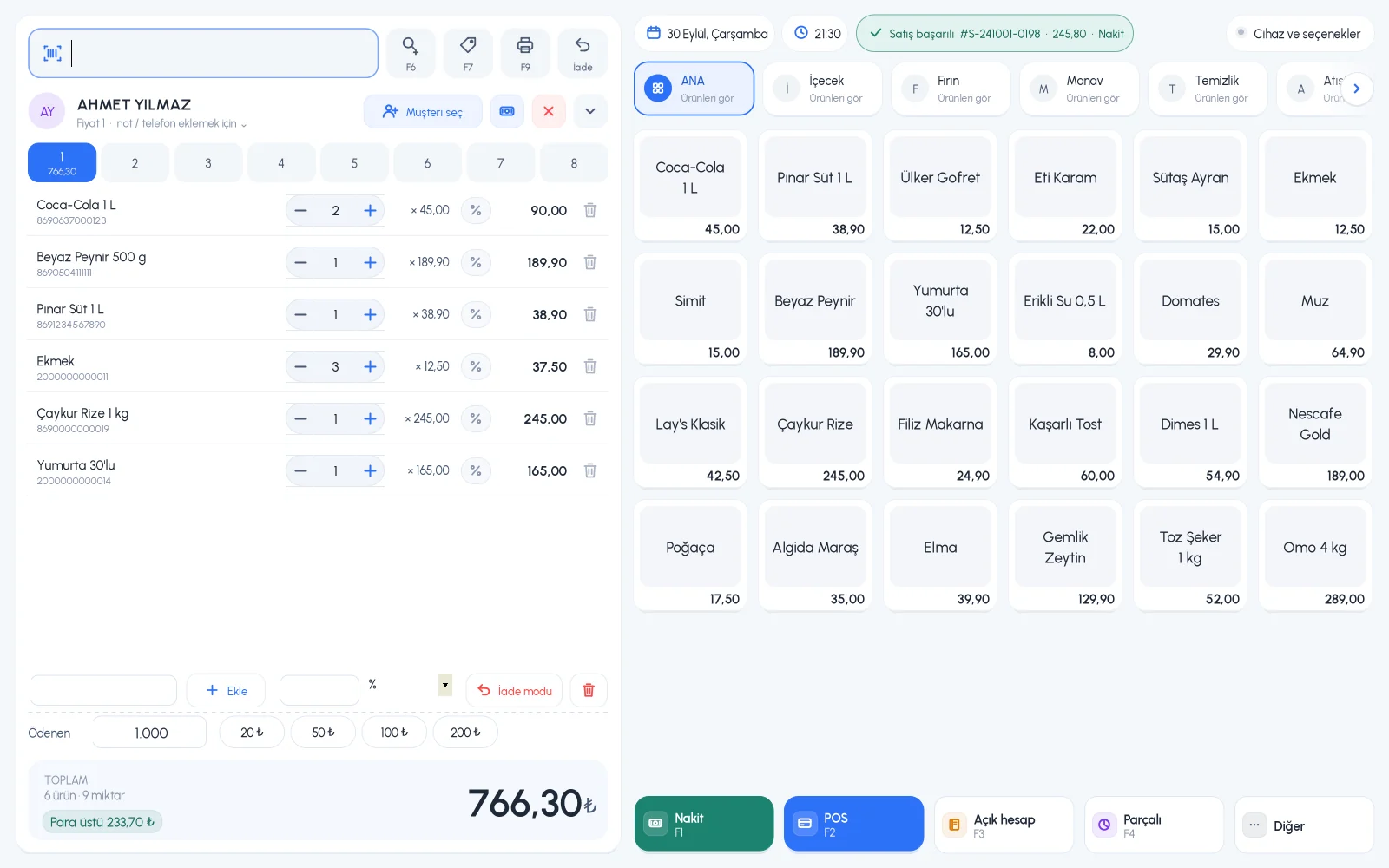
Variant selection on the sales screen, offline sales.
Variant definitions, wizard, stock and label printing.
Sell and count each variant with its own barcode on your phone.
If you can't find the answer to your question, check the Help Center or message our WhatsApp support line: +90 312 911 22 33
Signing up takes two minutes. All features are open for the first month; if you get stuck during setup, our WhatsApp support line will help.