Staff management

Who did what at the register: staff tracking

Give each staff member their own code and password, and limit what they can do with permissions. See their sales, returns, items deleted from receipts and changes in the account. Unlimited staff, no extra user fees.

All features open for the first month. No credit card required.
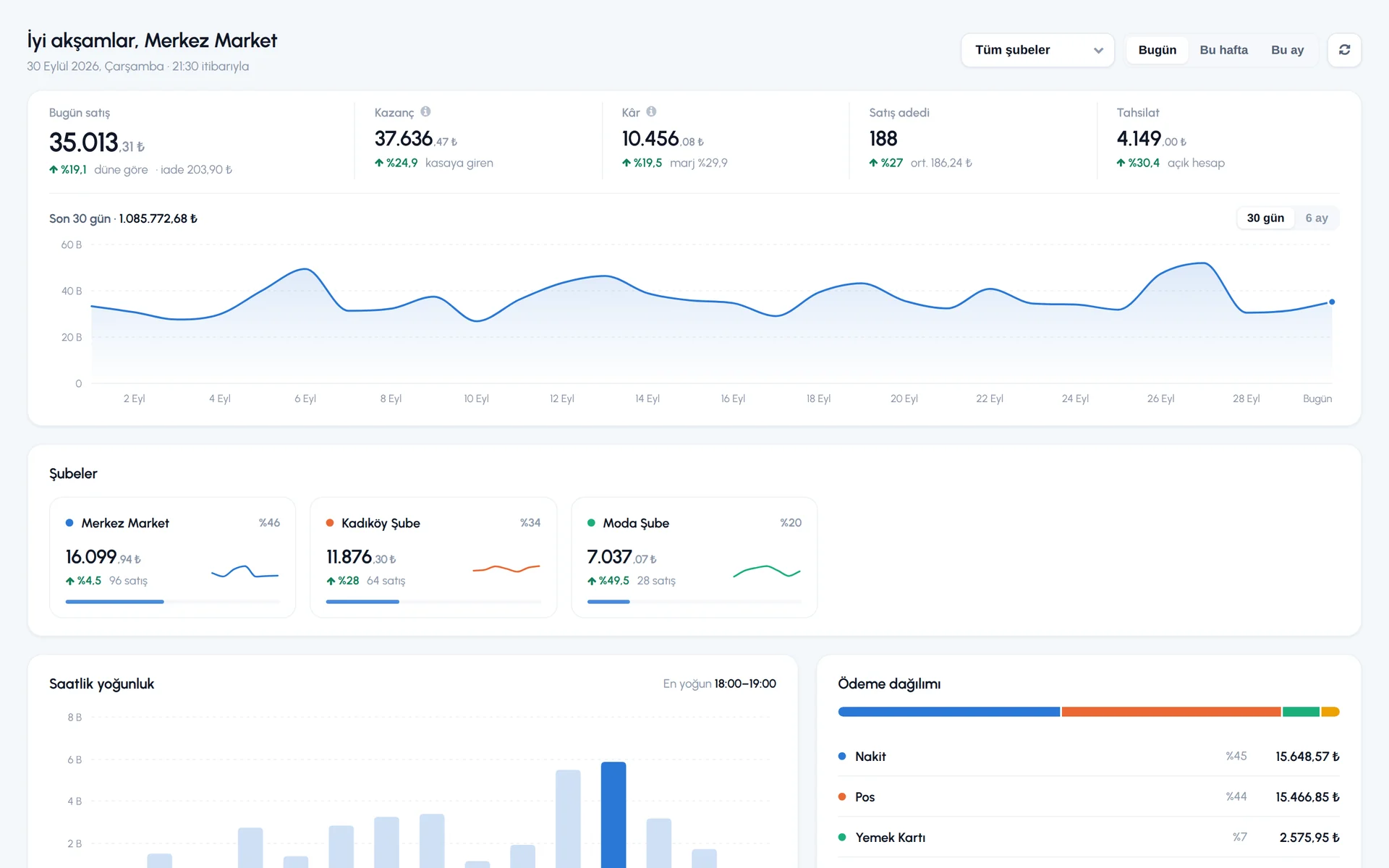
BenimPOS screenshot
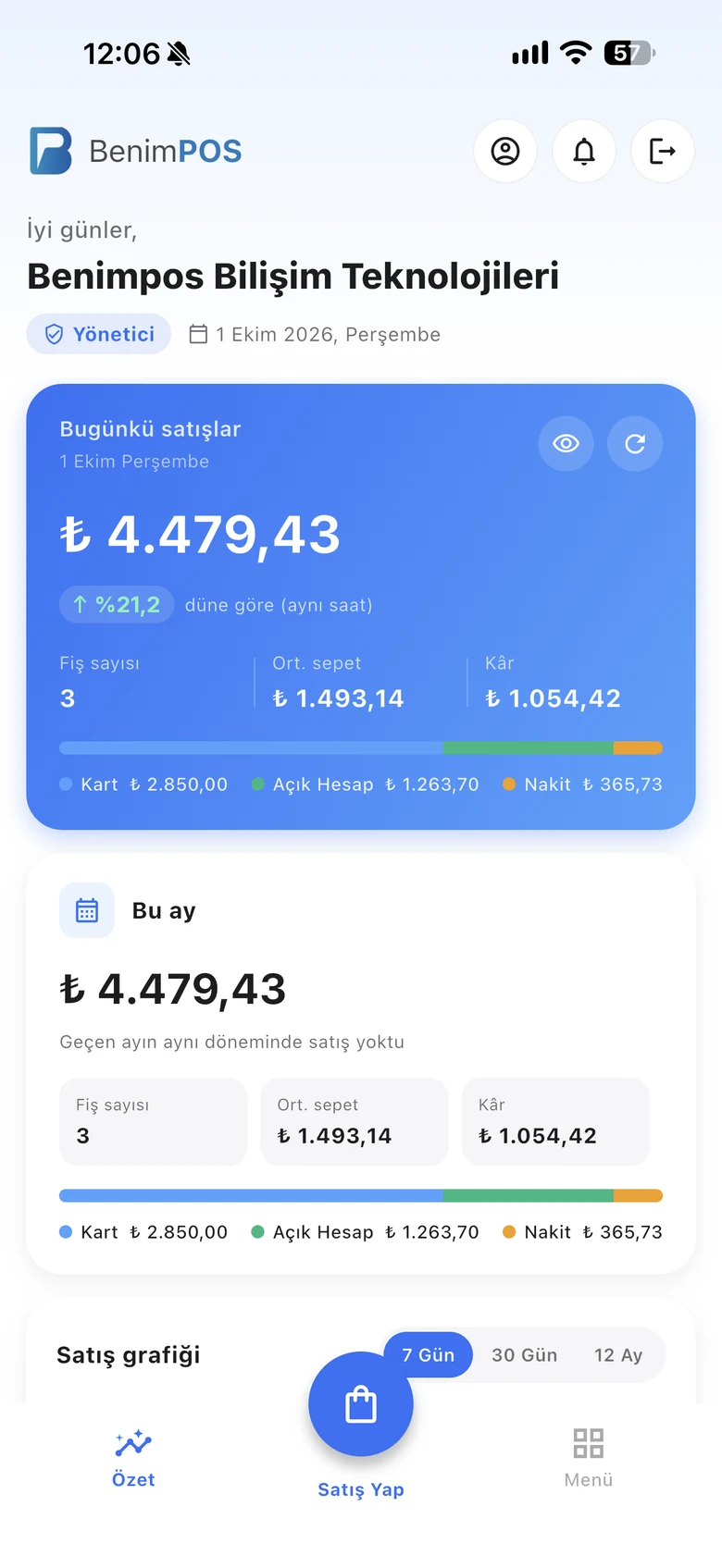
BenimPOS mobile app

The hours you are not in the shop are yours too.

When someone else is at the register, you want to know what was sold, which discounts were given and which items were deleted from a receipt. BenimPOS records every staff action under their own name; you manage permissions and reports.

Staff and permissions

Each staff member with their own code and permissions

Create a staff code and password for your cashiers. Turn sales, product, customer, report, return and purchase invoice permissions on and off, tab by tab.

  • Unlimited staff, no extra user fees
  • Discount limit for staff
  • Staff login on web, desktop and mobile
Step by step in the Help Center
BenimPOS web: staff
Activity

Items deleted from receipts and exits without a sale on record

See items staff scanned and deleted from a receipt, receipts deleted completely, exits from the sales screen without a sale and a log of all changes in the account. If something looks suspicious at the register, you can trace it.

  • Records of item and full receipt deletions
  • Leaving the sales screen without a sale
  • Activity log of changes in the account
Step by step in the Help Center
BenimPOS web: staff activity
Return approval

Staff request the return, you approve it

Staff without return permission create a return request. You see the request and approve it by choosing the price and payment type, or delete it.

  • Staff return requests
  • Manager approval
  • Approved returns in reports
Step by step in the Help Center
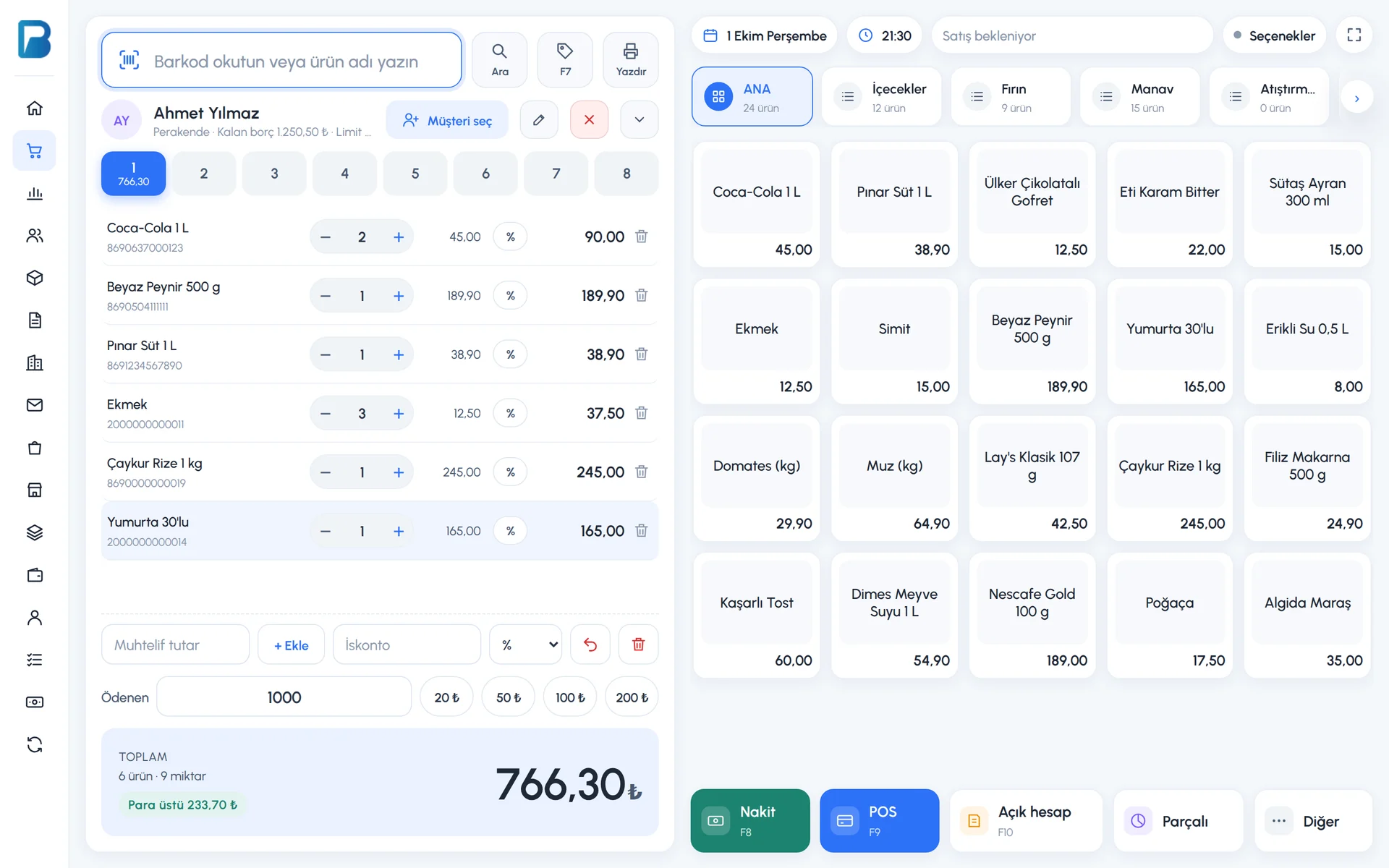
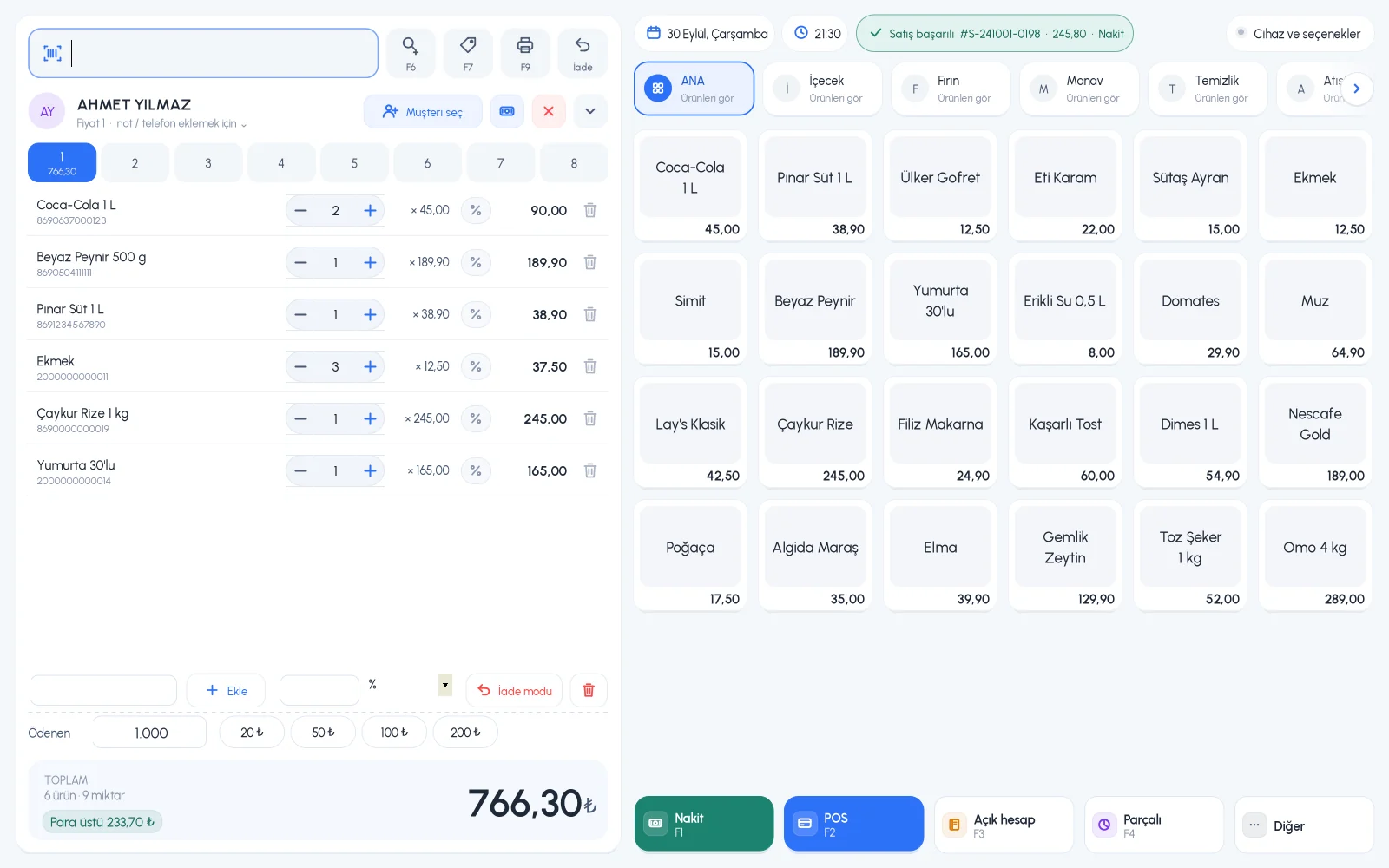
BenimPOS desktop sales screen
Tasks

Assign tasks to staff and track completion

Assign daily, weekly or monthly tasks to your staff: shelf tidying, cleaning, counting. Require a photo, location or note when they complete them.

  • Daily, weekly and monthly tasks
  • Photo, location and note requirements
  • Completion tracking
Step by step in the Help Center
BenimPOS mobile app
Reports

Sales by staff member and weekly summary

Filter reports by staff member to see who sold how much and how much profit they brought in; in the Product Report, see which products a staff member sold.

  • Sales and profit by staff member
  • Cancelled sales
  • Product Report by staff member
Step by step in the Help Center
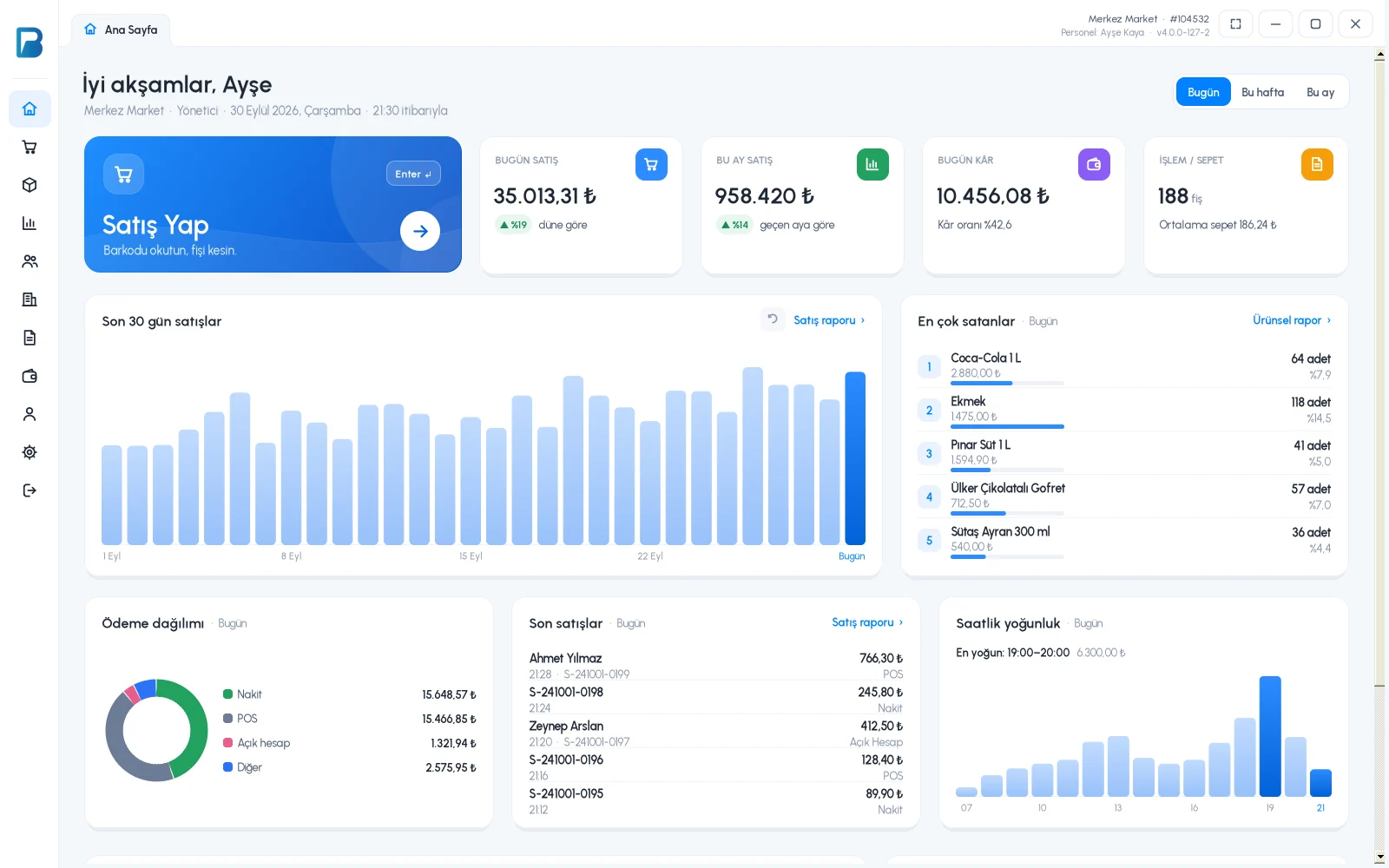
BenimPOS desktop home page

Staff sign in with their own code on every device.

Desktop

Staff sign in to the register with their own code, and sales are recorded under their name.

Web

Staff and permission settings, activity, tasks and reports.

Mobile

Staff sign in to the mobile app with their own code; you see sales as they happen.

Frequently asked questions

If you can't find the answer to your question, check the Help Center or message our WhatsApp support line: +90 312 911 22 33

Is there a charge per staff member?
No. You can add as many staff as you want; there is no extra fee per staff member.
Can staff see reports?
Not unless you allow it. You turn the reports permission on and off for each staff member; if it is off, they cannot open reports.
How do staff sign in?
Staff sign in on web, desktop and mobile with their own staff code and password; the sales they make are recorded under their name. How to
Is staff management available in the free version?
Staff and permissions are included in the licensed plan. You can try all features free for the first month.

Keep your register under your control

Signing up takes two minutes. All features are open for the first month; if you get stuck during setup, our WhatsApp support line will help.