Customer accounts

Customer credit and supplier debt in one place

On-account sales are recorded on the customer's card and purchase invoices on the supplier's card. See who owes you what, what you owe whom and the due dates at a glance.

All features open for the first month. No credit card required.
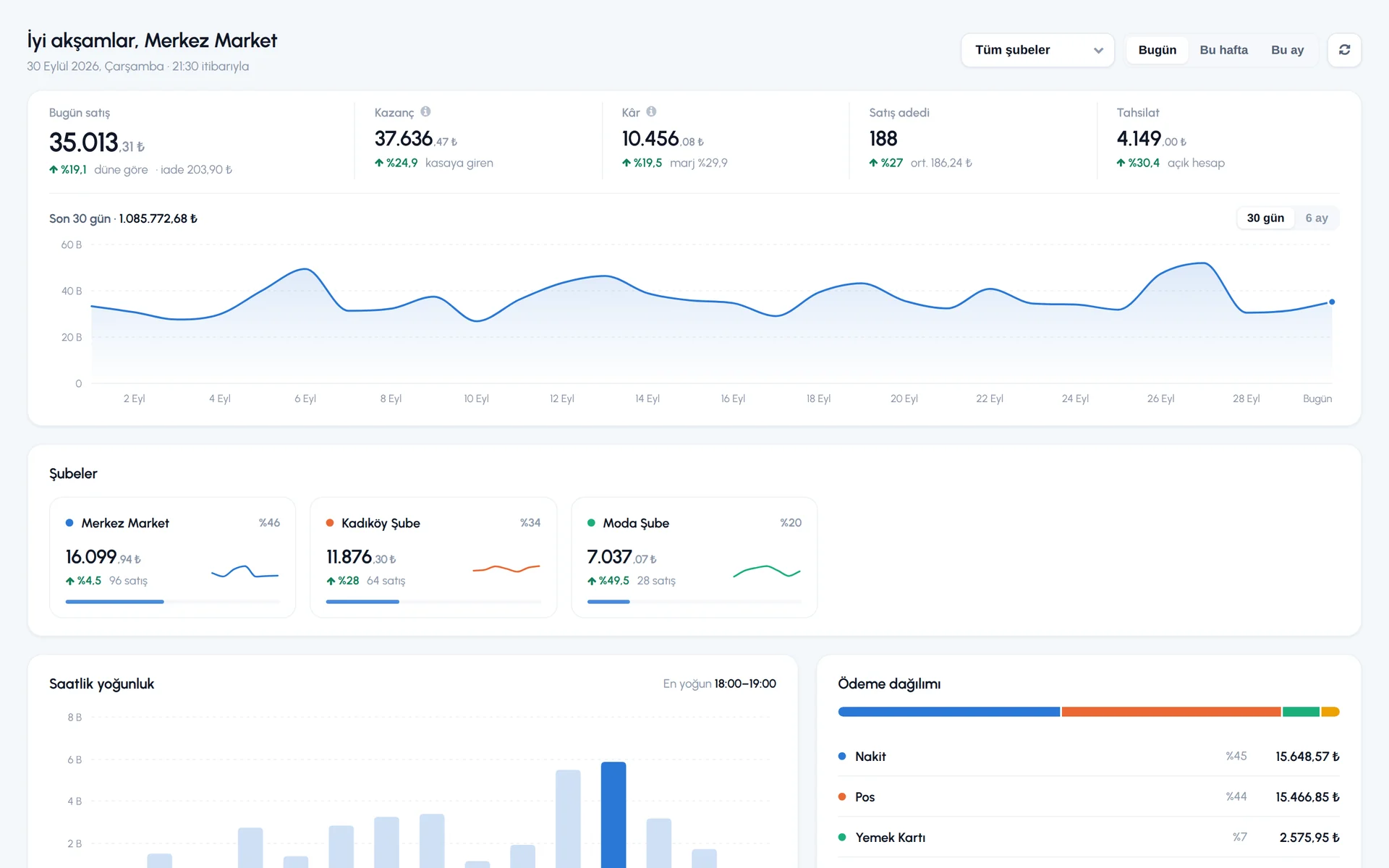
BenimPOS screenshot
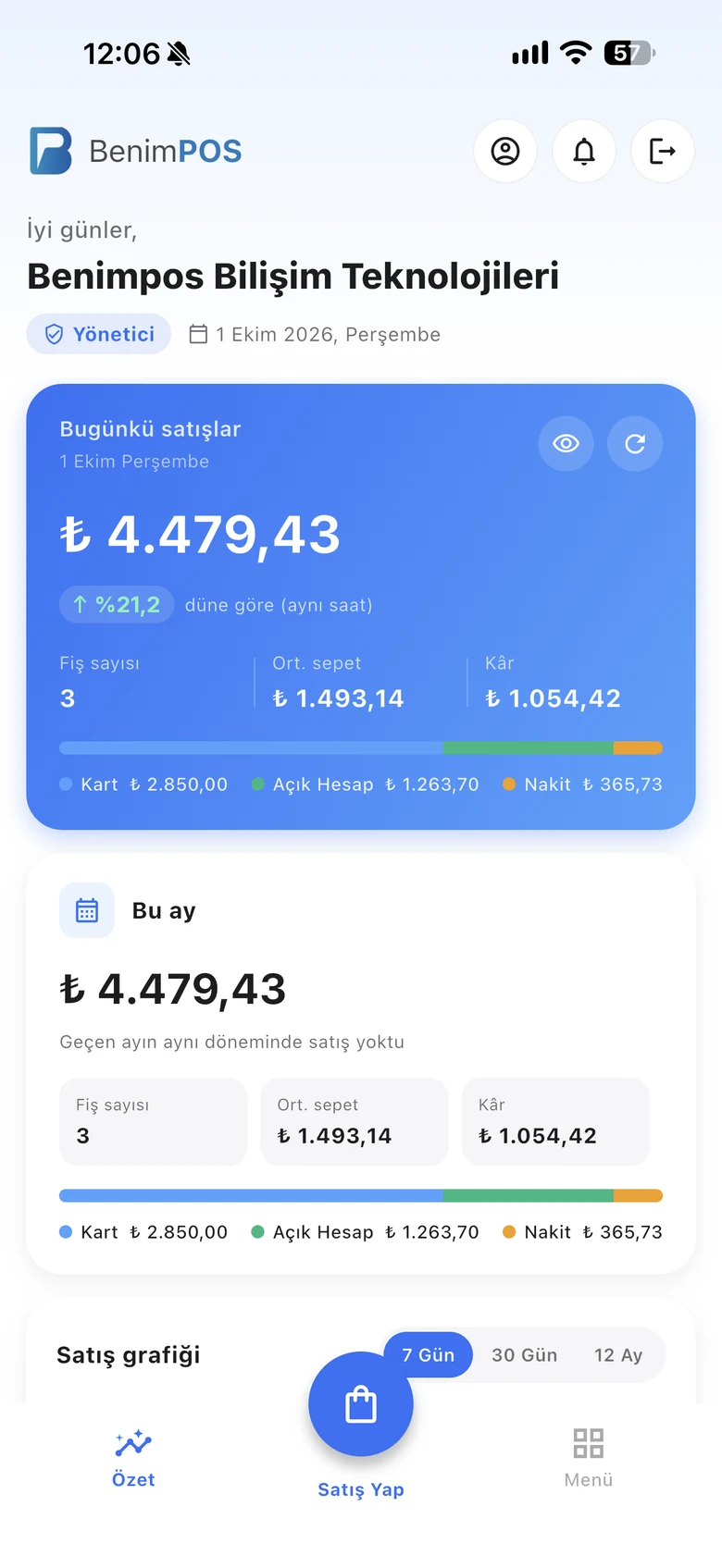
BenimPOS mobile app

An account card instead of a notebook, Excel and memory.

The tab book gets messy, Excel does not get updated, memory misleads. In BenimPOS, every sale and every payment is written to the activity of the relevant card; the balance is always up to date, and you print the statement with one click.

Customers

On-account sales and adding payments

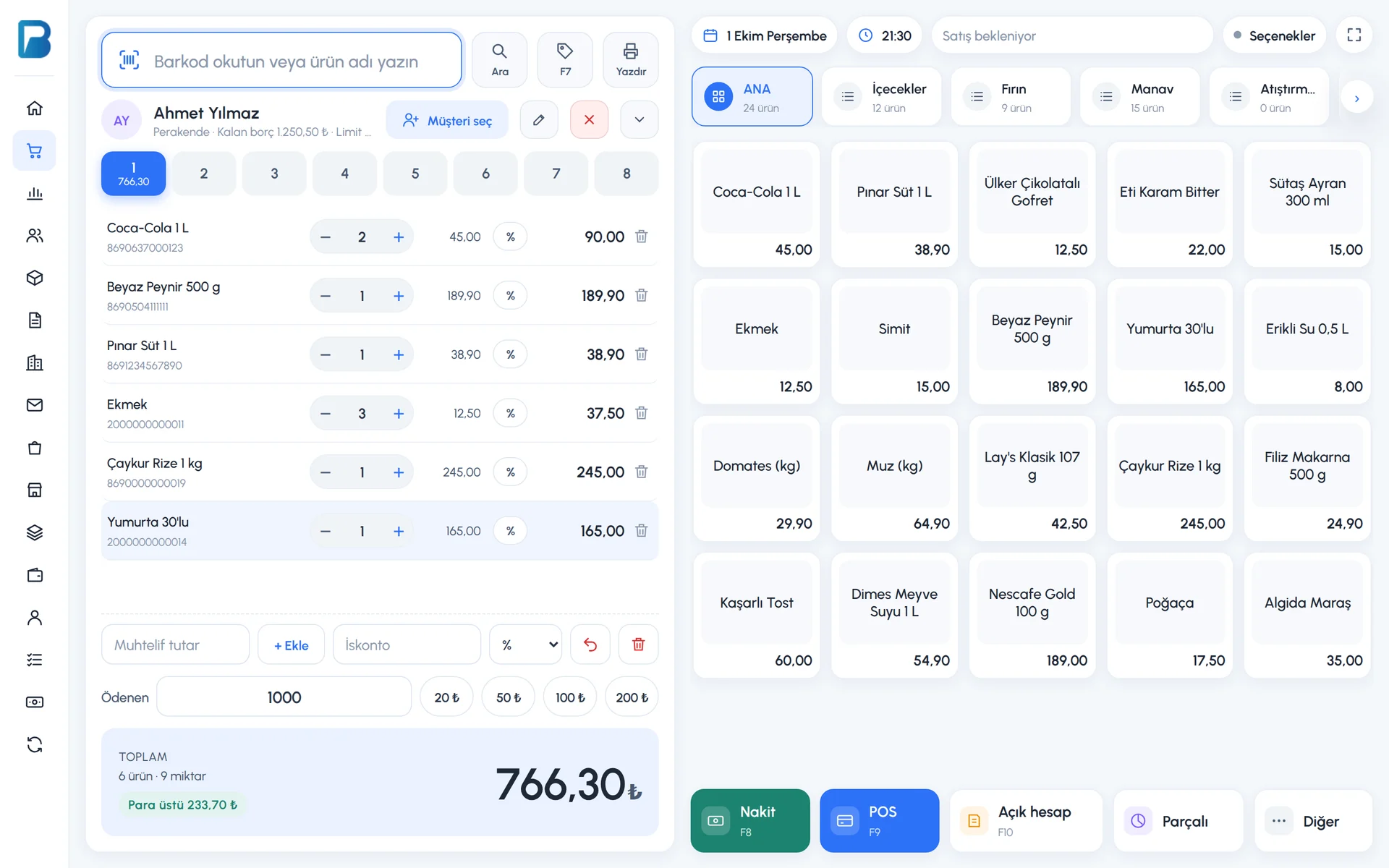
Select the customer on the sales screen and sell on account; the debt is recorded on the customer's card. When a payment comes in, add it from the sales screen or the customer card, and the remaining debt is updated automatically.

  • Credit limit for customers
  • Debt and limit shown on the sales screen
  • List of customers who owe
Step by step in the Help Center
BenimPOS mobile: customer card
Customer card

Each customer's own price, discount and payment term

Set the payment term, credit limit, discount and price level on the customer card. When you select that customer, the sale is made with their own price and discount.

  • Due dates and receivables coming due
  • Customer-specific price level and discount
  • Bulk upload with balances via Excel
Step by step in the Help Center
BenimPOS web: customers
Statement

Print the account statement, settle the debt

Print all of a customer's purchases and payments as a statement. Add debt manually, delete a payment entered by mistake, settle the account.

  • Printing the account statement
  • Adding debt manually, deleting wrong payments
  • Customer balance on the receipt
Step by step in the Help Center
BenimPOS web: customer activity
Suppliers

Enter the purchase invoice, know what you owe the supplier

Enter goods from suppliers with a purchase invoice; stock goes up, the purchase price is updated and your debt to the supplier is recorded. If you use e-invoicing in Turkey, convert an incoming invoice to a purchase invoice with one click.

  • Purchase invoices and return invoices to suppliers
  • Supplier payments and adding debt without an invoice
  • Purchase invoices from incoming e-invoices
Step by step in the Help Center
BenimPOS web: purchase invoices

Also on the accounts side

Supplier payments

Enter the payments you make to suppliers and see the remaining debt and statement.

How to
Bulk SMS

In Turkey, send SMS to your customers in bulk or one by one through the SMS integration.

How to
Money points

Let your customers earn points with their mobile number and spend them on their next purchase.

How to
Excel import / export

Upload or download customers and suppliers with their balances from Excel.

How to
Income and expenses

Record expenses like rent, bills and salaries, and income other than sales.

How to
E-invoice

In Turkey, convert a sale to an e-invoice and an incoming invoice to a purchase invoice.

How to

Balances are up to date on every device.

Desktop

Customer selection, on-account sales and payments on the sales screen; offline too.

Web

Customer and supplier cards, statements, purchase invoices and Excel tasks.

Mobile

Check customer balances from anywhere and add payments.

Frequently asked questions

If you can't find the answer to your question, check the Help Center or message our WhatsApp support line: +90 312 911 22 33

Can I set a credit limit for a customer?
Yes. You set a credit limit on the customer card; the customer's debt and limit are shown together on the sales screen.
Can I give a customer an account statement?
Yes. You can print the account statement from the customer card.
Can I also track my debts to suppliers?
Yes. Purchase invoices and payments to suppliers are recorded on the supplier card; you see how much you owe whom on the Suppliers page. Purchase invoices are included in the licensed plan.
Can I bring over customer balances from my old program?
Yes. You can import customers and suppliers together with their balances using ready Excel templates. How to

Get your accounts in order today

Signing up takes two minutes. All features are open for the first month; if you get stuck during setup, our WhatsApp support line will help.