Reporting

What you sold, what you earned: clear reports

See your business in numbers, from the end-of-day cash report to profit by product and from stock movement to products bought together. Get reports as Excel and PDF, and check them on your phone at any time.

All features open for the first month. No credit card required.
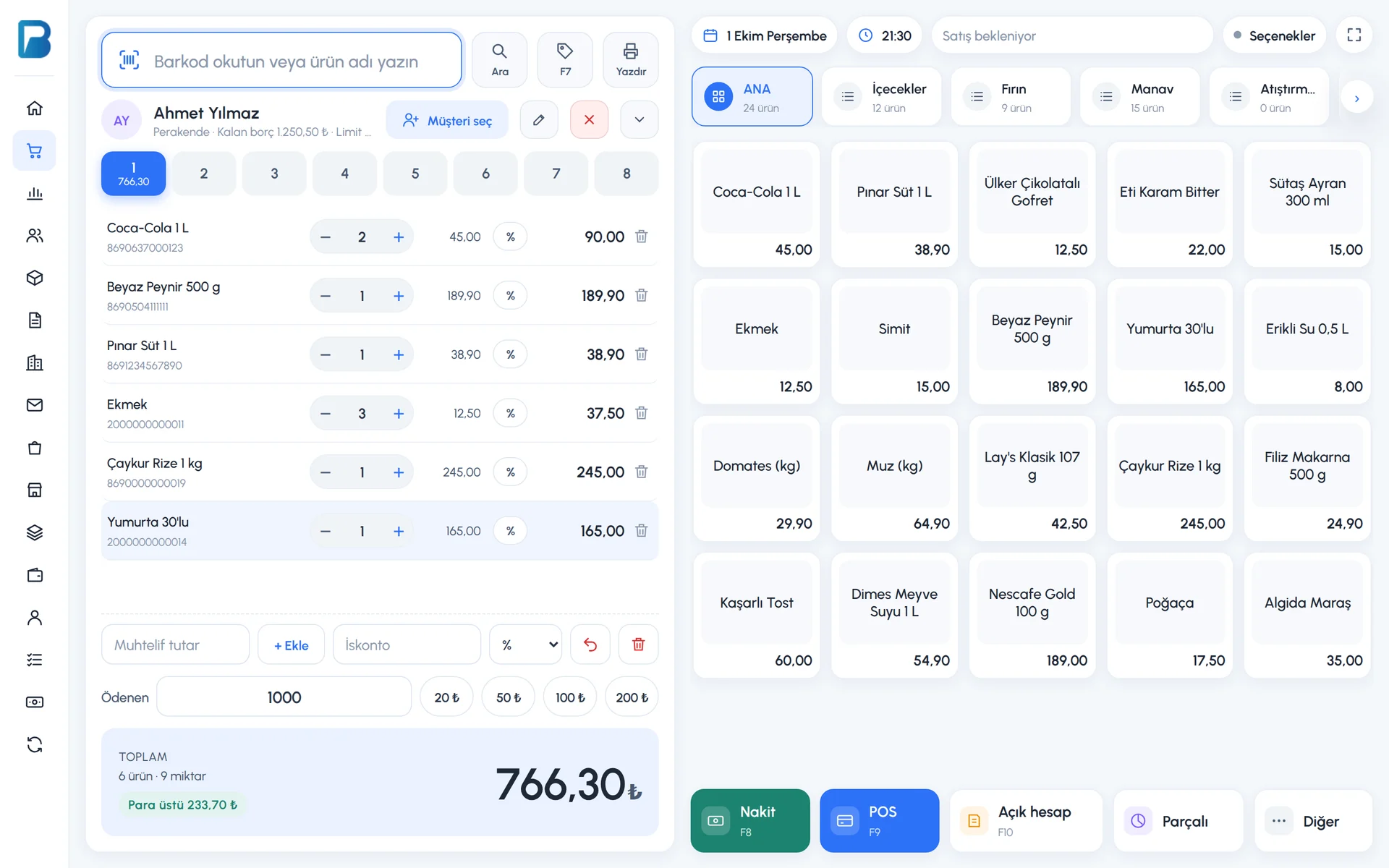
BenimPOS screenshot
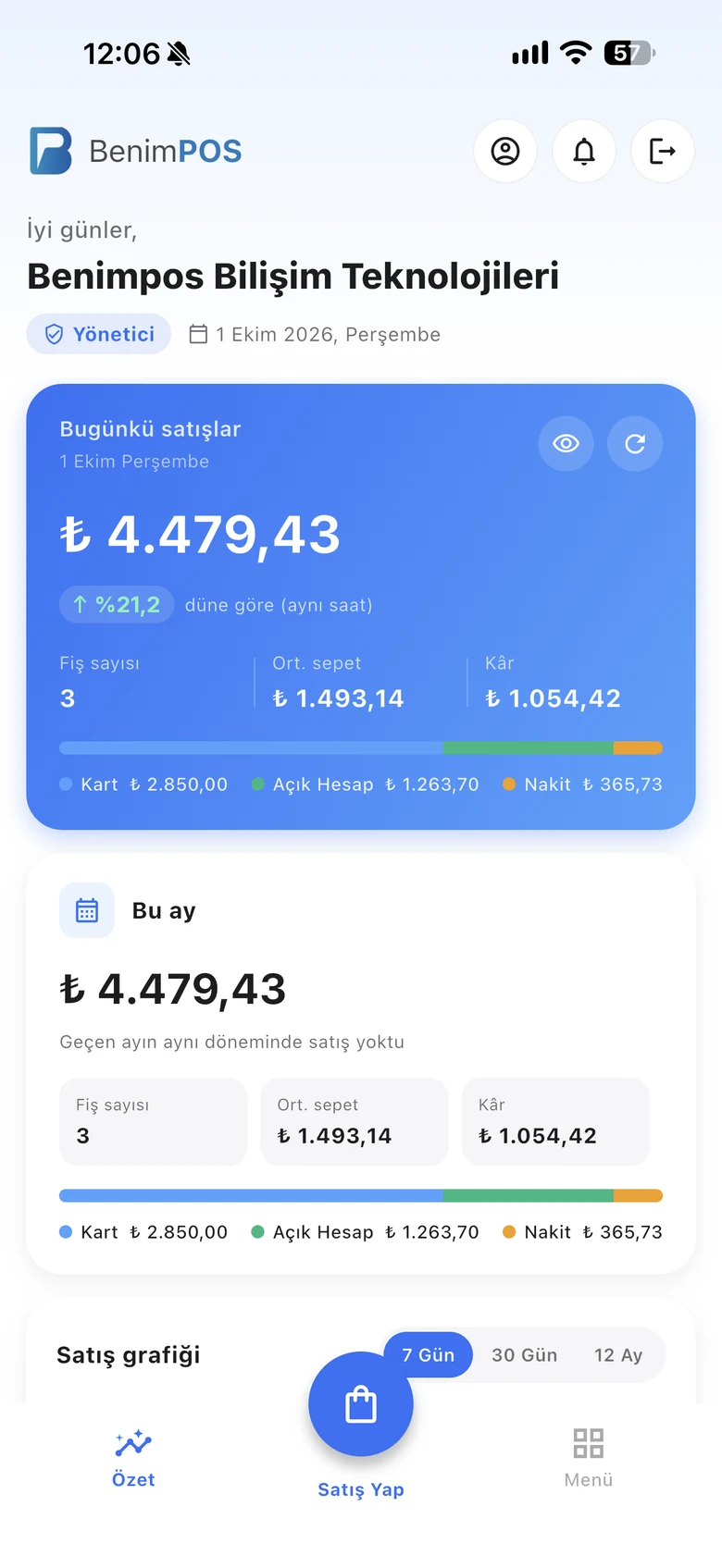
BenimPOS mobile app

Revenue can look high; the real question is profit.

At the end of the day you need to know what should be in the register, which product makes money, which one is sitting on the shelf and which staff member sold what. BenimPOS reports answer these questions in a few clicks.

End of day

End-of-day report and VAT breakdown

List the day's sales; see cash, card and on-account totals, the register report and net amounts by VAT rate. Together with your income and expenses, the day's real earnings become clear.

  • Totals by payment type
  • Net amounts by VAT rate
  • Cash register with income and expenses
Step by step in the Help Center
BenimPOS mobile: today's sales summary
Date Range Report

Sales, profit and register between two dates

Filter sales between two dates by staff, payment type and time range; see profit, markup and the register report. Cancelled sales are listed separately.

  • Staff, payment type and time filters
  • Excel, PDF and receipt printer output
  • Cancelled sales listed separately
Step by step in the Help Center
BenimPOS web: Date Range Report
Products and groups

Which product, which group makes money?

In the Product Report, see how many of each product you sold, with amount and profit; compare product groups in the Group Report. Narrow it down with staff, customer and supplier filters.

  • Quantity, amount and profit by product
  • Comparison by product group
  • Staff, customer and supplier filters
Step by step in the Help Center
BenimPOS web: Product Report
Stock

Stock movement and expiry date reports

See all stock movements in and out of a product with the remaining stock, and find out why the stock changed. List products near or past expiry in the Expiry Date Tracking report.

  • Stock movement report
  • Expiry Date Tracking report
  • Low stock and slow-moving products
Step by step in the Help Center
BenimPOS web: stock movement report
Home page

Your business at a glance

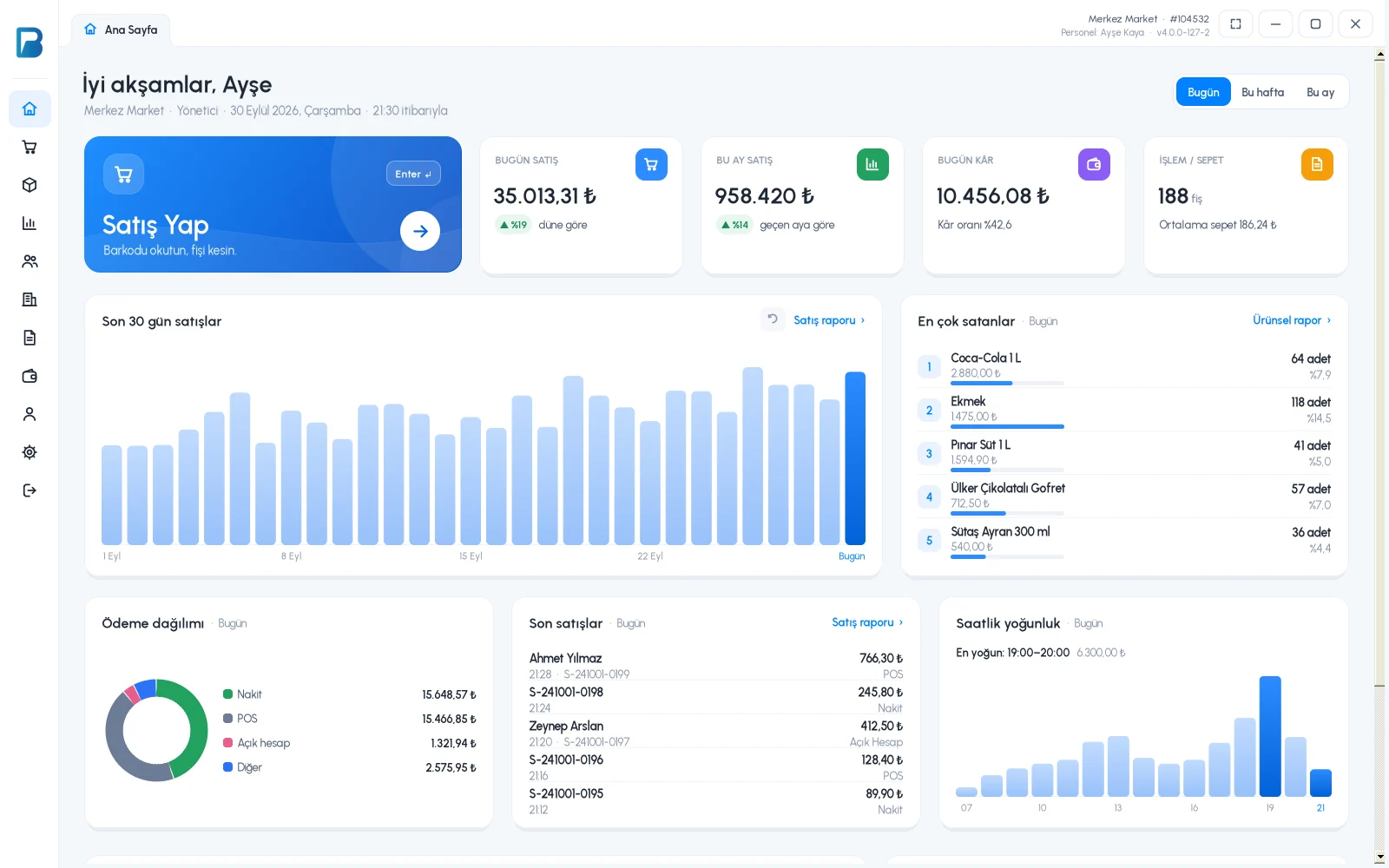
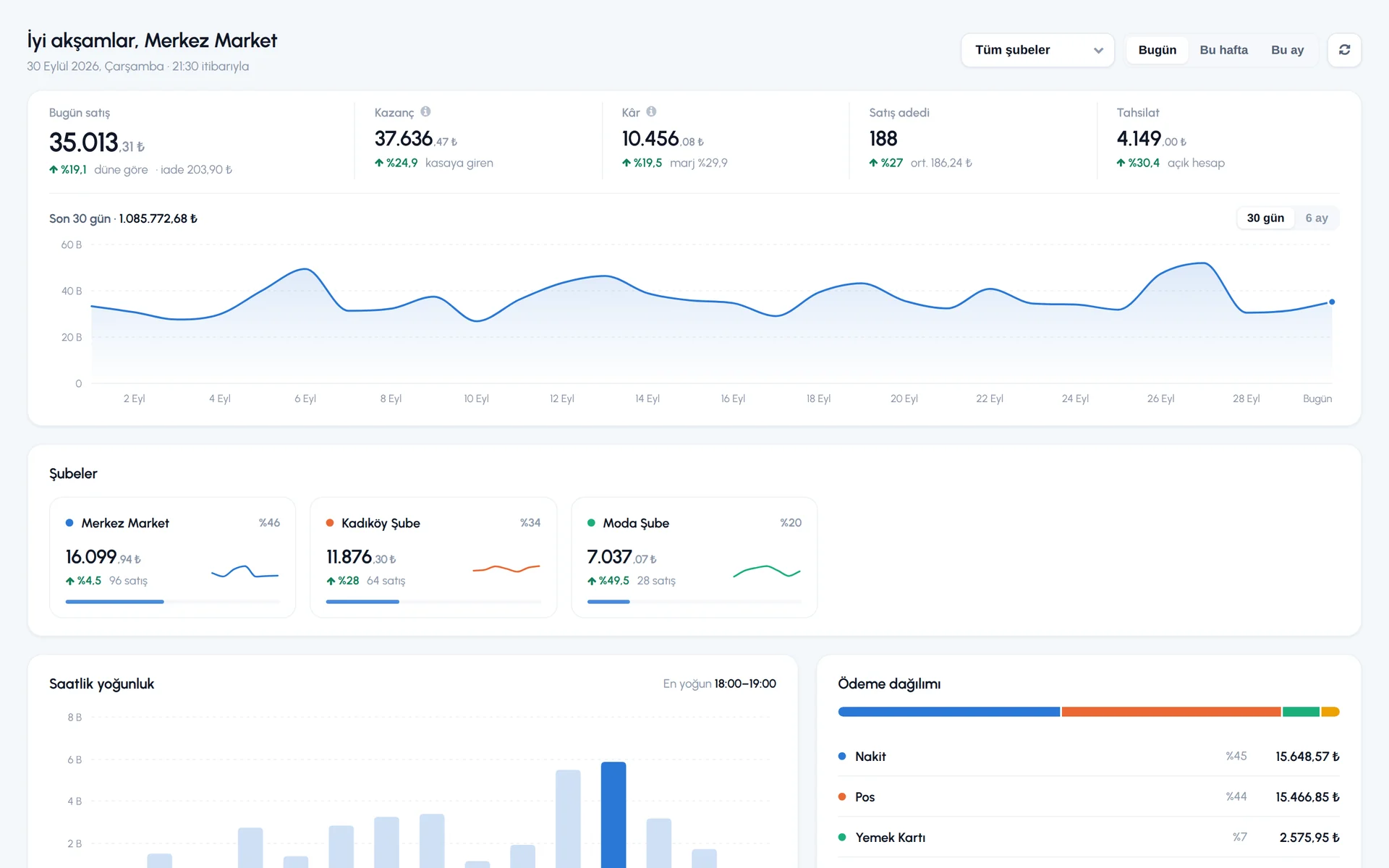
As soon as you open the app, you see today's sales, profit, payment breakdown, hourly activity and best sellers. Switch between day, week and month with one click, and compare today's sales with yesterday.

  • Sales, profit and number of receipts
  • Hourly activity and payment breakdown
  • Best-selling products
Step by step in the Help Center
BenimPOS desktop home page

Also in reports

Products sold together

See which products are sold most often on the same receipt as a given product, and arrange your shelves accordingly.

How to
Staff activity

See items deleted from receipts, exits without a sale and a log of changes in the account.

How to
Branch reports

Report on branches one by one or all together.

How to
Email reports

Get the weekly and monthly sales report, products at low stock and products nearing expiry by email.

How to
Export to Excel

Export reports to Excel with their table and summary.

Income and expenses

Record your expenses by type and see them reflected in your earnings in reports.

How to

Your reports in your pocket.

Desktop

Home page indicators, end of day and a sales chart for the last 30 days.

Web

All reports, filters, Excel and PDF output.

Mobile

Today's sales, number of receipts, average basket and profit on your phone at any time.

Frequently asked questions

If you can't find the answer to your question, check the Help Center or message our WhatsApp support line: +90 312 911 22 33

Can I export reports to Excel?
Yes. Reports are exported to Excel with their table and summary; you can also get the Date Range Report as PDF and as receipt printer output.
Why does profit show as zero or negative?
Profit is calculated from the product's purchase price. For products without a purchase price, profit shows incorrectly; just enter the purchase price on the product card or the purchase invoice. Reports FAQ
Which reports are in the free version?
The free desktop version includes the sales report for the last 7 days. Profit and cost, all past reports, the Product and Group Reports and export to Excel are included in the licensed plan.
Can I see staff sales separately?
Yes. You can filter the Date Range and Product Reports by staff, and see items deleted from receipts and exits from the sales screen without a sale in the Staff Activity Report.

Run your business by the numbers

Signing up takes two minutes. All features are open for the first month; if you get stuck during setup, our WhatsApp support line will help.