Products sold together

What does your customer buy with it?

Select a product and see which products were sold most often on the same receipt, with quantity, amount and profit. Plan your shelf layout and promotions around your customers' real habits.

All features open for the first month. No credit card required.
BenimPOS screenshot
BenimPOS mobile app

Do people who buy bagels also buy tea?

Placing products bought together side by side makes the basket bigger; a "this one is discounted with it" promotion works when it is done with the right product. This report is not an estimate; it shows your own receipts.

Selection

Select the product and date range

Type the product's barcode or find it by name, then select the start and end date. Filter by group, staff and customer if you like.

  • Product selection by barcode or name
  • Date and time range
  • Group, staff and customer filters
Step by step in the Help Center
BenimPOS web: Product Correlation Report
Result

Products most often sold together at the top

For each product sold on the same receipt as the one you selected, the sales quantity, total amount and profit are listed. Click a product to open its card; download the table to Excel.

  • Quantity, amount and profit
  • Go to the product card
  • Download to Excel
Step by step in the Help Center
BenimPOS web panel
How to use it

Shelves, promotions, orders

Move products bought together to nearby shelves, put one on promotion and watch the sales of the other, and when ordering, think about products that run out together as a pair.

  • Shelf layout
  • Linked promotions
  • Ordering together
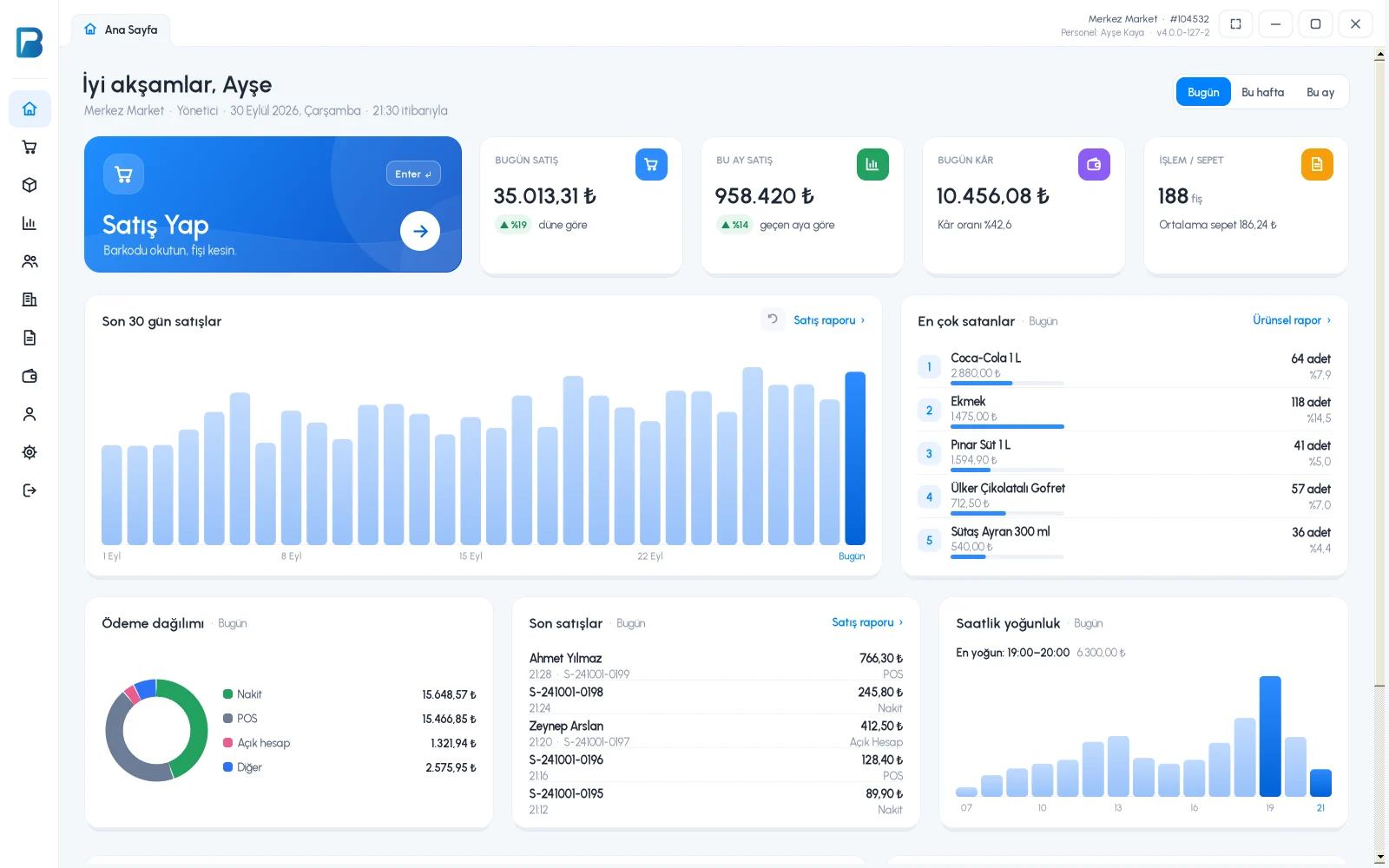
BenimPOS desktop home page

Report in the web panel.

Desktop

Sales made on the desktop are included in the report after syncing.

Web

The Product Correlation Report is only available on the main account, with the business owner login.

Mobile

Products sold on mobile are included in the report too; the report is run on the web.

Frequently asked questions

If you can't find the answer to your question, check the Help Center or message our WhatsApp support line: +90 312 911 22 33

Are cancelled sales included in the report?
No. Cancelled sales and receipts with a non-revenue payment type are not included in the report.
Can staff see this report?
No. The report is only available on the main account, with the business owner login.
How is profit calculated?
Profit is only calculated for products with a purchase price.

Grow your basket size

Signing up takes two minutes. All features are open for the first month; if you get stuck during setup, our WhatsApp support line will help.