Returns and exchanges

Returns, exchanges, returns from receipts: stock and cash update automatically

When a customer brings a product back, take the return from the sales screen or from a specific receipt. The product goes back into stock and the amount is deducted from sales in reports. Give an exchange receipt without prices for gift purchases.

All features open for the first month. No credit card required.
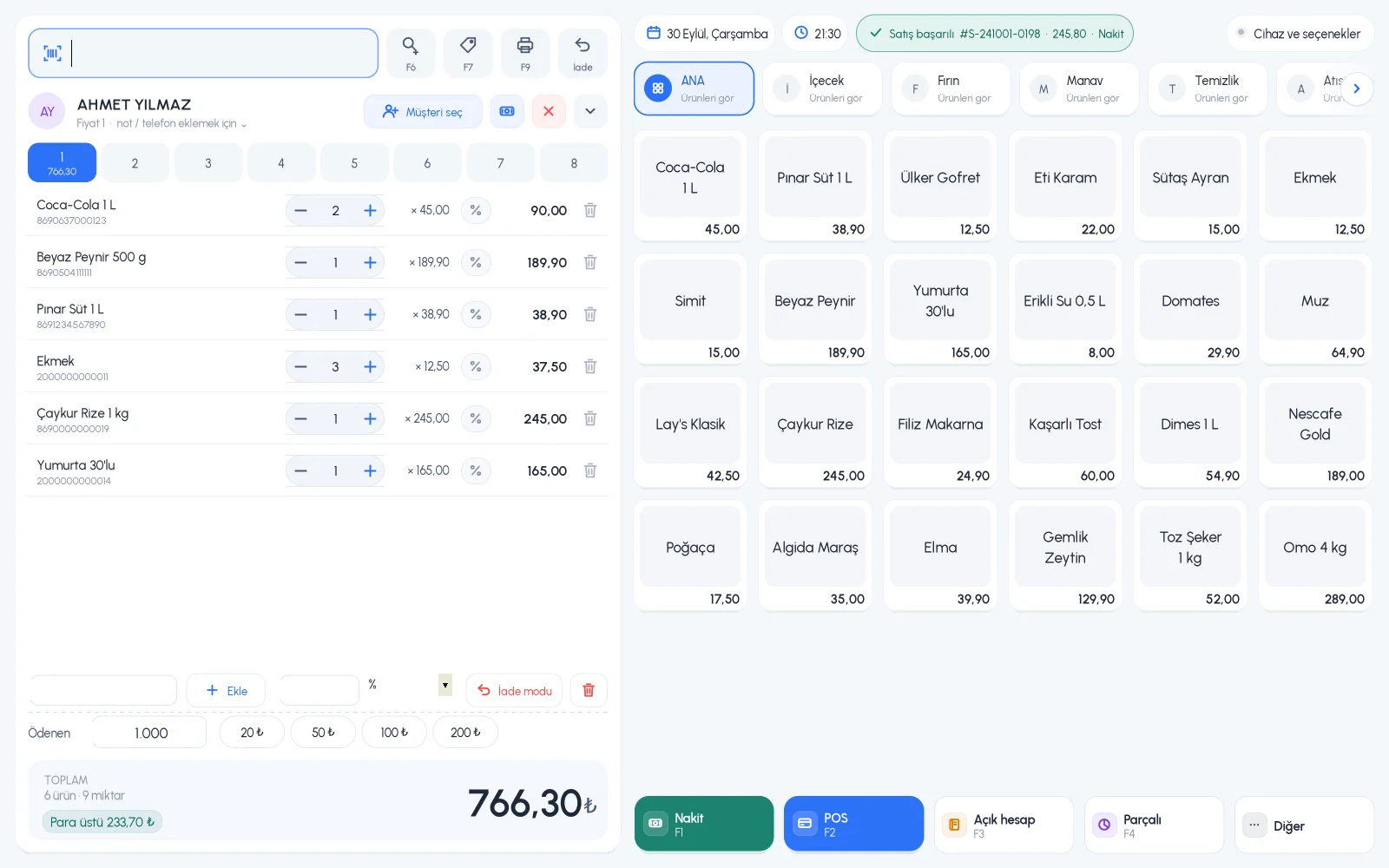
BenimPOS screenshot
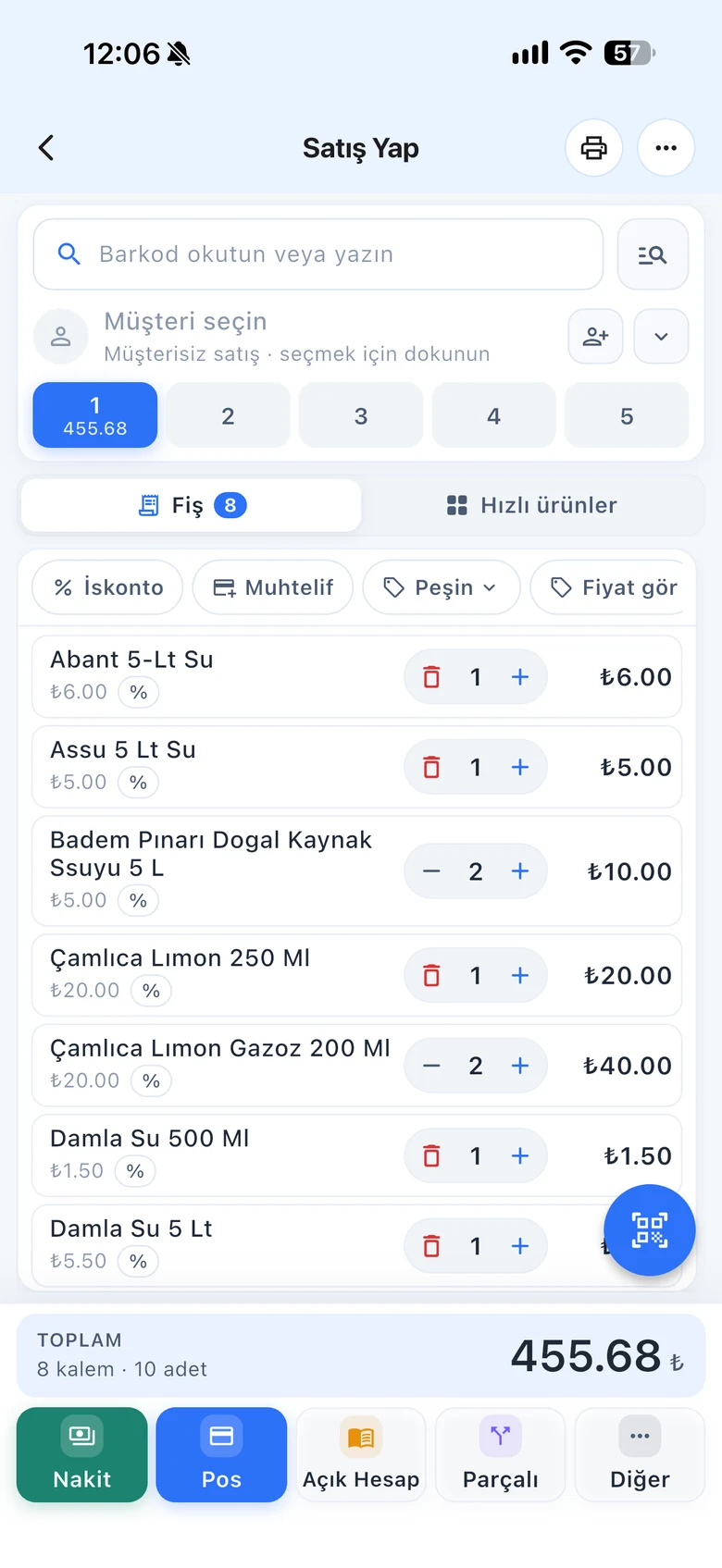
BenimPOS mobile app

A return needs a record as clean as a sale.

Unrecorded returns throw off stock and cash. In BenimPOS, every return is recorded together with how it was refunded: in cash, by card or by deducting from the customer's account. You also decide your staff's return permissions.

Return mode

Fast returns on the sales screen

Turn on return mode, scan the returned product as in a normal sale and choose how you refunded the money: cash, card or on account. When it's done, the screen goes back to normal sales.

  • Refund to cash, card or on account
  • The product is added back to stock
  • Return mode applies only to that receipt
Step by step in the Help Center
BenimPOS desktop sales screen: return mode
Return from receipt

Keep a record of which sale a return came from

Scan the product's barcode; all receipts containing that product are listed by date. Open the customer's receipt and take back only the returned product, or cancel the whole receipt.

  • List receipts containing a product
  • Return a single product or the whole receipt
  • Return record in the sale details
Step by step in the Help Center
BenimPOS web: sale details
Exchange receipt

A receipt that hides the price on gifts

An exchange receipt shows the product's name, barcode and quantity but not the price. It goes inside the gift package; the person who receives the gift can bring it to exchange without seeing the price. You can also print one for an old sale.

  • Exchange receipt without prices
  • Right after the sale or from the sale details
  • Print and share on mobile
Step by step in the Help Center
BenimPOS mobile app
Return request

Staff request, you approve

Staff without direct return permission create a request when a return is needed. The request comes to you; you check the refund price and payment type and approve it. That way returns stay under your control.

  • Staff return requests
  • Approval with price and payment type
  • Shows the staff member and app that opened the request
Step by step in the Help Center
BenimPOS web: return requests

Returns follow the same rules at every till.

Desktop

Return mode, the Accept Product Return screen and exchange receipts from the sale details.

Web

Return mode, returns from receipts, exchange receipts and approving return requests.

Mobile

Print or share the exchange receipt; staff can create return requests.

Frequently asked questions

If you can't find the answer to your question, check the Help Center or message our WhatsApp support line: +90 312 911 22 33

Does a returned product go back into stock?
Yes. For returns taken in return mode or from a receipt, the product is added back to stock and the amount is deducted from sales in reports.
Can I accept a return from a customer without a receipt?
Yes. Turn on return mode on the sales screen and scan the product to take the return; you don't need to look for the receipt.
Can I stop staff from taking returns on their own?
Yes. Turn off direct return permission; staff create a return request and you approve it. Staff management

Keep your returns on record

Signing up takes two minutes. All features are open for the first month; if you get stuck during setup, our WhatsApp support line will help.