Money points and stamp card

Let customers earn points with their mobile number

A loyalty program without printing cards or making customers download an app. The customer gives their number at the checkout, earns points or stamps on every purchase and uses them as a discount next time.

All features open for the first month. No credit card required.
BenimPOS screenshot
BenimPOS mobile app

A returning customer is the cheapest customer.

Winning a new customer costs more than bringing back an existing one. Points and stamp cards give your customers a reason to come back; points are only valid in your stores.

Money points

1 point = 1 unit of currency off

Points are loaded as a set percentage of the purchase. The customer uses the points they collect as a discount on the receipt next time. You can set different rates for product groups.

  • Points as a percentage of the purchase
  • Using points as a discount on the receipt
  • Group-specific rate
Step by step in the Help Center
BenimPOS web: loyalty settings
Stamp card

One free item for every ten stamps

Like the cards at cafes and bakeries: a stamp is given with every purchase, and when the card is full, one item is free or there is a fixed discount. You can set a minimum purchase amount for a stamp.

  • You set the number of stamps and the reward
  • Minimum amount condition
  • Using a ready reward at the checkout
Step by step in the Help Center
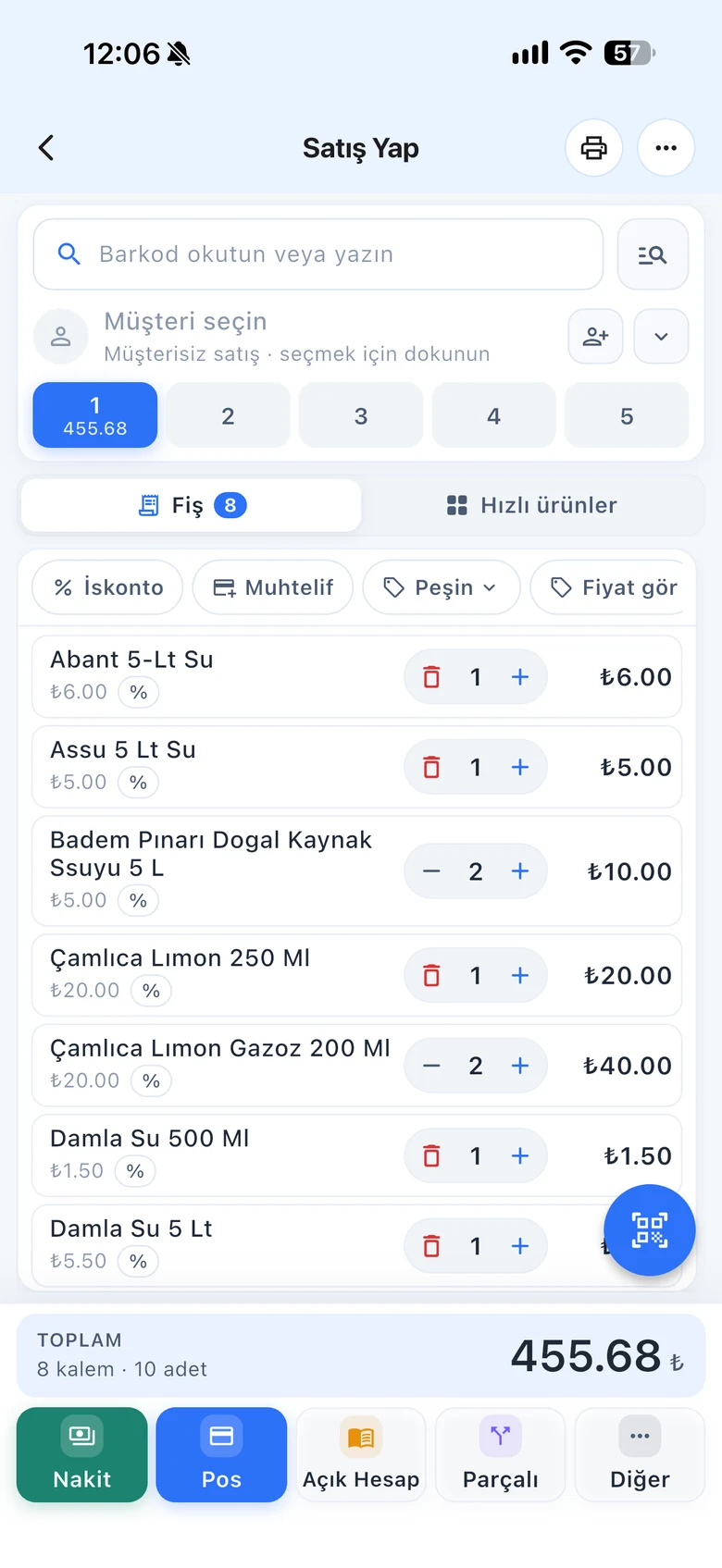
BenimPOS mobile sales screen
At the checkout

Number, checkout code or card number

During a sale, press the Loyalty button and type the customer's mobile number; if the number is entered for the first time, a card opens automatically. If a mobile number is saved on the customer card, the loyalty card also comes up when you select the customer.

  • Mobile number, checkout code or card no.
  • Works together with the customer card
  • Customers see their points at benimpos.com/rewards
Step by step in the Help Center
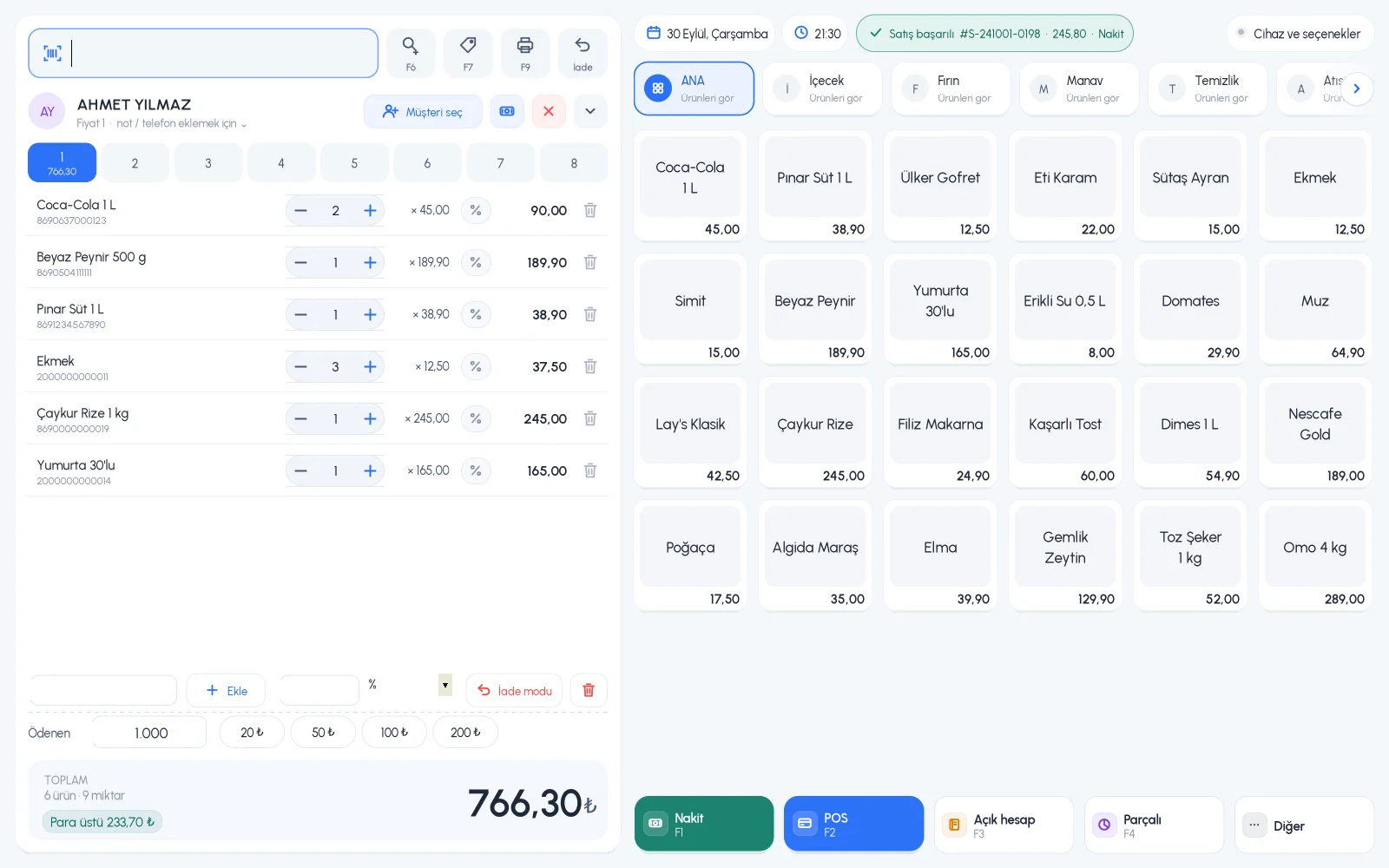
BenimPOS desktop sales screen

Settings on the web, points at every register.

Desktop

Giving and redeeming points with the Loyalty button.

Web

Loyalty settings, members, activity and use at the checkout.

Mobile

Giving points by number in mobile sales too.

Frequently asked questions

If you can't find the answer to your question, check the Help Center or message our WhatsApp support line: +90 312 911 22 33

Does the customer have to use a card or an app?
No. Giving their mobile number at the checkout is enough. They can see their points with their number at benimpos.com/rewards.
Are points shared across my branches?
Yes. If the shared across branches option is on in settings, the customer earns and spends points with the same number at all your branches. Points cannot be used at another business.
Is the loyalty program free?
The loyalty program is available on licensed accounts. You can try all features free for the first month. Plans

Bring your customers back

Signing up takes two minutes. All features are open for the first month; if you get stuck during setup, our WhatsApp support line will help.