Product groups

Group your products and raise prices by group

Organize your products into two-level groups like Drinks › Soft Drinks. Raise prices for all products in a group at once, compare groups in reports and show them as tabs on the sales screen.

All features open for the first month. No credit card required.
BenimPOS screenshot
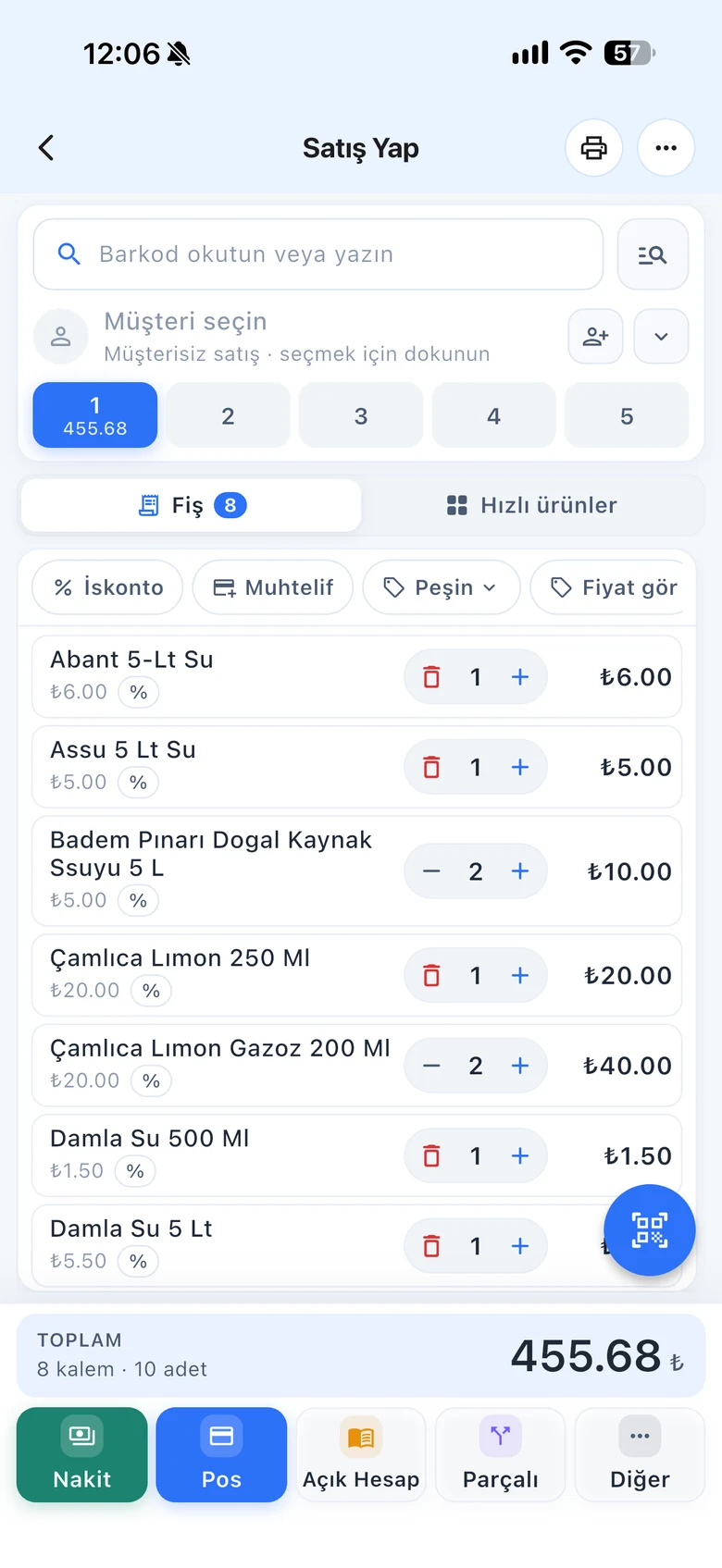
BenimPOS mobile app

An organized product list means faster decisions.

When a supplier raises prices on a product family, you select the group and enter the percentage instead of opening a hundred products one by one. You also see which group makes money on a single line in the report.

Groups

Parent group and subgroup

Type the group name and, if it is a subgroup, select its parent group. Assign products to groups one by one from the product card, in bulk by ticking them in the list, or with Excel.

  • Two-level groups
  • Bulk group assignment from the list
  • Groups not found in Excel are created automatically
Step by step in the Help Center
BenimPOS web: product groups
Bulk price change

For all products in the group at once

Increase or decrease Price 1, Price 2 or purchase price by percentage or amount. You can also change the VAT rate of all products in the group at the same time.

  • Percentage or amount
  • Price 1, Price 2, purchase price
  • Bulk VAT rate update
Step by step in the Help Center
BenimPOS web panel
Sales and reports

Show as a tab, compare in reports

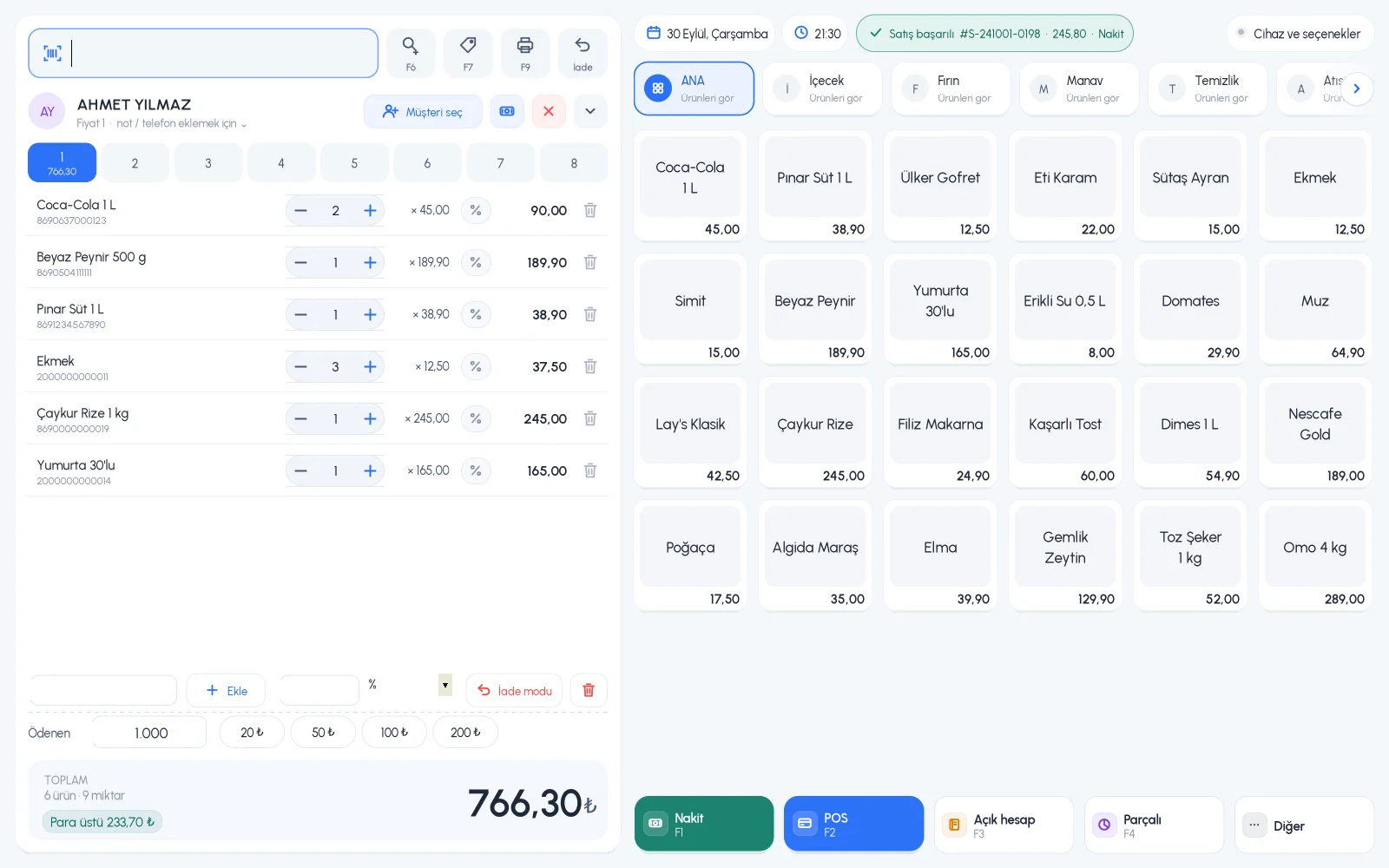
Show a group as a separate tab on the sales screen. See each group's sales and profit in the Group Report; select a group on the label page and print its labels together.

  • Group tab on the sales screen
  • Sales and profit report by group
  • Labels by group
Step by step in the Help Center
BenimPOS desktop sales screen

Same groups on every device.

Desktop

Creating groups and assigning them to products; bulk price changes are made on the web and synced.

Web

Groups, bulk price and VAT updates, bulk assignment.

Mobile

See the Group Report on your phone.

Frequently asked questions

If you can't find the answer to your question, check the Help Center or message our WhatsApp support line: +90 312 911 22 33

Can I undo a bulk price change?
No. A bulk update affects all products in the group and cannot be undone; check the value before applying it.
If I delete a group, are its products deleted?
No. Products in a deleted group become ungrouped, and its subgroups become main groups.
Are product groups available in the free version?
Product groups are included in the licensed plan. You can try all features free for the first month.

Get your products organized

Signing up takes two minutes. All features are open for the first month; if you get stuck during setup, our WhatsApp support line will help.