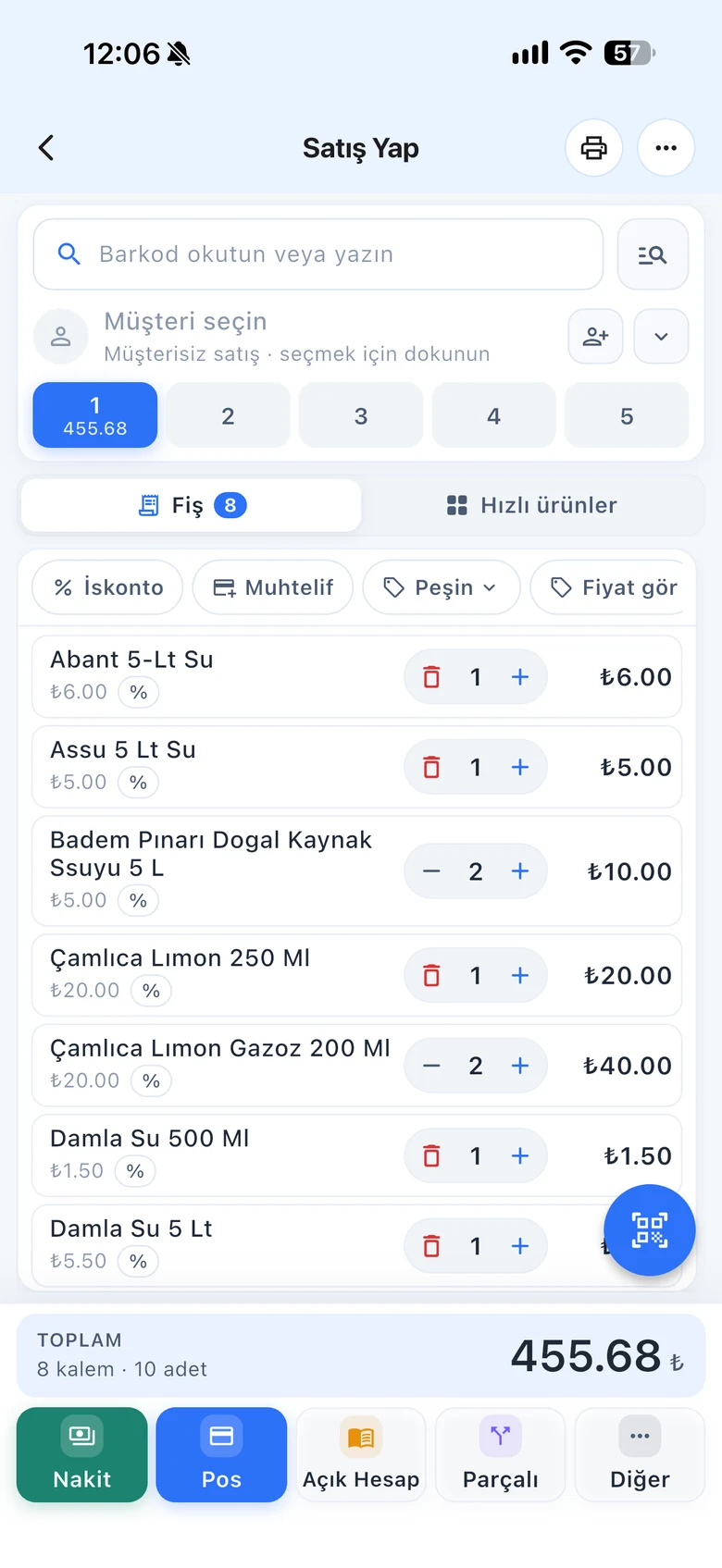
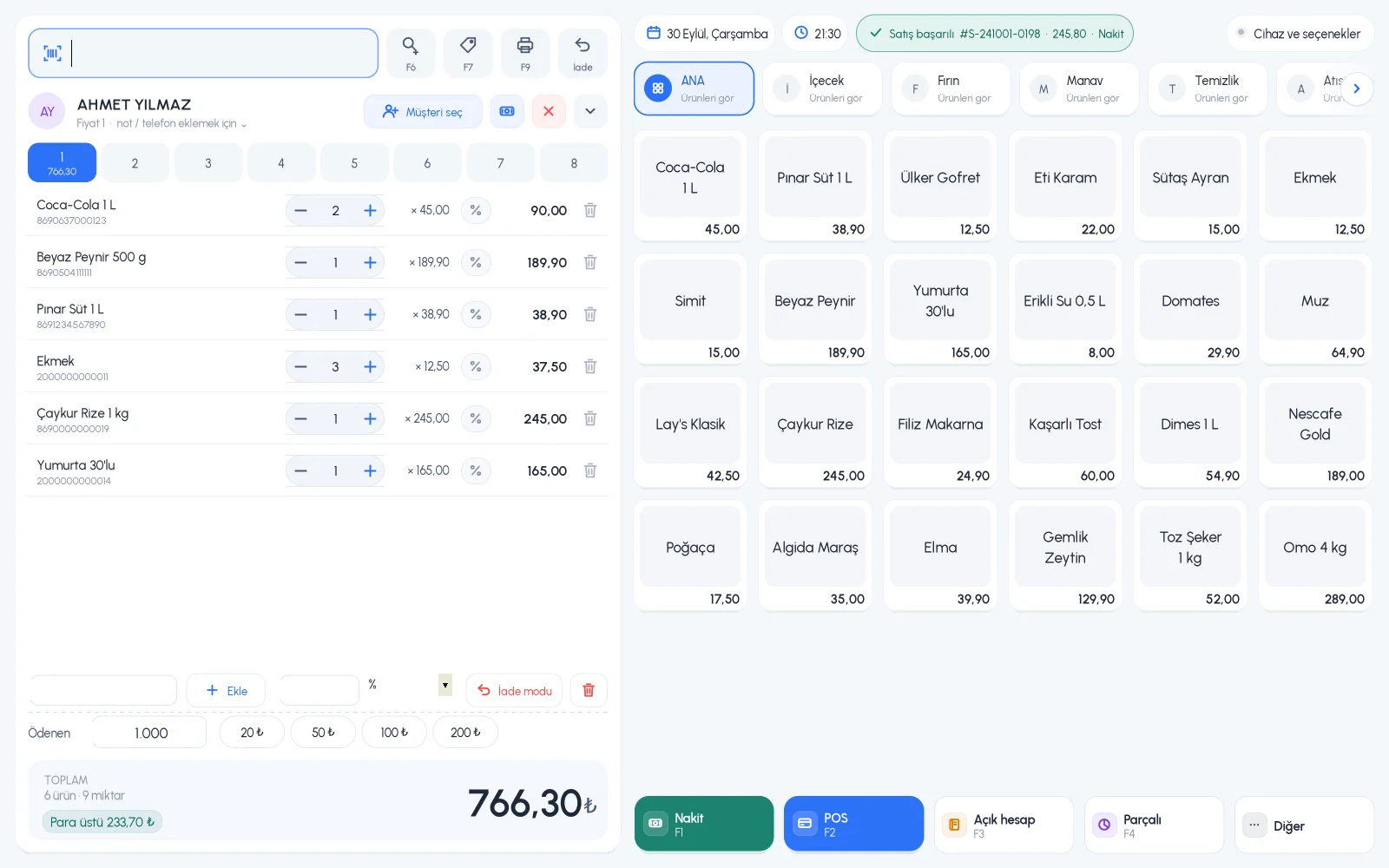
Set a minimum level for each product. When stock drops below it, the product is flagged in the list, a warning appears after the sale and an email arrives every day. You can also block sales of out-of-stock products completely.
All features open for the first month. No credit card required.

When ordering in the evening, you look at the list instead of trying to remember what is running low. You also see products that have not sold for a long time and avoid tying up money in excess stock.
Enter the minimum in the low stock level on the product card. The Low stock filter in the product list shows products below this level; your order list is ready.

A low stock warning appears after a sale. In Email Preferences, you can get a daily email for products at low stock and out of stock.

When the Do not sell when out of stock setting is on, an out-of-stock product shows a warning on the sales screen and is not added to the cart. When it is off, stock can go negative and the product can still be sold; you choose what suits your business.

Low stock level and the sell-without-stock setting on the product card.
Low stock filter, email preferences and bulk product actions.
List low stock products on your phone. Set the level on the web.
If you can't find the answer to your question, check the Help Center or message our WhatsApp support line: +90 312 911 22 33
Signing up takes two minutes. All features are open for the first month; if you get stuck during setup, our WhatsApp support line will help.