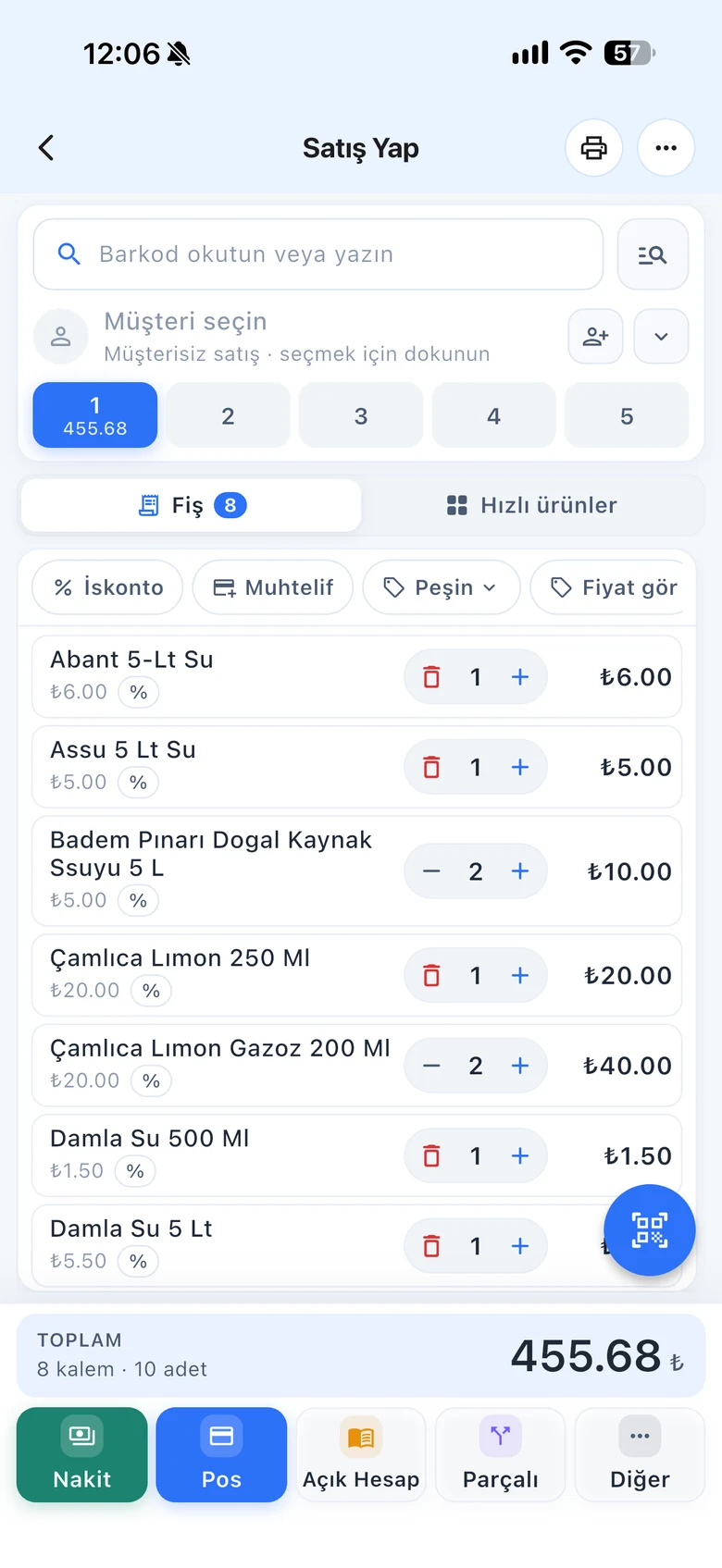
Send products that one branch has too many of to a branch that is short, or from the warehouse to a store. The product is deducted from the sender's stock and added to the recipient as a purchase invoice; if the recipient has no product card, one is created automatically.
All features open for the first month. No credit card required.

In a business with several branches, a product waits on the shelf in one place and runs out in another. During a transfer you see the stock and prices of all branches side by side and send what is needed. If you set up the warehouse as a branch, you also track warehouse stock separately.
Add products by scanning their barcode or by name; the list shows stock and prices in the main account and branches. Enter the quantities and select the receiving branch, the date and the transfer description.

With the Update Prices at Recipient option, set the receiving branch's sale prices to the sender's prices. You can link the transfer to a customer or supplier and choose a payment type and price level.

Filter the transfer list by date range and by incoming or outgoing, and download it to Excel. You can change a transfer's recipient or cancel it.

Transfers are not done on the desktop; stock syncs to the register after the transfer.
Creating transfers, matching prices, incoming and outgoing lists.
Scan products with the camera in the warehouse and transfer them.
If you can't find the answer to your question, check the Help Center or message our WhatsApp support line: +90 312 911 22 33
Signing up takes two minutes. All features are open for the first month; if you get stuck during setup, our WhatsApp support line will help.