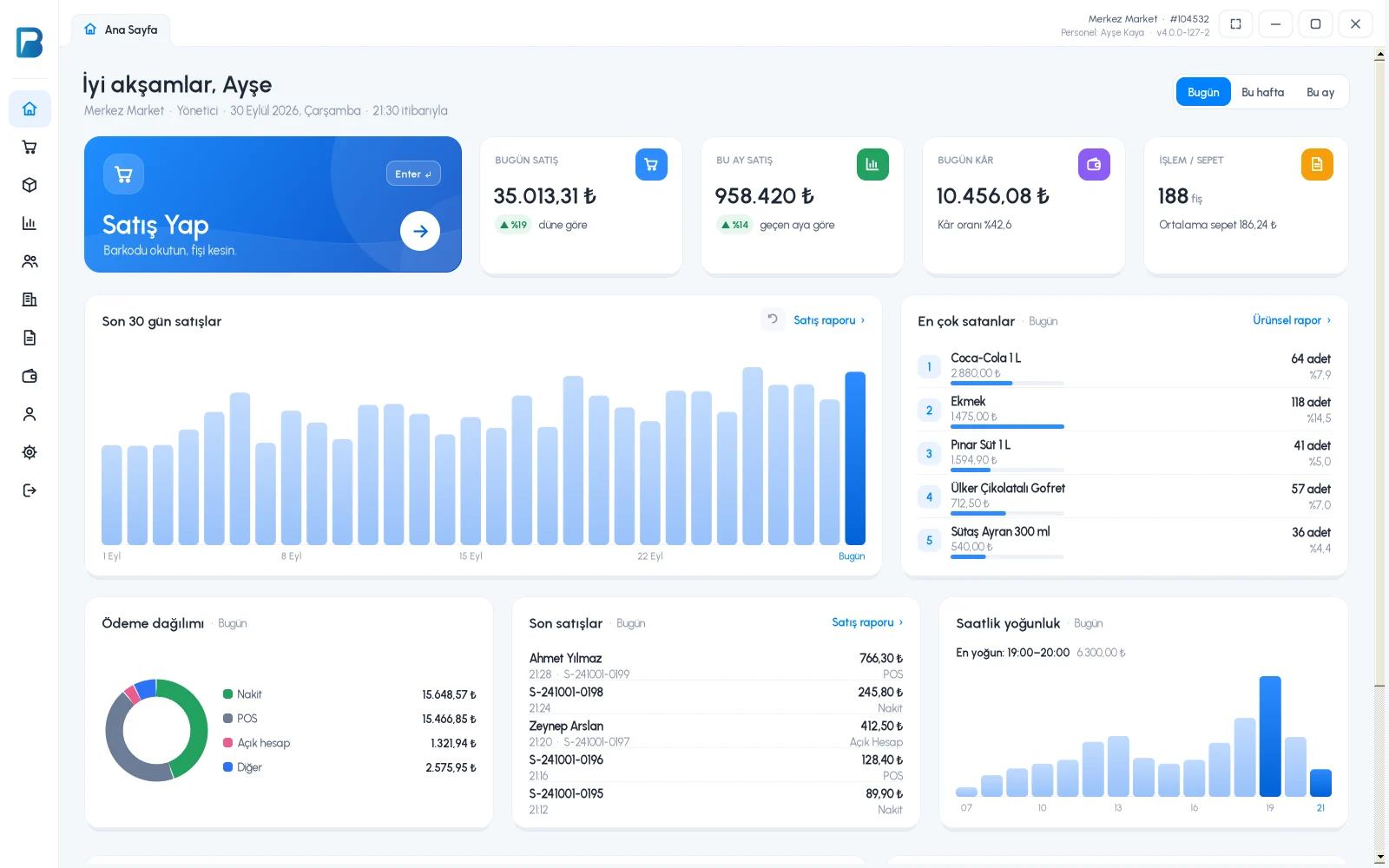
The day's sales, cash, card and on-account totals, payments received, expenses and the cash that should be in the register in one report. Net amounts by VAT rate are ready for your accountant.
All features open for the first month. No credit card required.

When closing the register, you compare the cash you counted with the amount in the system. If there is a difference, you click the sale code and check receipt by receipt. At shift change, you get sales after a certain time separately.
The report opens with today's sales. At the bottom are the cash, card, on-account and total cards; your extra payment types are on separate cards. Payments received, supplier payments, expenses and income are also in the day's summary.

The cash register report calculates the cash that should be in the register from sales, payments, income and expenses. If you open the register at a set time, configure the register opening setting; report shift changes separately with a time range.

When you open the total card, sales, net amounts and VAT amounts by VAT rate are shown. Returns are deducted and non-revenue sales are excluded. Print the report or download it as Excel or PDF.

The day's summary in the sales report, cash register report and VAT breakdown.
Daily report, time and payment type filters, Excel and PDF.
Today's sales, number of receipts, average basket and profit.
If you can't find the answer to your question, check the Help Center or message our WhatsApp support line: +90 312 911 22 33
Signing up takes two minutes. All features are open for the first month; if you get stuck during setup, our WhatsApp support line will help.