Shelf labels

Price changed? Print the shelf label right away

Print shelf and barcode labels one by one on a roll label printer or in bulk on A4 label sheets. Labels can show the price, unit price, origin and price change date.

All features open for the first month. No credit card required.
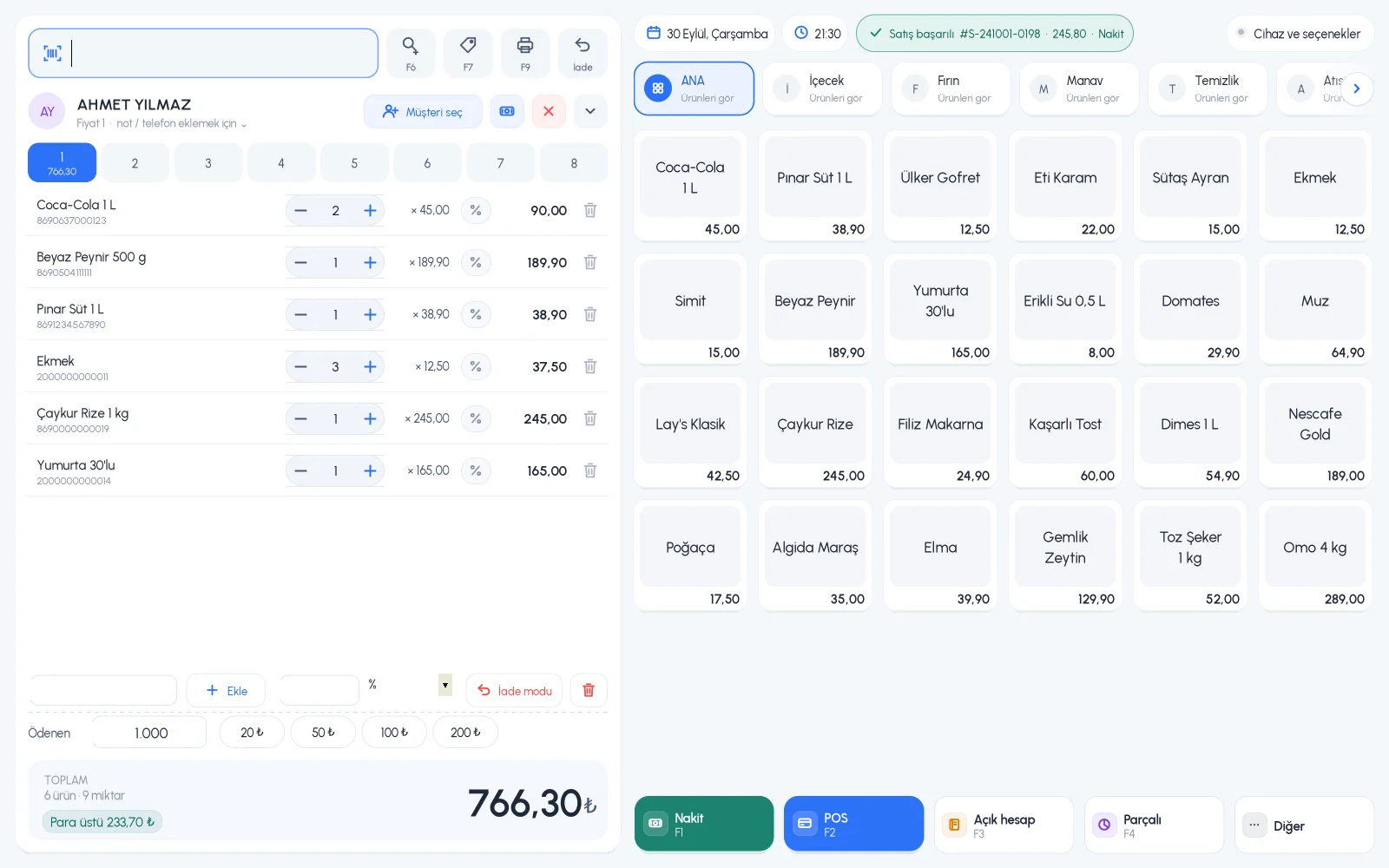
BenimPOS screenshot
BenimPOS mobile app

The price at the checkout should match the price on the shelf.

If you raised prices but the labels are old, customers are surprised at the checkout. Select products by barcode, name or group and print their labels together; you can also renew the labels for the whole store at once.

Selection

Select products by barcode, name or group

Add products to the list by scanning their barcode, by name or by selecting a product group. Bring in only products in stock; print the whole store or the products in stock at once.

  • Selection by barcode, name and group
  • Only products in stock
  • Bulk printing for all products
Step by step in the Help Center
BenimPOS web: print labels
Template

Single or A4, five templates each

Choose a single template for a label printer or a multi-label template for A4 label sheets. Tick the information to show on the label: product name, store name, price, unit price, origin, price change date, barcode.

  • Single label: 5 templates
  • A4 multi-label: row and column settings
  • Your own label design
Step by step in the Help Center
BenimPOS web: label templates
From anywhere

Directly to the printer on desktop, Bluetooth on mobile

On the desktop, labels go straight to the label printer you select; you print a single product's label from the product card. On mobile, you print a product's barcode label on a Bluetooth printer.

  • Direct printing on desktop
  • Single label from the product card
  • Bluetooth labels on mobile
Step by step in the Help Center
BenimPOS desktop

Print labels from whichever printer is nearest.

Desktop

Single labels straight to the printer, A4 labels as PDF.

Web

Bulk shelf labels, templates and label design.

Mobile

Sending a barcode label from the product card to a Bluetooth printer.

Frequently asked questions

If you can't find the answer to your question, check the Help Center or message our WhatsApp support line: +90 312 911 22 33

Which label printers work?
Label printers with a driver installed on Windows work; the driver needs to be set to your label size. Hardware recommendations
Can I show the unit price on the label?
Yes. Turn on unit price and price change date in the label fields; shelf labels may be required to show this information.
Can I print labels for a group whose prices I raised, all together?
Yes. On the label page, select the product group and print labels for all products in that group together. Product groups

Keep your shelf labels in line with your prices

Signing up takes two minutes. All features are open for the first month; if you get stuck during setup, our WhatsApp support line will help.