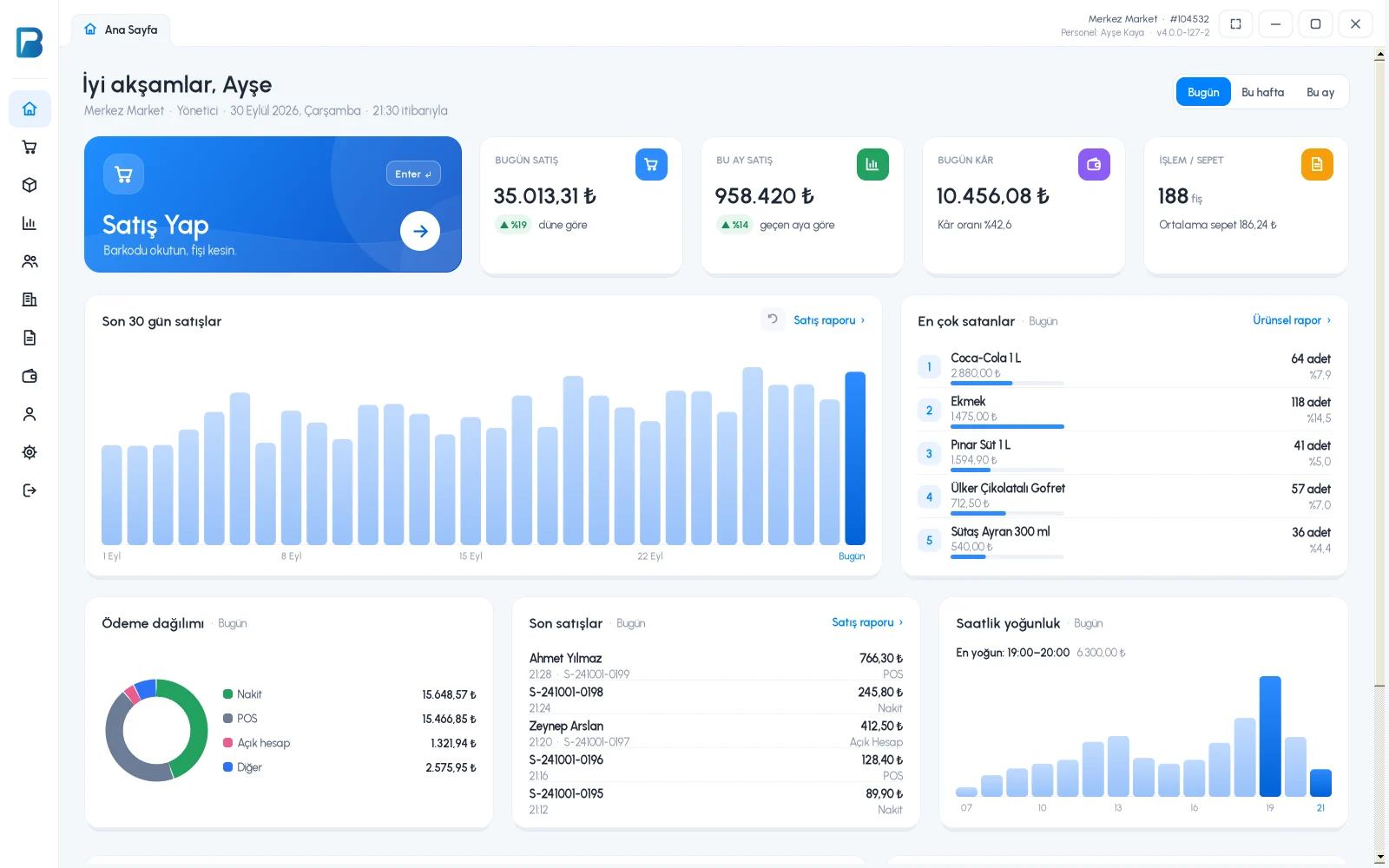
Profit by product

Which product really makes you money?

In the Product Report, see how much of each product you sold, the amount, the average purchase and sale price and the profit. In the Group Report, compare the same information by product group.

All features open for the first month. No credit card required.
BenimPOS screenshot
BenimPOS mobile app

Best-selling and most profitable are not the same.

Some products inflate revenue but leave no profit; some sell less but have a high margin. Profit by product and group lets you arrange your shelves and orders accordingly.

Product Report

Quantity, amount and profit for each product

Select a date range; the sales quantity, remaining stock, average purchase and sale price, amount and profit of each product are listed. View combined or day by day.

  • Quantity, amount and profit
  • With remaining stock
  • Combined or day by day
Step by step in the Help Center
BenimPOS web: Product Report
Filters

Staff, customer and supplier

See separately what a staff member sold, what a customer bought or the sales of products you bought from a supplier. Include returns, misc. and non-revenue sales if you like.

  • Group, staff, customer, supplier
  • Return and misc. options
  • Excel and PDF
Step by step in the Help Center
BenimPOS web panel
Group Report

Put groups side by side

See the total quantity, sales and profit of each product group; open a group's details to see which products stand out.

  • Sales and profit by group
  • Drilling down from group to product
  • The same report on mobile
Step by step in the Help Center
BenimPOS mobile app

Reports on every device.

Desktop

Product and Group Reports, export to Excel.

Web

All filters, Excel and PDF.

Mobile

Get the Product and Group Reports on your phone.

Frequently asked questions

If you can't find the answer to your question, check the Help Center or message our WhatsApp support line: +90 312 911 22 33

Why does profit show as zero or negative?
Profit is calculated from the purchase price; for products without a purchase price, profit is not shown. Enter the purchase price on the product card or the purchase invoice.
Is the Product Report available in the free version?
The Product and Group Reports are included in the licensed plan. You can try all features free for the first month.
Can I see how well a supplier's products sell?
Yes. Select the supplier filter in the Product Report; sales of the products you bought from that supplier are listed.

Arrange your shelves by profit

Signing up takes two minutes. All features are open for the first month; if you get stuck during setup, our WhatsApp support line will help.