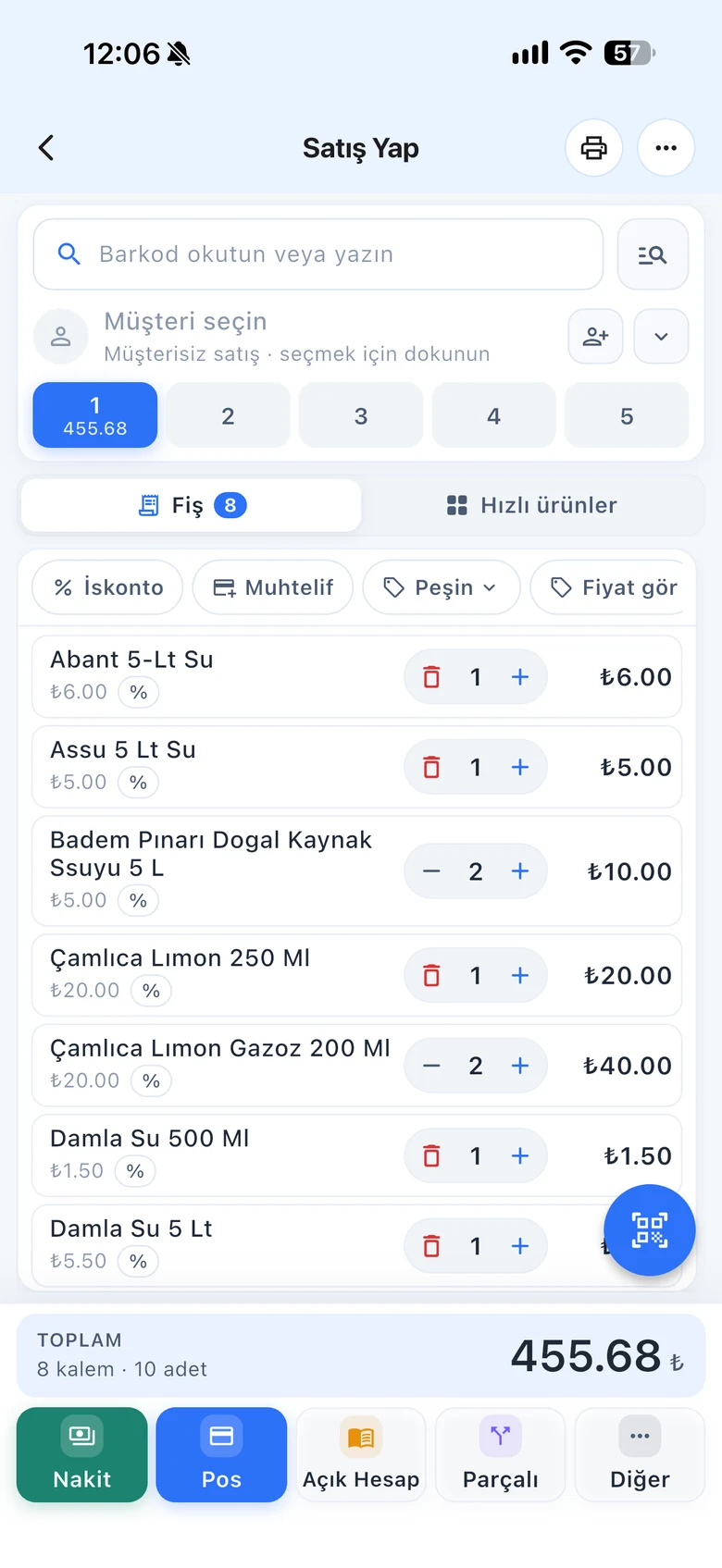
An order by phone, a package to prepare, goods to deliver the next day. Record the order from the sales screen; when it's ready, turn it into a sale with one tap. Stock drops when the sale is made.
All features open for the first month. No credit card required.

Orders noted on paper get forgotten, and if a sale is entered before the order is prepared, stock drops too early. In the order module, the order waits with its products and customer; you can add or remove products, print it and turn it into a sale when the time comes.
Select the products and the customer as in a sale, and choose "Save as order" instead of payment. You only need to turn on the order module once in the settings.

On the Orders page, select a date range and customer to list orders. Open an order to add or remove products or print it.

When you turn an order into a sale, the sales screen opens with the order's products; you choose the payment type and complete it. Stock drops at that moment. If you try to convert the same order a second time, the app warns you.

The order module is not in the desktop app; manage orders from web or mobile.
Create, list, edit orders and turn them into sales.
Take orders on your phone in the field or in the warehouse and turn them into sales on delivery.
If you can't find the answer to your question, check the Help Center or message our WhatsApp support line: +90 312 911 22 33
Signing up takes two minutes. All features are open for the first month; if you get stuck during setup, our WhatsApp support line will help.