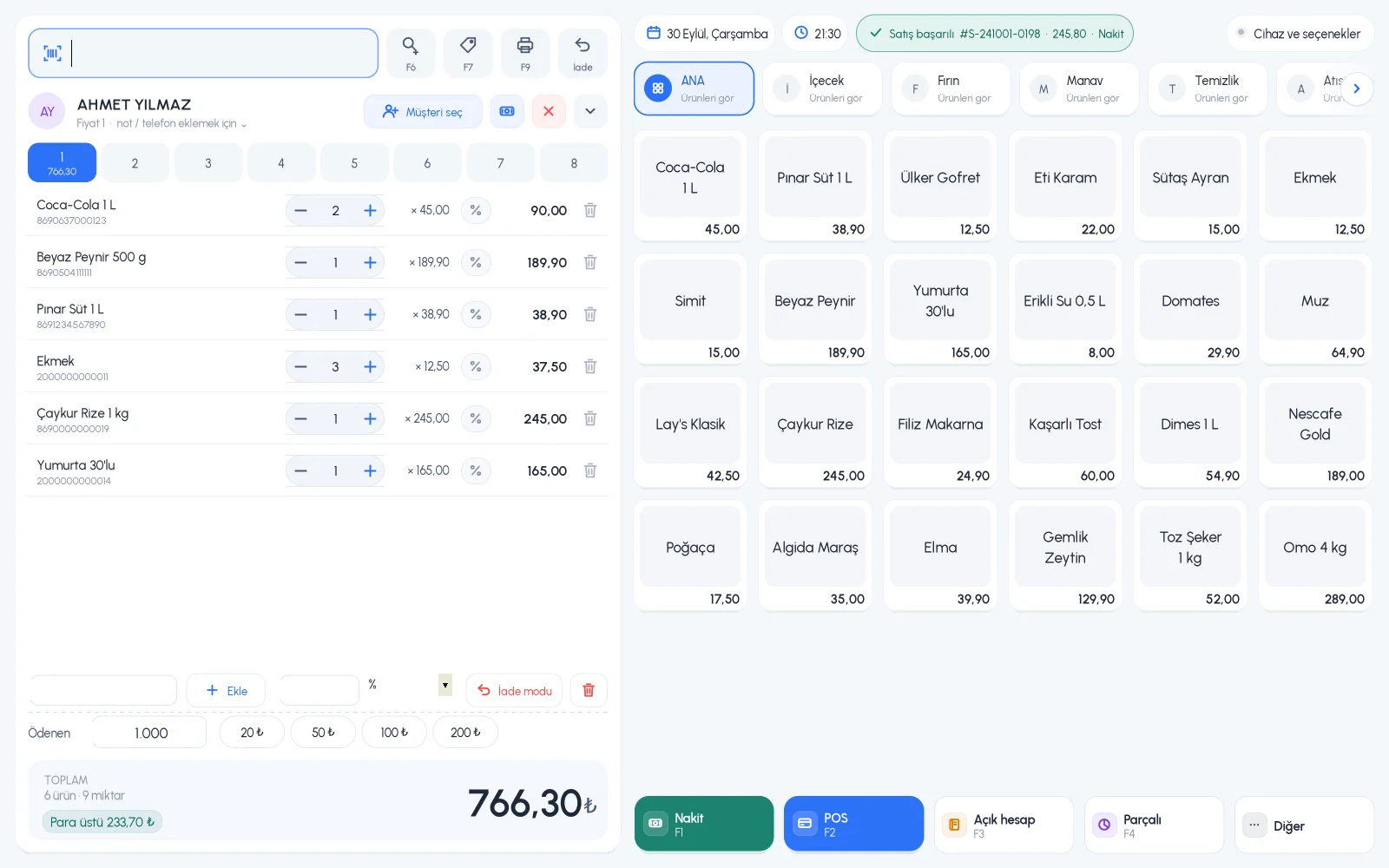
Cheese, olives, nuts, vegetables. When you scan the barcode printed by the scale, the product goes on the receipt with its weight and amount. With a scale connected to the computer by cable, the weight goes straight to the sales screen.
All features open for the first month. No credit card required.

A barcode scale prints a label with the weight for the weighed product, and you scan this label at the till. A scale connected to the computer sends the weight directly to the sales screen by cable. Depending on which one you use, a few settings in BenimPOS are all you need.
The first digits of the scale barcode are the product code, and the next digits are the weight. Enter these digit counts once in the settings; save weighed products with the first 7 or 8 digits of the barcode and select KG as the unit.

The Barcode Scale Export page lists your KG and gram unit products in the format the scale needs. Download the list as Excel and load it into the scale's software; you don't define products on the scale one by one.

Connect the scale to the till computer via USB and select the scale port and data type. When you scan a KG or gram unit product or select it from the quick list, the product is added to the receipt with the weight on the scale.

Scan the barcode scale label, or connect the scale to the computer and sell by weighing.
Scale settings, scale export and sales with barcode scale labels.
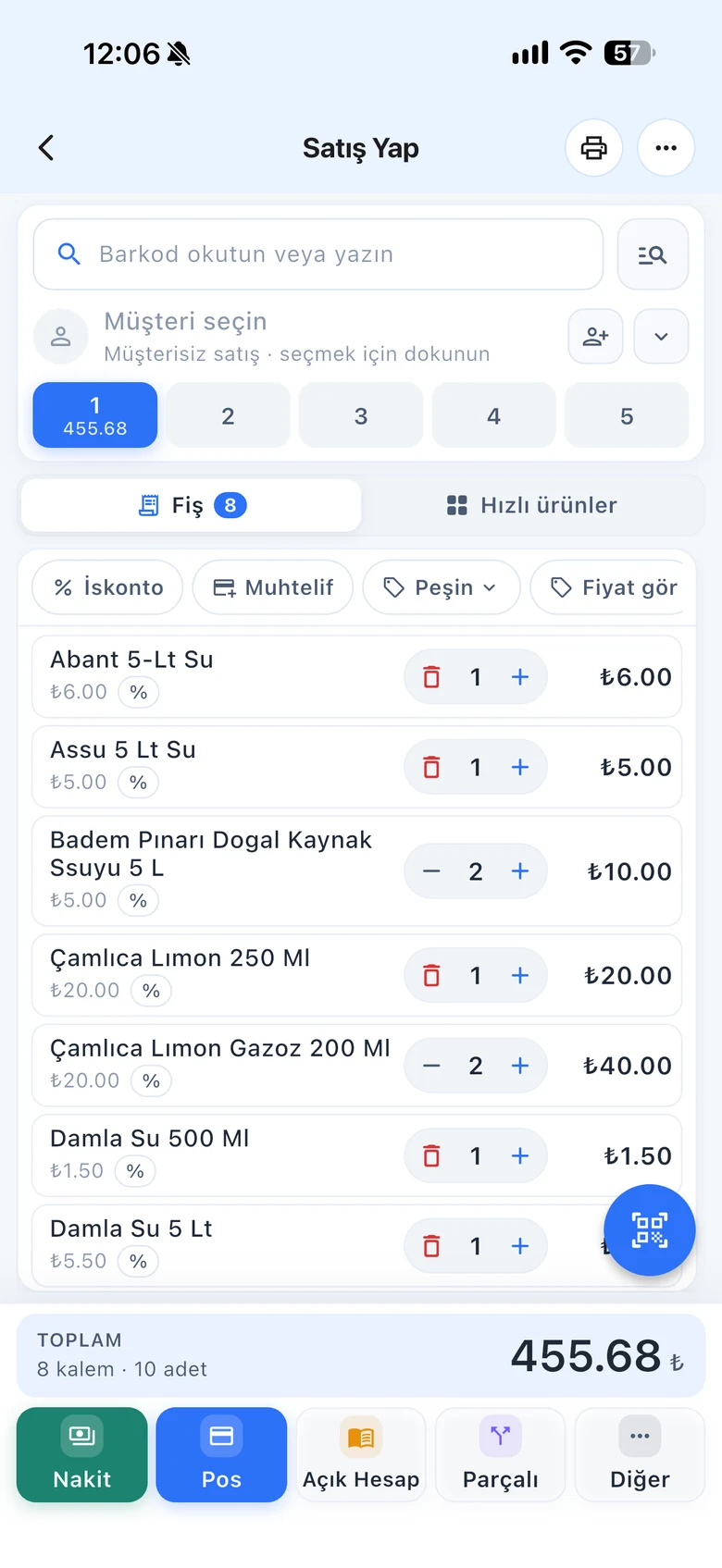
Scan the scale label like a barcode with your phone camera.
If you can't find the answer to your question, check the Help Center or message our WhatsApp support line: +90 312 911 22 33
Signing up takes two minutes. All features are open for the first month; if you get stuck during setup, our WhatsApp support line will help.