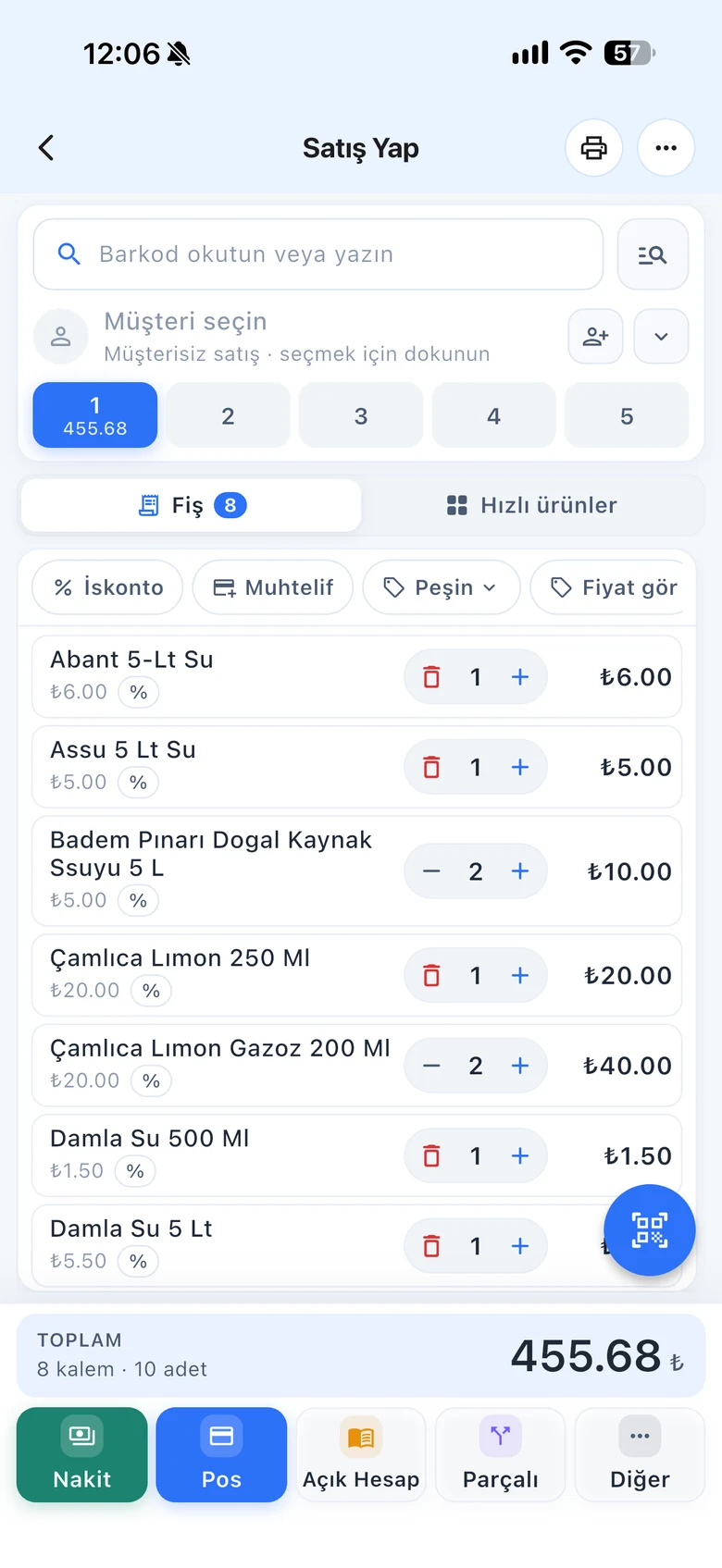
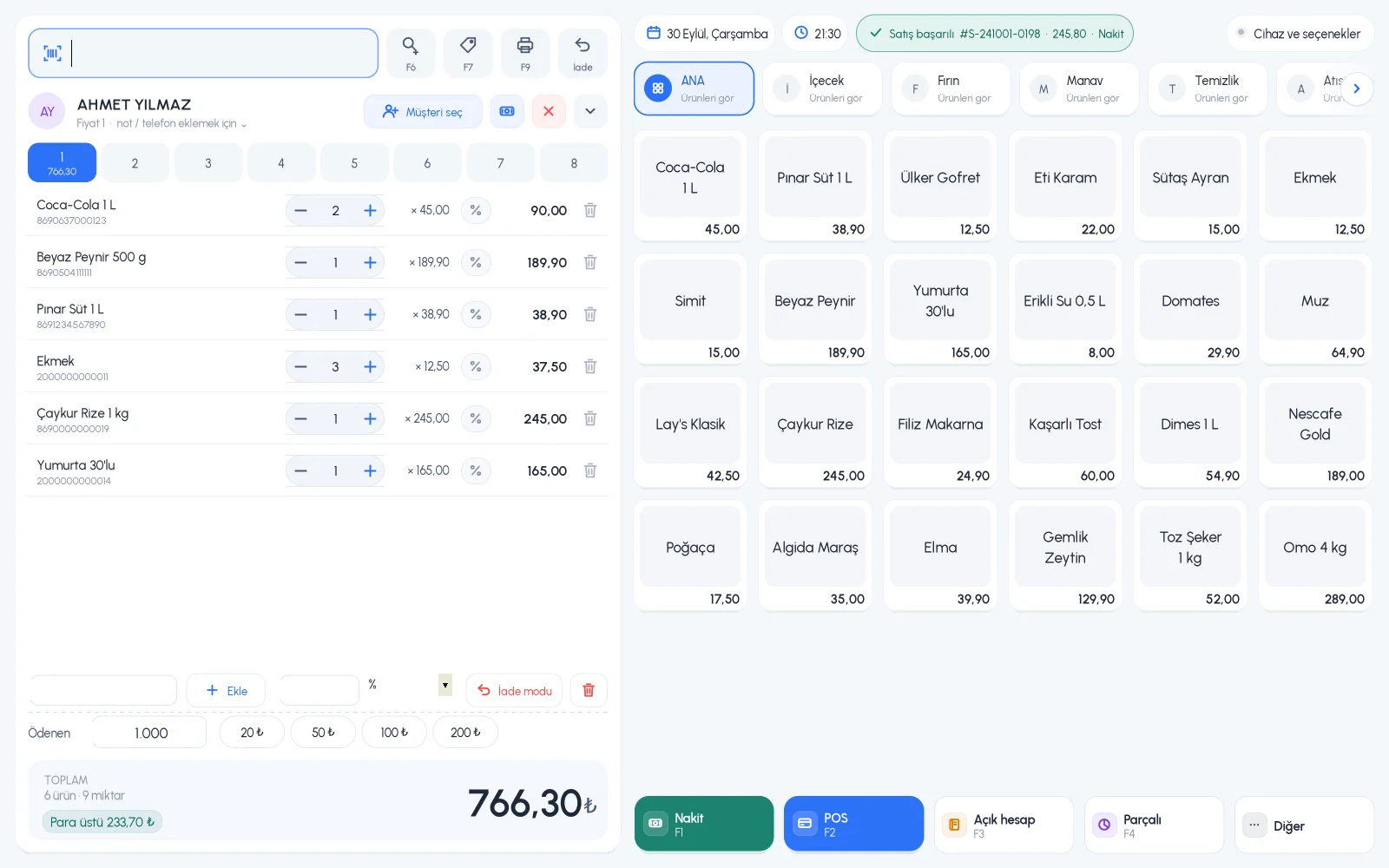
Enter three different sale prices for each product, and assign each customer their own price level and discount. When you select the customer at the till, the price and the discount fill in automatically.
All features open for the first month. No credit card required.

Wholesale for tradesmen, a discount for staff, a special price for an institution. Instead of remembering these at every sale, you define them once; you also decide which price the cashier can use and how much discount they can give.
Price 1 is your retail price. Use Price 2 and the optional Price 3 as wholesale, dealer, staff or promotion prices. Rename the prices to fit your business, and choose which price to sell at on the sales screen.

Set the price level and discount rate on the customer card. When you select that customer in a sale, the price level changes automatically and the assigned discount is applied to the receipt as a percentage.

Apply a discount to a single product or the whole receipt, as a percentage or an amount. You can give a product a two-step discount; the second is applied to what remains after the first. A discount can also be added to a saved sale later.

Price level selection when selling, product and receipt discounts, preset discount rates.
Price names, customer-specific prices and discounts, staff discount permissions.
When you select a customer, the price level and discount fill in automatically on the phone too.
If you can't find the answer to your question, check the Help Center or message our WhatsApp support line: +90 312 911 22 33
Signing up takes two minutes. All features are open for the first month; if you get stuck during setup, our WhatsApp support line will help.