Grocery store software

Your grocery store's credit notebook is now at the till

You know your neighborhood customers, but the notebook gets messy. In BenimPOS, each customer's credit is kept on their own card, barcode scanning speeds up sales, and you notice when a product runs out.

All features open for the first month. No credit card required.
BenimPOS web sales screen
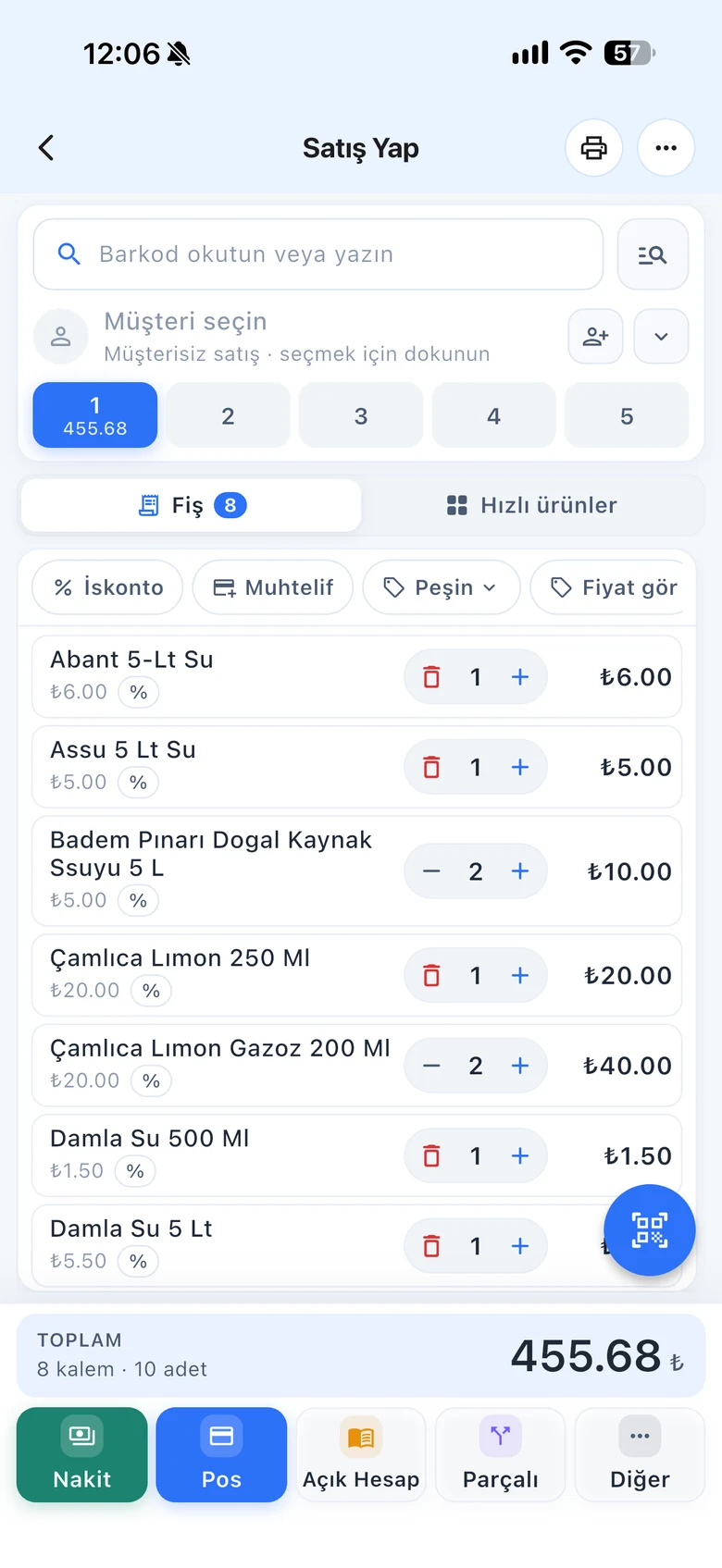
BenimPOS mobile app: daily sales summary
  • Daily essentials
  • Bread
  • Milk
  • Eggs
  • Confectionery
  • Beverages
  • Detergent

The corner shop is where the neighborhood keeps its tab.

Bread, milk, detergent, a pack of tea. Most customers come every day, and some pay at the end of the month. BenimPOS works the way a corner shop does: fast sales, clean credit records, fully stocked shelves.

Credit sales

Customer cards instead of a notebook

See who owes how much and when they last paid without flipping pages. On-account sales are recorded on the customer's card, and payments are deducted from the balance when they come in.

  • Debt, payment and purchase history per customer
  • Credit limit and due date per customer
  • Add payments without leaving the sales screen
BenimPOS: customer card and on-account sales
Checkout

Don't keep anyone waiting in the bread line

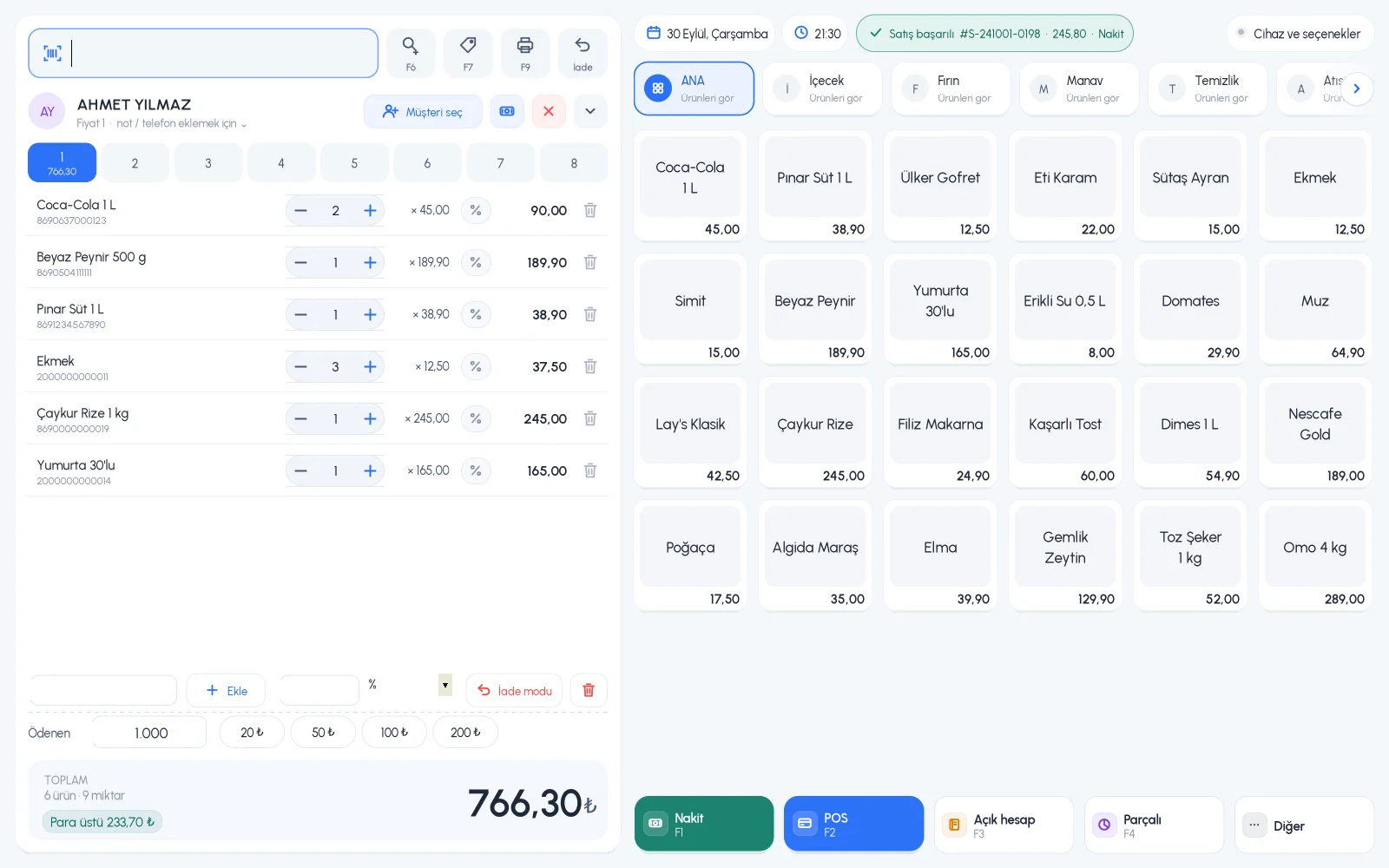
Scan barcoded products, and add products without barcodes, like bread, with one tap on a quick item button. Take the payment and move on to the next customer.

  • 8 separate customer baskets
  • Quick item buttons and categories
  • Return mode and split payment
BenimPOS desktop sales screen
Products

Scan the barcode and the product fills in

Don't type in new products one by one. The ready-made product catalog has more than 3.2 million barcoded products; to add one from the catalog, just scan the barcode and enter only your price and stock.

  • Define a product that isn't in the catalog once, then always sell it by scanning
  • A product can have three different prices and more than one barcode
  • You can also scan barcodes with your phone camera
BenimPOS mobile app: adding a product by barcode
Stock

A product missing from the shelf is a lost sale

Don't try to remember what ran out when ordering in the evening. See products that have dropped to low stock and slow-moving products that haven't sold for a long time in separate lists. Several people can do a stock count at the same time with their phone cameras.

  • Low stock and slow-moving product lists
  • Simultaneous stock counts with phones
  • Batch-by-batch tracking for products with expiry dates
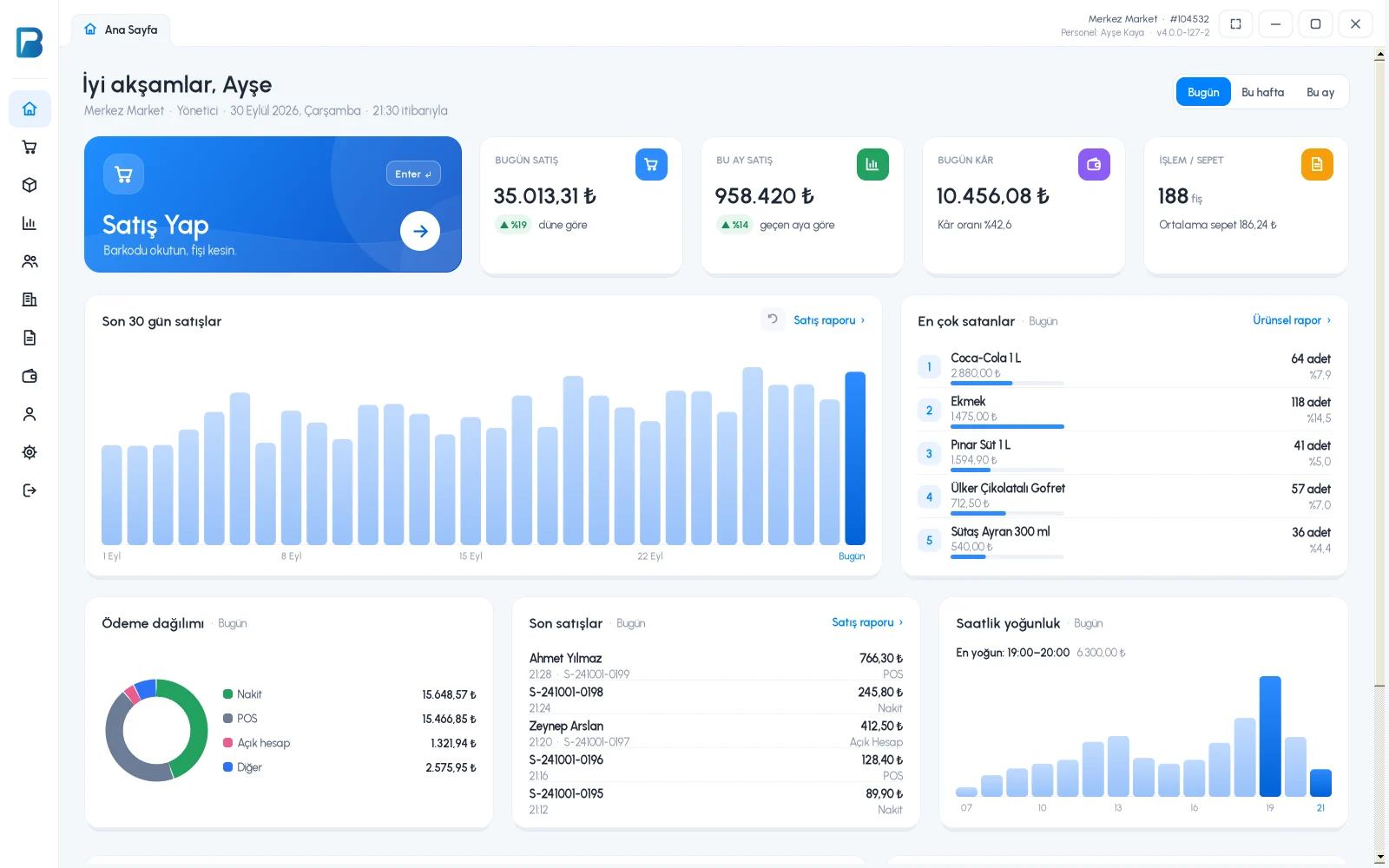
BenimPOS desktop home page: stock and sales summary
Even without internet

Sales continue even if the internet goes down

The desktop app saves sales on your computer first. When the connection returns, everything syncs automatically with your web and mobile account, so in the evening you can check the day's sales on your phone from home.

  • Offline sales and stock deduction
  • Automatic sync when the connection returns
  • Data both on the computer and in the cloud
BenimPOS desktop home page: daily sales summary

A computer at the till, a tablet at home, a phone on the go. All the same account.

Desktop

Installs on a Windows computer; sales continue even if the internet goes down. Works with scales, fiscal cash registers (Turkey) and customer displays.

Web

No installation needed. Manage your products, invoices and reports from any computer.

Mobile

Scan barcodes with your phone camera to make sales or count stock. See the day's sales and profit from anywhere.

Questions from grocery store owners

If you can't find the answer to your question, message our WhatsApp support line: +90 312 911 22 33

Can I set a credit limit for customers who buy on credit?
Yes. You can set a credit limit on the customer card; when you select the customer on the sales screen, their debt and limit are shown together.
Is the free version enough for a grocery store?
The free desktop version includes sales, receipts, returns, product and stock tracking, customers and credit sales, fiscal cash register integration (Turkey) and a sales report for the last 7 days. Profit and cost, past reports, the low stock list and staff permissions require a license.
Do I have to enter products one by one?
For products in the ready-made product catalog, just scan the barcode and the product name fills in automatically. Products that aren't in the catalog are defined once, then you always sell them by scanning.
Do sales stop if the internet goes down?
No. The desktop app works offline. Sales are first saved on your computer, then synced automatically with your web and mobile account when the connection returns.
Does it work with fiscal cash registers and e-invoices?
Yes, in Turkey. It works with Ingenico, Beko, Hugin, Inpos, Paygo and Propay fiscal cash registers, Ödeal and Pavo e-invoice POS devices, and the MySoft, eLogo, EDM and E-Dönüştür e-invoice integrators. The integrations are free on the BenimPOS side.
Is it paid? How do I start?
You use all features free for the first month after signing up, and no credit card is required. After that you can continue with the free desktop version or buy a license. Profit and cost reports, the low stock list, staff permissions and money points are available in the licensed plan. See pricing.

Open an account for your grocery store today

Signing up takes two minutes. All features are open for the first month; if you get stuck during setup, our WhatsApp support line will help.