Can I use it on a touchscreen POS computer?
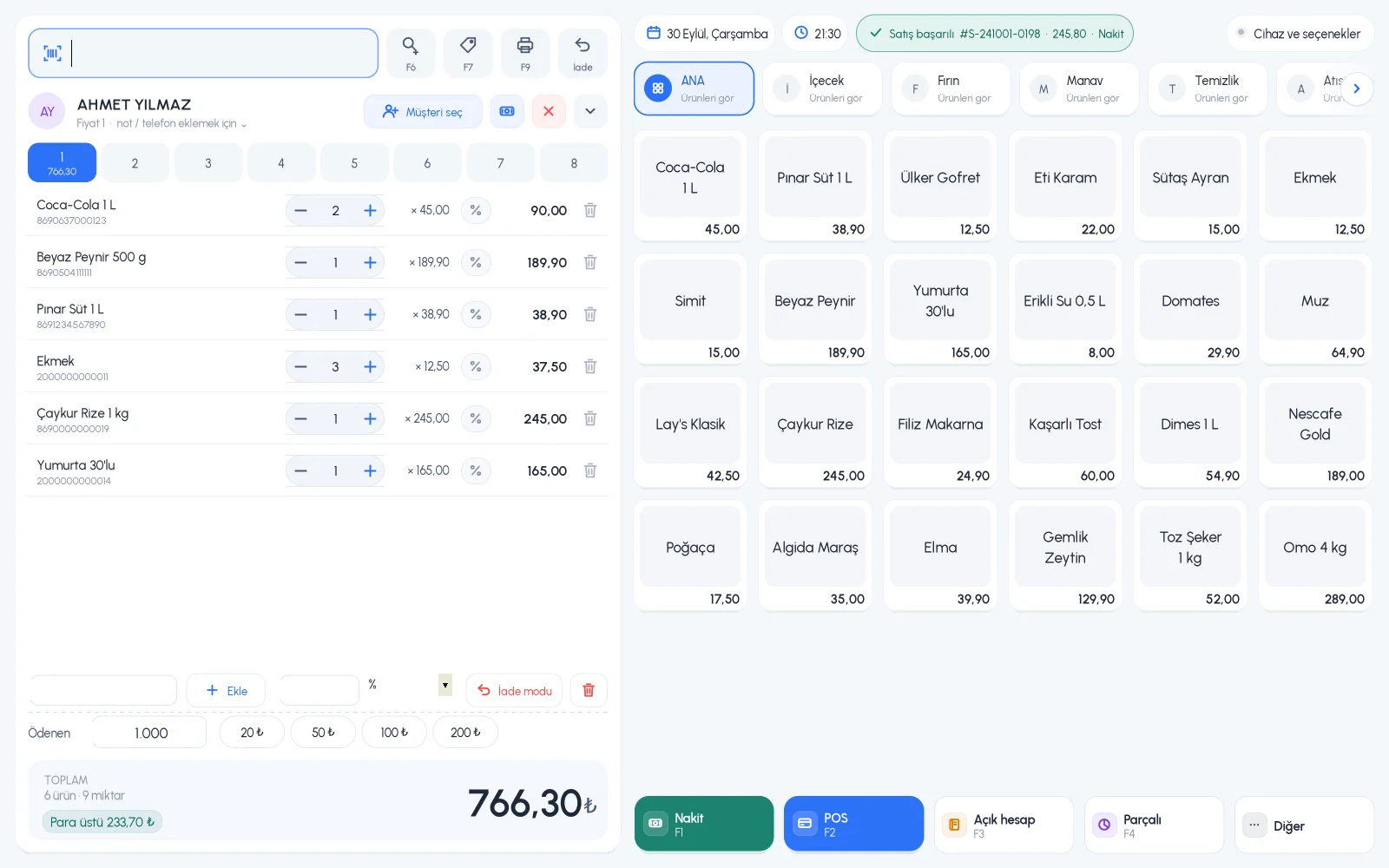
Yes. The Desktop 4.0 sales screen is designed for touchscreens. On dual-screen POS computers you can use the second screen as a customer display; the customer display is available in the licensed plan.
Can I see sales cancelled by my staff?
Yes. Cancelled sales are listed separately in the reports; you can filter them by staff member and time range.
Do I have to enter products one by one?
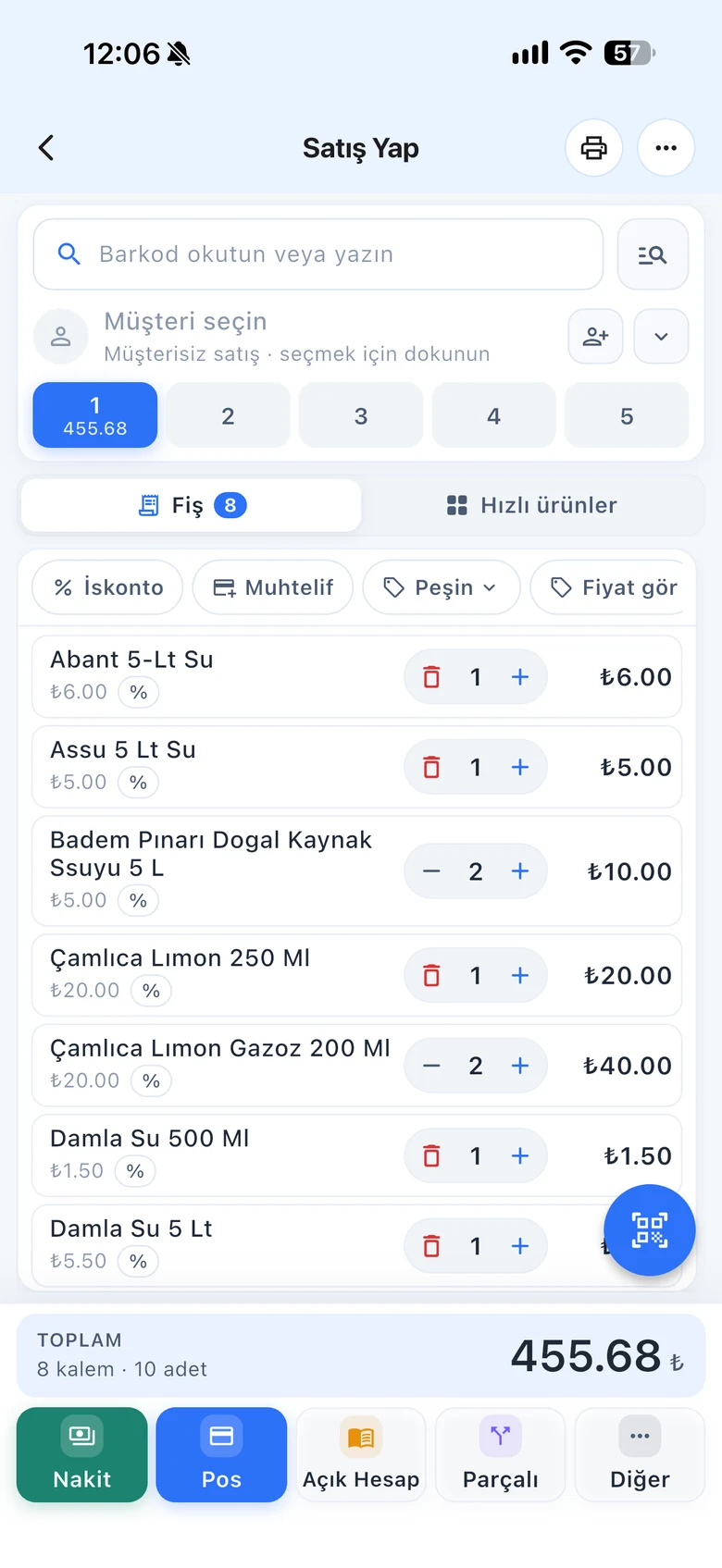
For products in the ready-made product catalog, just scan the barcode and the product name fills in automatically. Products that aren't in the catalog are defined once, then you always sell them by scanning.
Do sales stop if the internet goes down?
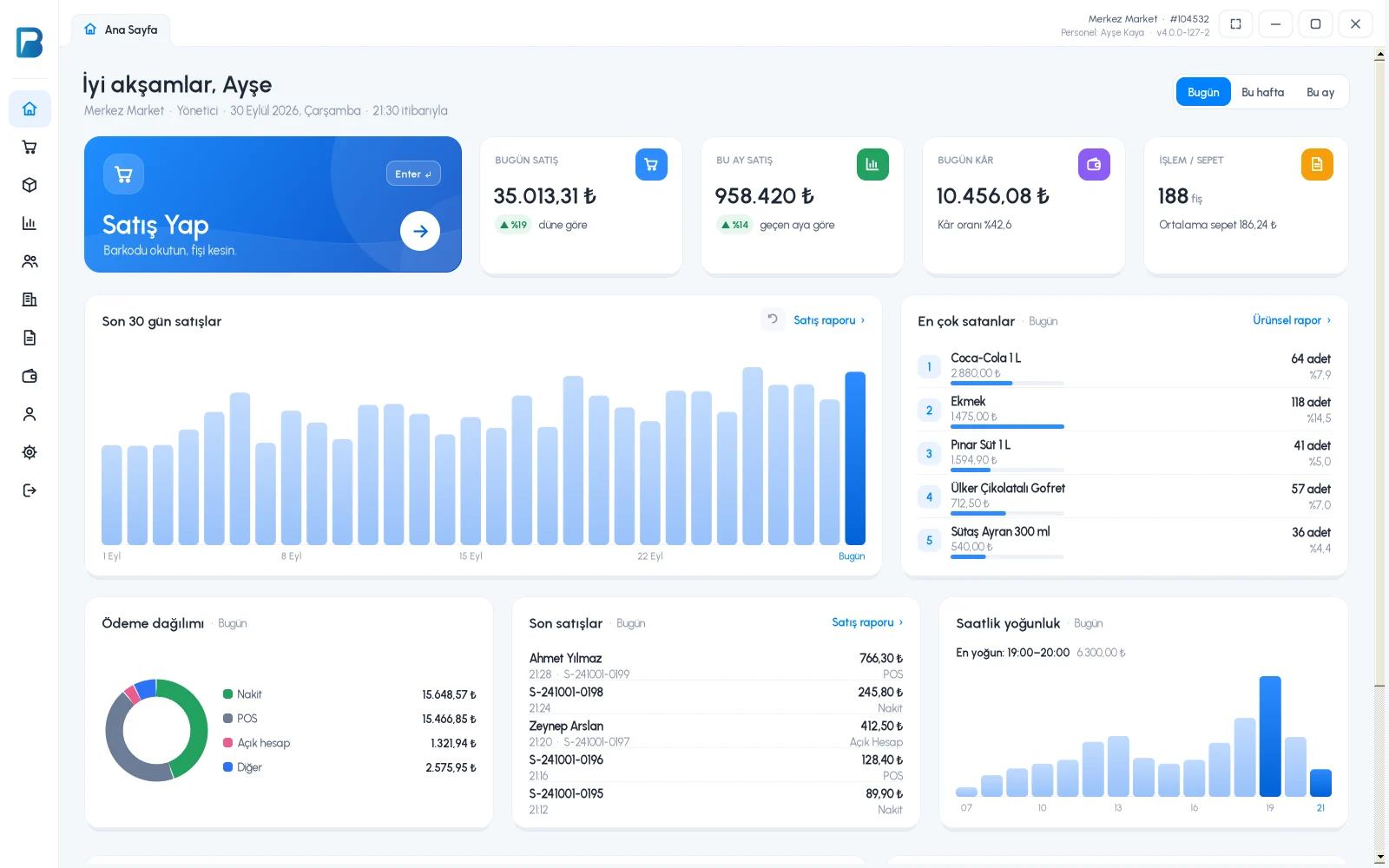
No. The desktop app works offline. Sales are first saved on your computer, then synced automatically with your web and mobile account when the connection returns.
Does it work with fiscal cash registers and e-invoices?
Yes, in Turkey. It works with Ingenico, Beko, Hugin, Inpos, Paygo and Propay fiscal cash registers, Ödeal and Pavo e-invoice POS devices, and the MySoft, eLogo, EDM and E-Dönüştür e-invoice integrators. The integrations are free on the BenimPOS side.
Is it paid? How do I start?
You use all features free for the first month after signing up, and no credit card is required. After that you can continue with the free desktop version or buy a license. Profit and cost reports, the low stock list, staff permissions and money points are available in the licensed plan.
See pricing.

 Desktop
Works offline too
Desktop
Works offline too
 Android
Phone and tablet
Android
Phone and tablet
 iPhone & iPad
iOS 13 or later
iPhone & iPad
iOS 13 or later
 Huawei
AppGallery
Huawei
AppGallery