Pet shop software

Your pet shop's checkout, stock and customers in one program

Sell packaged food by barcode and loose food with the scale. Let BenimPOS track the size and color stock of collars, the expiry dates of treats and your regular customers' purchases.

All features open for the first month. No credit card required.
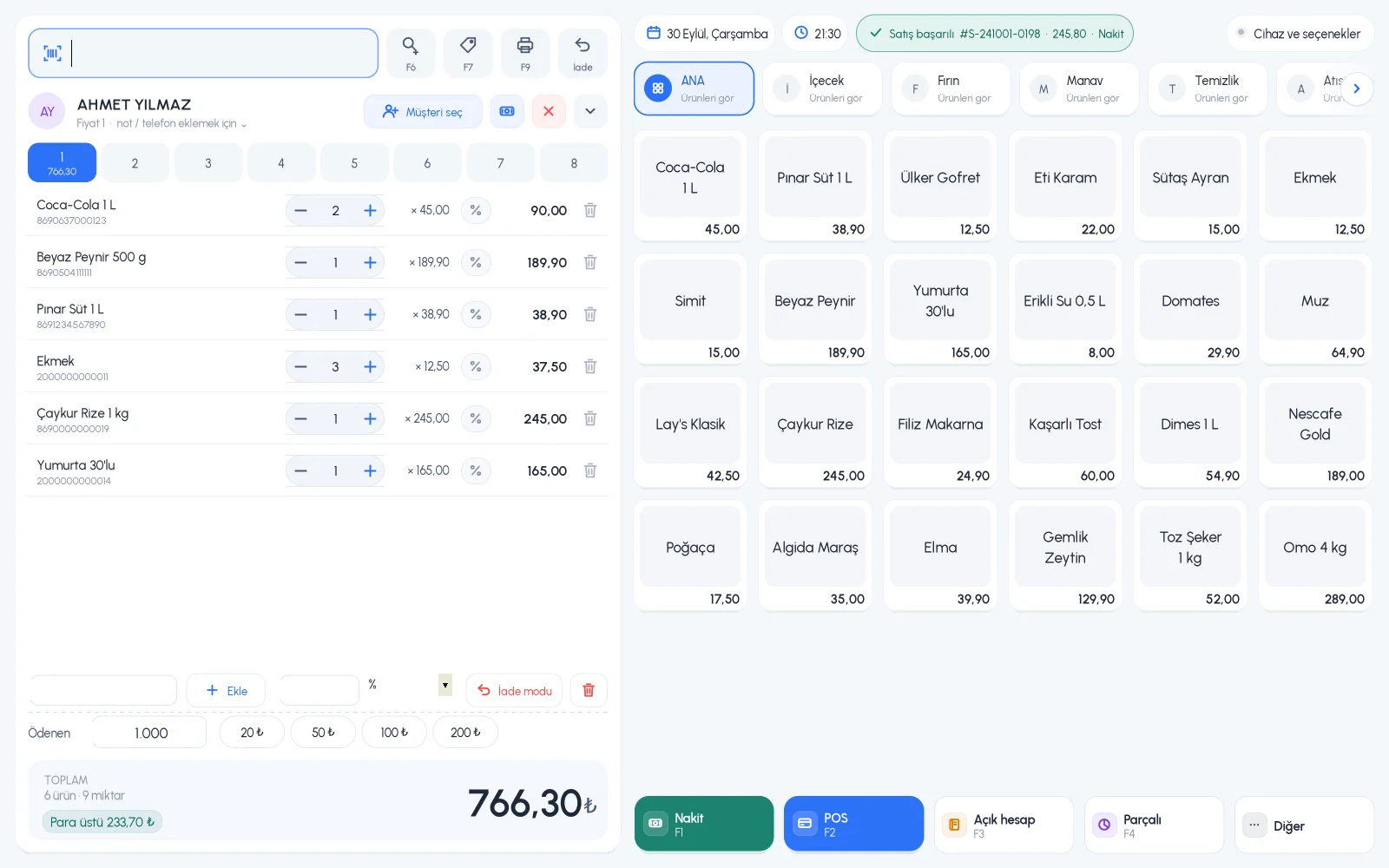
BenimPOS web sales screen: basket full of pet shop products
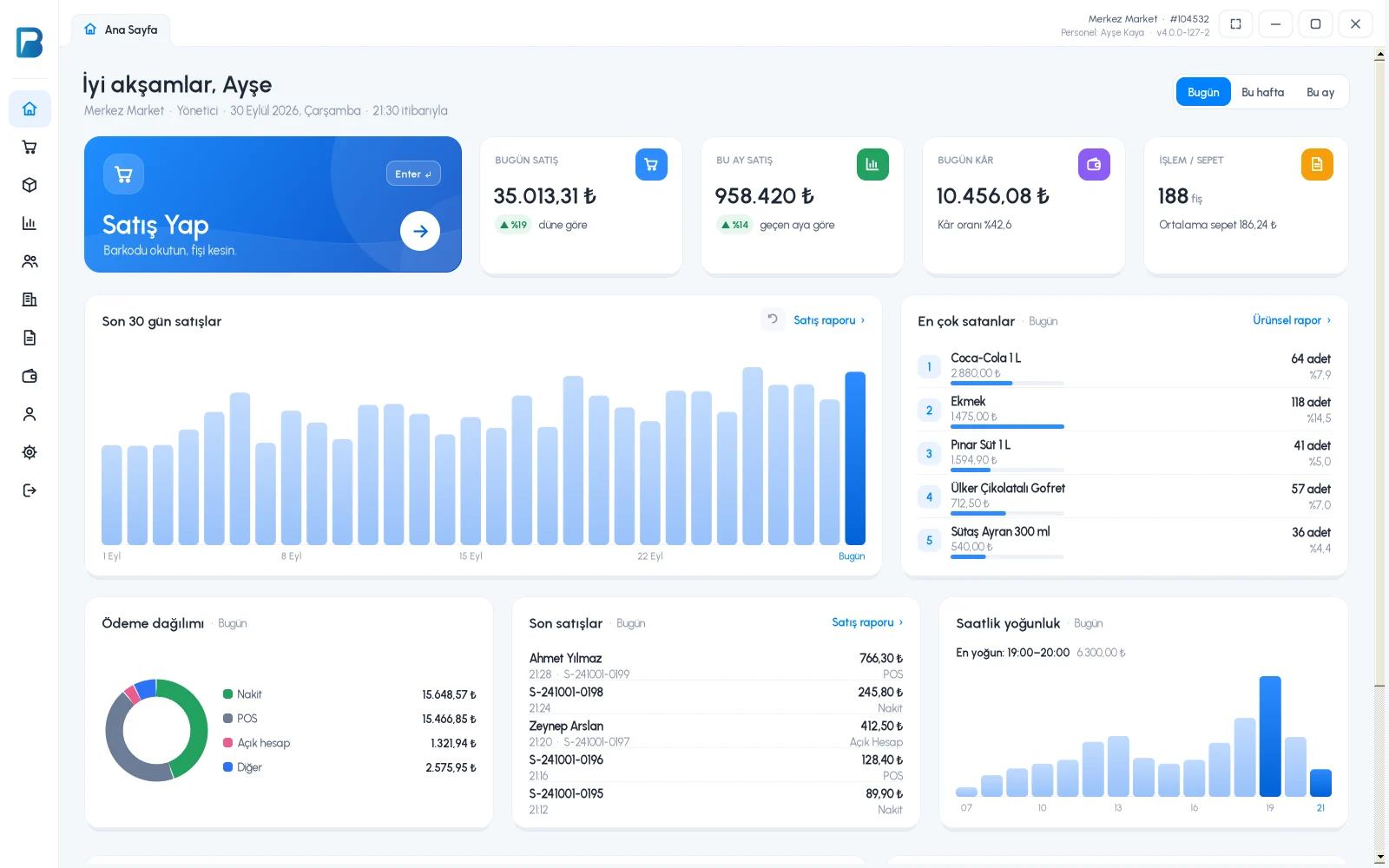
BenimPOS mobile app: daily sales summary
  • Cats
  • Dogs
  • Birds
  • Aquarium
  • Food and treats
  • Accessories

Food, litter, collars, treats. Each one is sold differently.

In a pet shop, on the same day you weigh food by the kilo and sell packaged litter by barcode. Customers ask about collar sizes, you check the dates on treats, and you try to remember which food a monthly customer buys. BenimPOS has a separate way for each of these, all on the same screen.

Loose food

Food sold by the kilo goes straight from the scale into the basket

Weigh loose cat and dog food and birdseed on the scale. When you scan the barcode printed by the scale, the product and weight appear on the sales screen automatically and the amount is calculated by weight.

  • You set the product code and weight digits in the scale barcode settings
  • If you don't use a scale, you enter the quantity on the sales screen by hand
  • Sell by kilo, gram and unit in the same program
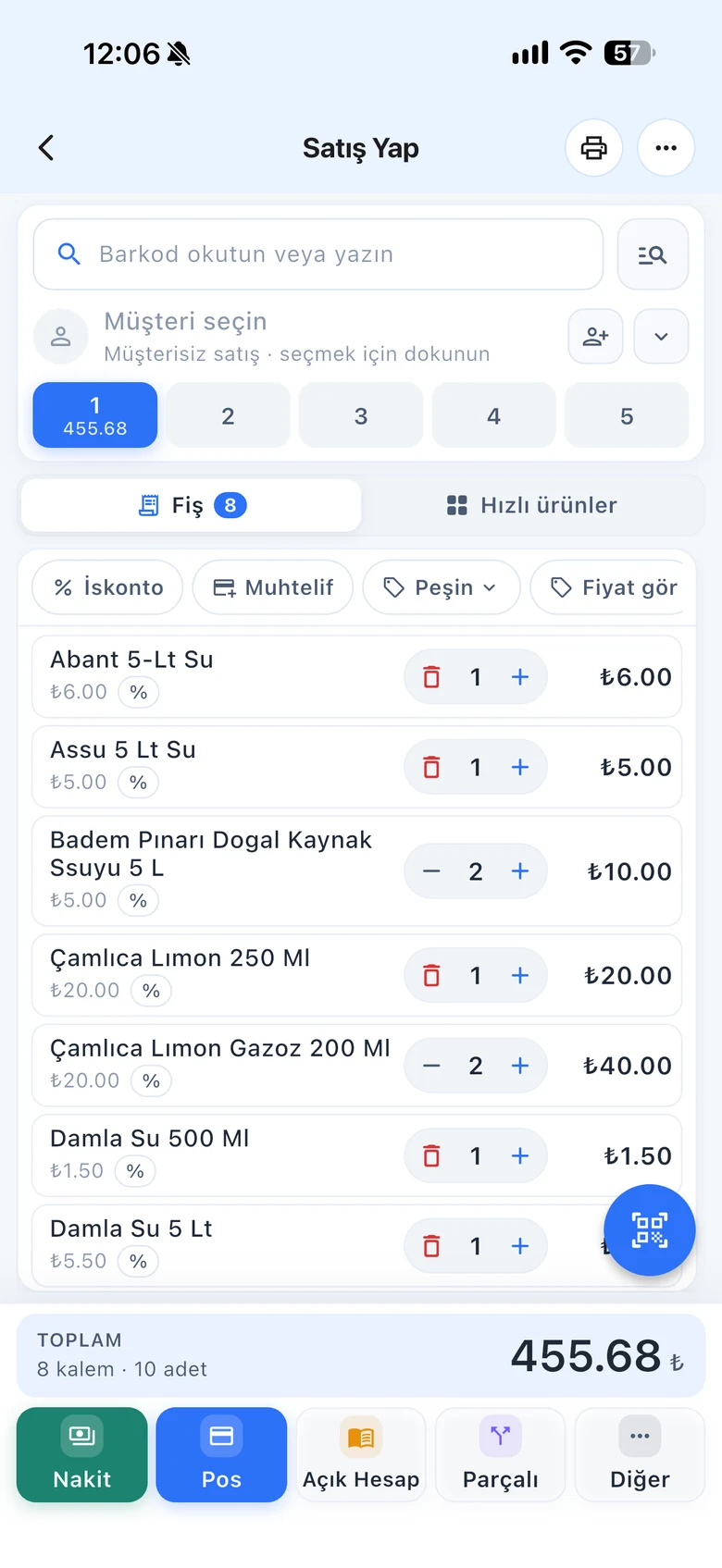
BenimPOS desktop sales screen: loose food added with a scale barcode
Packaged food and litter

Scan the barcode and the product name comes from the ready-made catalog

The ready-made product catalog has more than 3.2 million barcoded products. To add a product from the catalog, just scan the barcode; you enter only your price and stock.

  • Define a product that isn't in the catalog once, then always sell it by scanning
  • Three prices per product: retail, wholesale and special customer price
  • A product can have more than one barcode
BenimPOS mobile product card: cat litter added from the catalog by barcode
Collars, clothes, beds

Each size and color is tracked with its own stock

Define products like collars, harnesses, clothes and beds with variants by size and color. See how many of each size are left on one screen.

  • Scan one barcode with the variant label and sell the right option
  • Products with and without variants in the same list
  • Sold-out sizes and colors stand out in the list right away
BenimPOS web: harness stock by size and color
Treats, canned food, vitamins

Track expiry dates batch by batch

Enter the expiry date and quantity of each batch in the Expiry / Batches section of the product card. Batches of the same product with different dates appear separately, so you don't forget products nearing expiry on the shelf.

  • Expired and soon-to-expire batches are marked separately on the product card
  • You can also update dates during a stock count
  • Products that drop to the low stock level in a separate list
BenimPOS product card: expiry batches of a treat
Regular customers

Know what your monthly customers buy

Pet shop customers come regularly. The customer card shows which food they bought and when, their on-account balance and their payments. Reward every purchase with money points, and let them spend them on their next visit.

  • Money points work with the phone number, no need to print cards
  • You decide which payment types earn points
  • On-account sales and payments on the customer card
BenimPOS mobile customer card: recent purchases and money points

A computer at the till, a tablet at home, a phone on the go. All the same account.

Desktop

Installs on a Windows computer; sales continue even if the internet goes down. Works with scales, fiscal cash registers (Turkey) and customer displays.

Web

No installation needed. Manage your products, invoices and reports from any computer.

Mobile

Scan barcodes with your phone camera to make sales or count stock. See the day's sales and profit from anywhere.

Questions from pet shop owners

If you can't find the answer to your question, message our WhatsApp support line: +90 312 911 22 33

Can I sell loose food by the kilo?
Yes. Define the product with kilogram as its unit. If you use scale barcodes, just scan the label printed by the scale and the product and weight go into the basket automatically. If you don't use a scale, you can also enter the quantity on the sales screen by hand.
How do I track the expiry dates of pet food?
In the Expiry / Batches section of the product card, you enter the expiry date and quantity of each batch. During a stock count you can also update dates from the mobile app.
Do I have to enter products one by one?
For products in the ready-made product catalog, just scan the barcode and the product name fills in automatically. Products that aren't in the catalog are defined once, then you always sell them by scanning.
Do sales stop if the internet goes down?
No. The desktop app works offline. Sales are first saved on your computer, then synced automatically with your web and mobile account when the connection returns.
Does it work with fiscal cash registers and e-invoices?
Yes, in Turkey. It works with Ingenico, Beko, Hugin, Inpos, Paygo and Propay fiscal cash registers, Ödeal and Pavo e-invoice POS devices, and the MySoft, eLogo, EDM and E-Dönüştür e-invoice integrators. The integrations are free on the BenimPOS side.
Is it paid? How do I start?
You use all features free for the first month after signing up, and no credit card is required. After that you can continue with the free desktop version or buy a license. Money points, profit and cost reports and the low stock list are available in the licensed plan. See pricing.

Open an account for your pet shop today

Signing up takes two minutes. All features are open for the first month; if you get stuck during setup, our WhatsApp support line will help.