Enter the price of products you buy in foreign currency in that currency; at checkout it is converted to your app currency at the current rate. Rates are updated every day, and you can enter your own rate if you like.
All features open for the first month. No credit card required.

For currency-linked products like electronics, phone accessories and spare parts, updating labels one by one with every rate move is not possible. The price stays in foreign currency and is converted at the rate at the time of sale.
Turn on exchange rate use in settings, then choose the currency next to the price on the product card. There are 54 currencies; you can search by code or name.

For currencies you leave empty, the system rate updated every day is used. If you enter your own rate, it applies until you change it; the rate history shows who entered which rate, when and from which app.

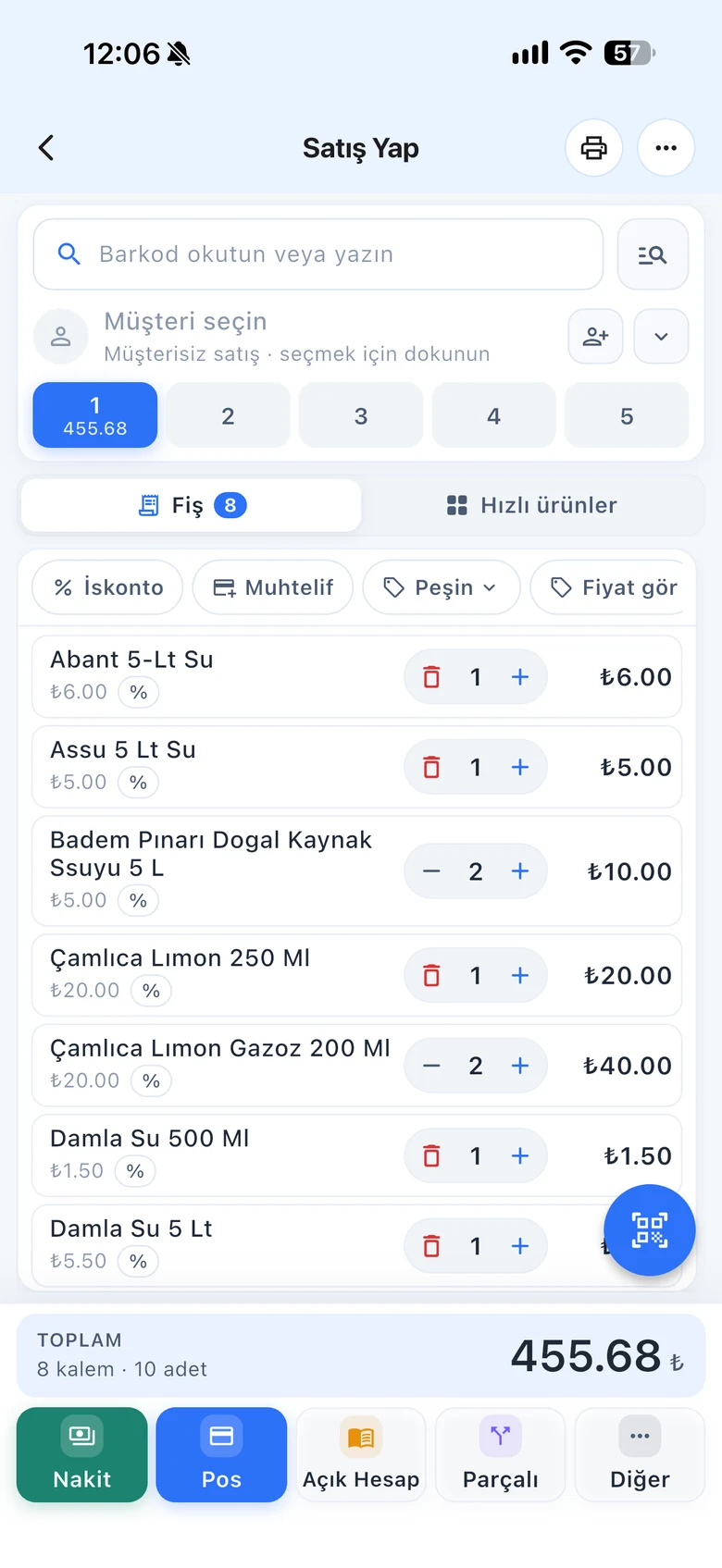
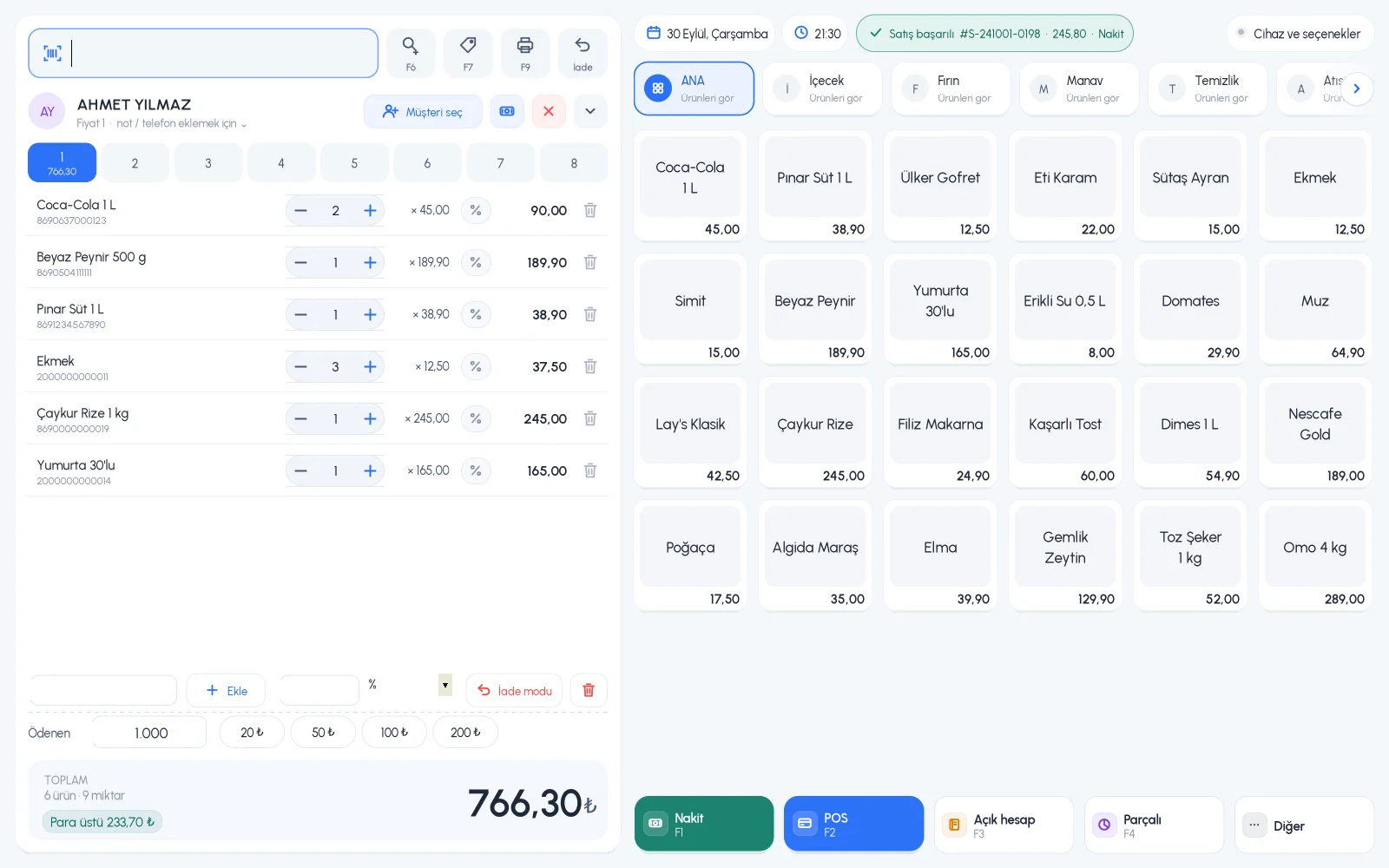
At checkout, the product is converted to your app currency at the current rate and added to the receipt. If a rate was entered on the desktop, the dollar and euro equivalent of the sale total is also shown on screen.

Exchange Rates screen, offline rate entry and the foreign currency equivalent of the total.
Exchange rate setting, product currencies, rate entry and rate history.
Exchange rates page, entering your own rate and foreign currency product prices.
If you can't find the answer to your question, check the Help Center or message our WhatsApp support line: +90 312 911 22 33
Signing up takes two minutes. All features are open for the first month; if you get stuck during setup, our WhatsApp support line will help.