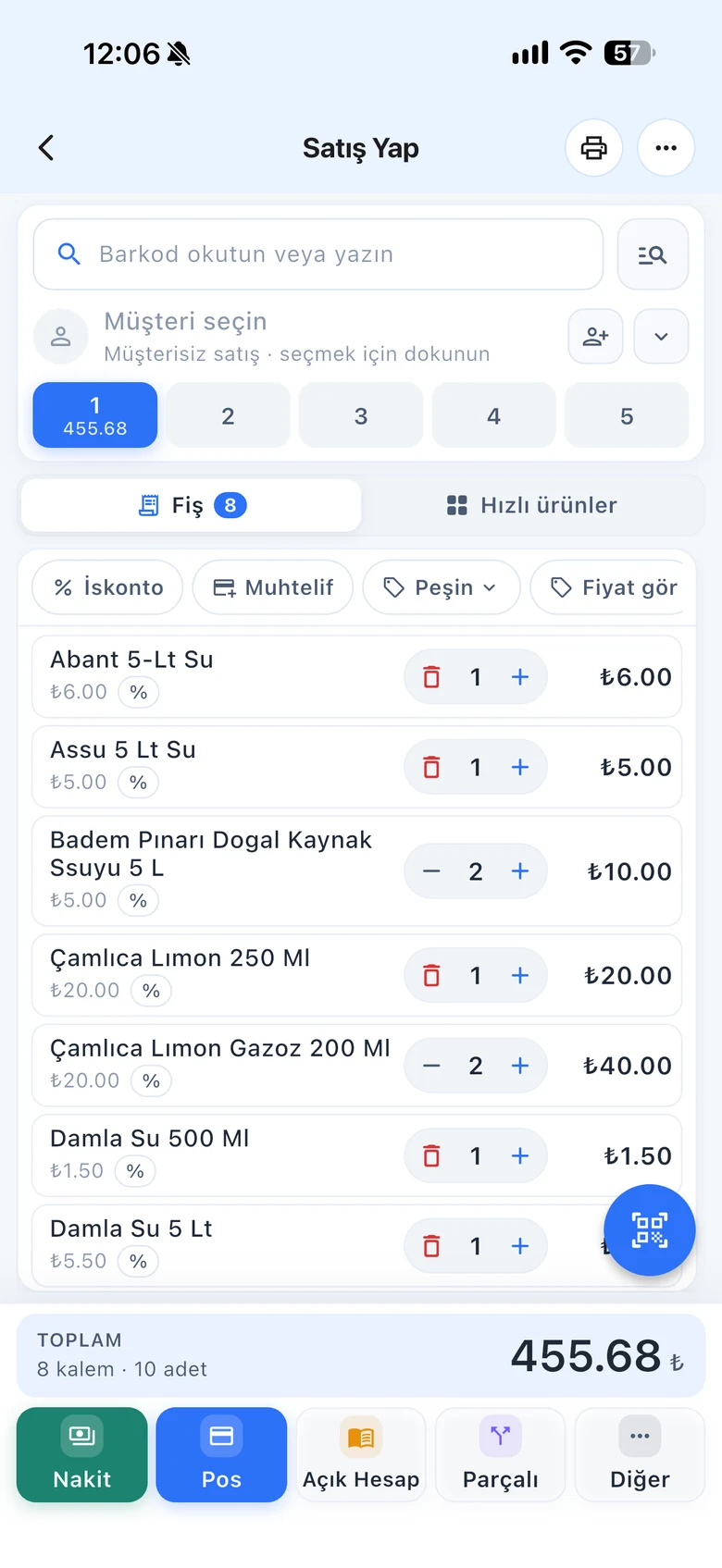
Link case and pack barcodes to the main product with a quantity. When the case is scanned, the product is added to the receipt or invoice with that quantity; stock stays on one card, the main product. Set up changed barcodes the same way.
All features open for the first month. No credit card required.

Single box, six-pack, case of twenty-four; the manufacturer changed the barcode, imported and local packaging differ. Opening a separate product for each one splits your stock. Additional barcodes link them all to one product.
On the product card, enter the case or pack barcode and the quantity inside. When the barcode of a case of 24 is scanned, the product is added as 24 pcs. You do not open a separate product card for the case.

If the manufacturer switched to a new barcode or the same product has different packaging, add the other barcodes with quantity 1. Whichever one is scanned, the same product is sold.

If you track the case or pack with its own card, link it to the single product with a multiplier using a sub-product definition. At checkout you choose whether to sell the pack or single units, and when the pack is opened you move its stock to single units.

Setting up additional barcodes and scanning cases at checkout.
Additional barcodes, sub-product definitions and cases on purchase invoices.
Scan the case barcode with the camera and the product is added with its quantity.
If you can't find the answer to your question, check the Help Center or message our WhatsApp support line: +90 312 911 22 33
Signing up takes two minutes. All features are open for the first month; if you get stuck during setup, our WhatsApp support line will help.