Bulk products with Excel

Upload hundreds of products with one Excel file

Fill in the ready template with your products or use the list from your old program, and upload it in one go. Export the prices and stock of saved products, edit them and update in bulk.

All features open for the first month. No credit card required.
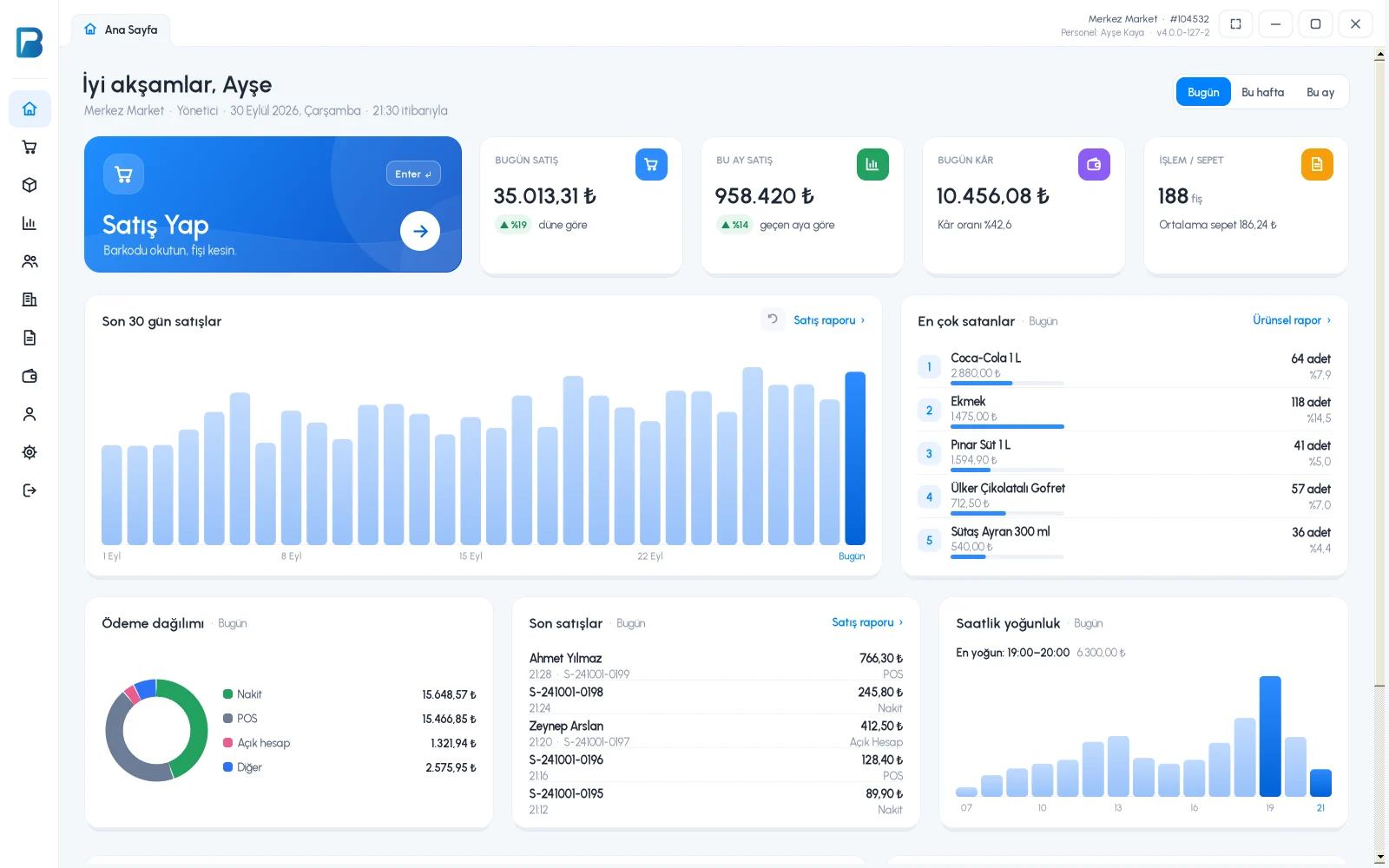
BenimPOS screenshot
BenimPOS mobile app

Switching should take an hour, not weeks.

When moving from another program or opening a new store, entering products one by one takes days. With Excel, you import your products, customers and suppliers together with their balances.

Template

Ready template or your own list

Download the template and fill in your products. Only the product name is required; barcode, stock, unit, Price 1-2-3, VAT, purchase price, group, low stock level and currency are optional. The system generates a barcode for products without one.

  • Only the product name is required
  • Price, VAT, group and low stock columns
  • Automatic barcode for products without one
Step by step in the Help Center
BenimPOS web: Excel import / export
Preview

See it before uploading

The window shows how many rows are new products, how many will be updated, duplicate barcodes and rows with errors. Choose what changes for existing products: everything, prices only, stock and prices, or individual fields.

  • New, to-be-updated and invalid rows
  • Choosing which fields change
  • Missing groups are created automatically
Step by step in the Help Center
BenimPOS web panel
Bulk update

Export, edit, upload again

Download your product list as Excel; the downloaded file is already in import format. Edit prices or stock and upload it again, and hundreds of products are updated at once.

  • Export in import format
  • Bulk price and stock update
  • Excel for customers and suppliers too
Step by step in the Help Center
BenimPOS desktop

Excel tasks in the web panel.

Desktop

Products uploaded with Excel reach the desktop through sync.

Web

Import and export for products, customers and suppliers.

Mobile

Uploaded products are ready on your phone too; Excel tasks are done on the web.

Frequently asked questions

If you can't find the answer to your question, check the Help Center or message our WhatsApp support line: +90 312 911 22 33

Can I use the Excel list from my old program?
Yes. Just move the columns into the order in the template. Switching from another program
What happens if I upload stock with Excel?
If stock is greater than 0, a purchase invoice is created automatically, so the stock entry is recorded.
Are Excel features available in the free version?
Excel import and export are included in the licensed plan. You can try all features free for the first month.

Upload your products today

Signing up takes two minutes. All features are open for the first month; if you get stuck during setup, our WhatsApp support line will help.