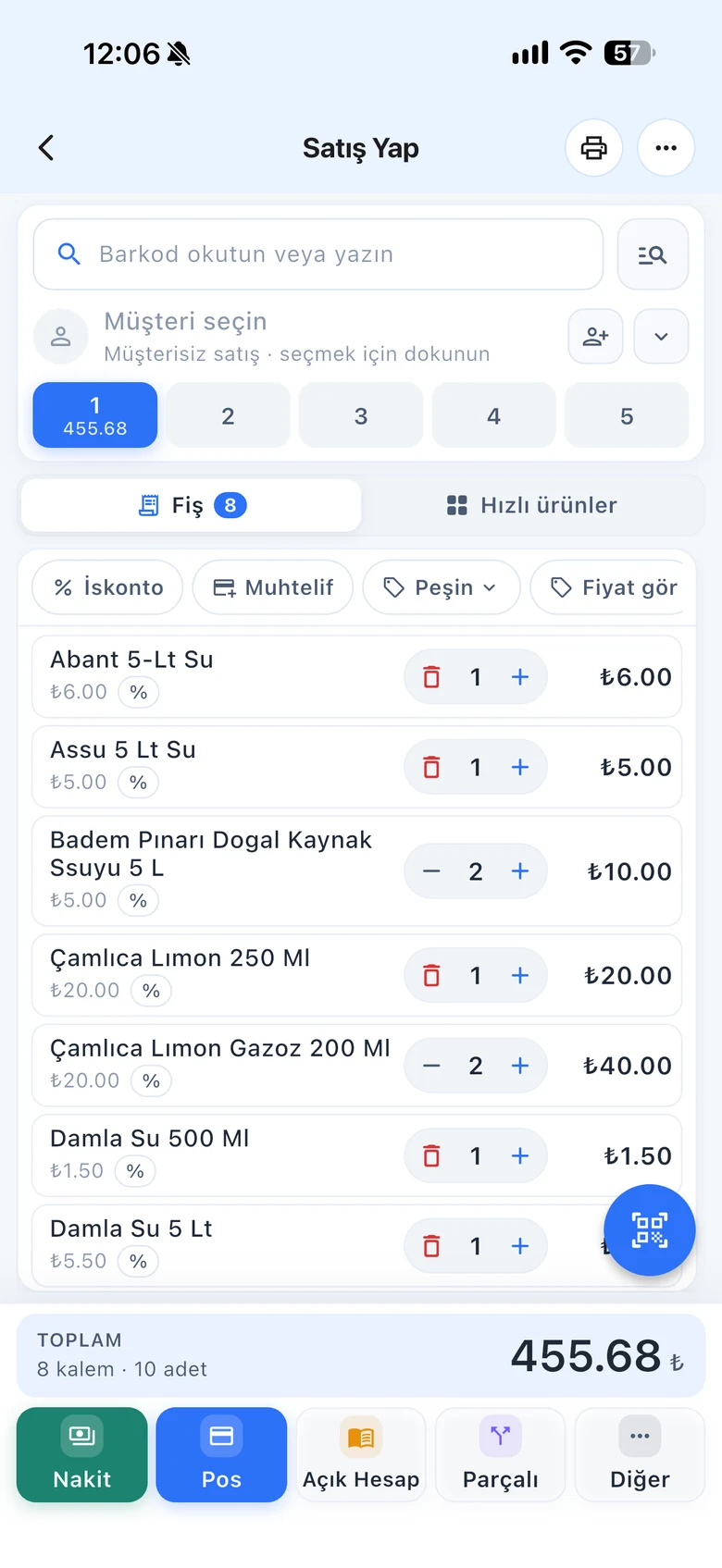
Enter goods from suppliers as a purchase invoice: stock goes up, the purchase price is updated and the amount is recorded to the supplier's account according to the payment type you choose. Your profit reports are calculated with the real cost.
All features open for the first month. No credit card required.

A product with an outdated purchase price looks more profitable in reports than it is. When you enter the invoice, the purchase price is updated, your debt to the supplier is recorded, and if needed the new sale price is also applied to the product card.
Select the invoice type, number, date and supplier. Scan the products; enter the quantity, unit price, line discount and VAT. You can add the supplier's list in bulk with Excel.

On account, the amount is recorded as your debt to the supplier and reduced as you pay. An invoice paid in cash or by card is deducted from earnings as an expense; you do not enter a separate expense.

When a case barcode is scanned, the line is converted to the single product. Enter the expiry date on the invoice. Link the product codes in an incoming e-invoice once, and they are recognized on later invoices. Send new prices to your branches too.

Entering purchase invoices and supplier accounts.
Purchase and return invoices, products with Excel, e-invoice import, prices to branches.
Scan goods with your phone in the stockroom and enter the invoice.
If you can't find the answer to your question, check the Help Center or message our WhatsApp support line: +90 312 911 22 33
Signing up takes two minutes. All features are open for the first month; if you get stuck during setup, our WhatsApp support line will help.