Ready-made product catalog

Scan the barcode and the product name fills in

The BenimPOS product database has information on more than 3.2 million barcoded products. When you add a new product and scan its barcode, the name appears; no need to type products one by one.

All features open for the first month. No credit card required.
BenimPOS screenshot
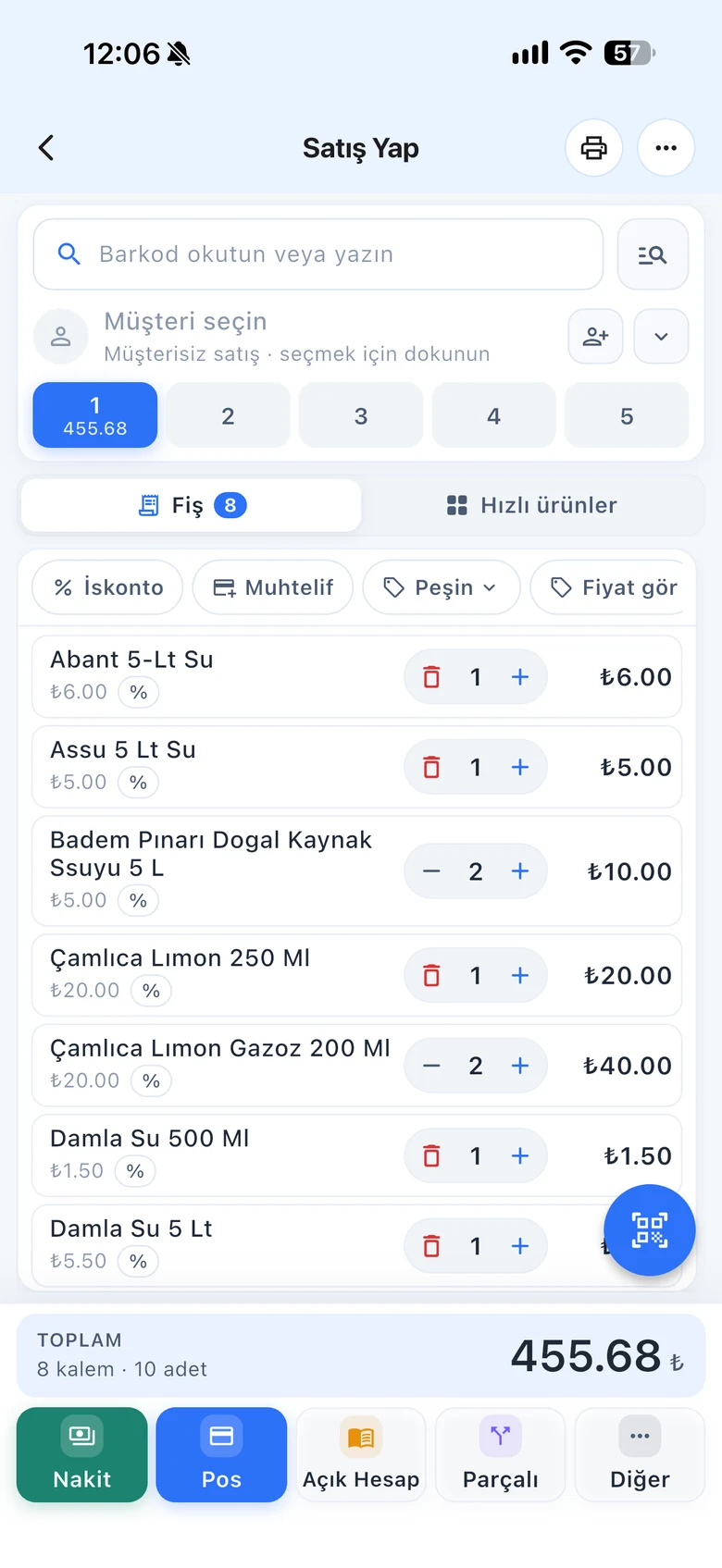
BenimPOS mobile app

A supermarket shelf holds thousands of products.

In a new store, entering products is the longest job. For products in the catalog you only enter the price and stock; a product not in the catalog is set up once, and after that you just scan it to sell.

Catalog

More than 3.2 million barcoded products

Scan the barcode on the product card; if the product is in the catalog, its details fill in. Enter the price, purchase price and stock and save.

  • Product information by barcode
  • Price and stock are up to you
  • Setting up products not in the catalog once
Step by step in the Help Center
BenimPOS web: add product
Automatic adding

Products scanned at checkout are added automatically

When Automatic product creation is on and you scan a barcode that is not in your account but is in the database, the product is added automatically. If a scanned barcode comes up with a different name, turn the setting off.

  • Adding products when scanned at checkout
  • Turning the setting on and off
  • Opening a product card for an unknown barcode
Step by step in the Help Center
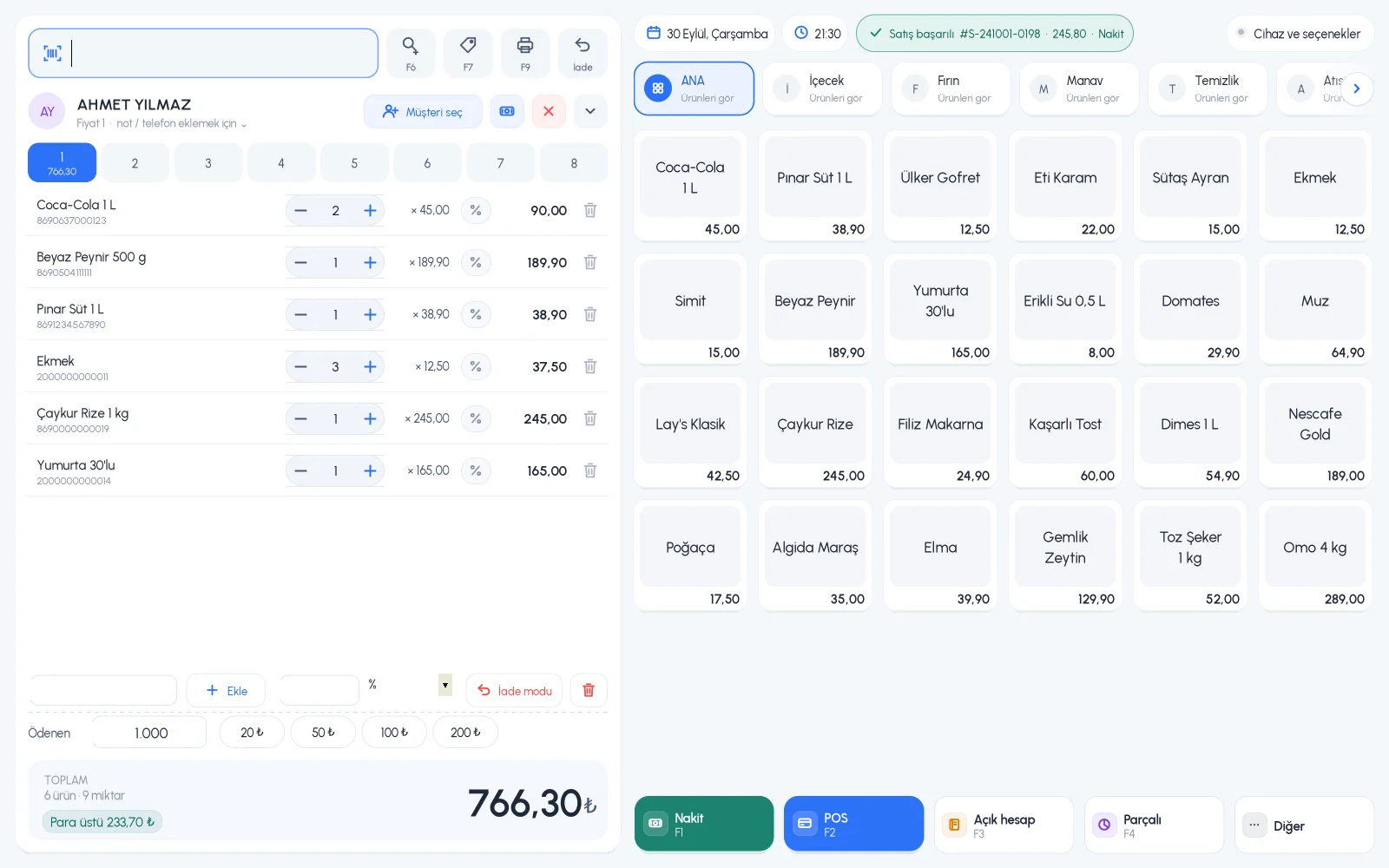
BenimPOS desktop sales screen
Products without barcodes

No barcode? Let the system generate one

For a product without a barcode, generate a unique barcode with New Barcode, print its label and stick it on the product.

  • Generating unique barcodes
  • Label printing
  • Adding to the quick item list
Step by step in the Help Center
BenimPOS mobile app

The catalog on every device.

Desktop

Product information when you scan the barcode; Automatic product creation setting.

Web

Adding products, Automatic product creation setting and barcode generation.

Mobile

Adding products by scanning the barcode with the phone camera.

Frequently asked questions

If you can't find the answer to your question, check the Help Center or message our WhatsApp support line: +90 312 911 22 33

Are catalog products uploaded to my account in bulk?
No. There is no ready list downloaded to your account in bulk; when you scan a barcode, that product's information comes up. This way your list only contains the products you sell.
Do prices come from the catalog too?
No. You enter the sale price and purchase price yourself.
Is there a limit on the number of products?
No. There is no product limit, including in the free version.

Cut down product entry time

Signing up takes two minutes. All features are open for the first month; if you get stuck during setup, our WhatsApp support line will help.